이 번역 페이지는 최신 내용을 담고 있지 않습니다. 최신 내용을 영문으로 보려면 여기를 클릭하십시오.
주행 시나리오 시뮬레이션
R2026a사실적인 주행 시나리오와 센서 모델을 사용한 시뮬레이션은 자율주행 알고리즘의 테스트에서 매우 중요한 부분입니다. Automated Driving Toolbox™를 사용하면 합성 센서 데이터로 주행 시나리오를 생성할 수 있습니다. 이 툴박스는 자율주행 알고리즘을 테스트할 수 있는 다음과 같은 시뮬레이션 환경을 제공합니다. 이러한 환경에는 각각의 용도가 있으며, 한 환경이 다른 환경을 대체할 수 없습니다.
직육면체 시뮬레이션 환경은 차량을 비롯한 여러 액터를 시나리오에서 단순한 박스 모양으로 표현하며, 라이다 응용 사례인 경우에는 폴리곤 메시로 표현합니다. 시나리오를 신속하게 작성하고, 저충실도 레이다와 카메라 센서를 사용하여 검출을 생성하고, MATLAB®과 Simulink® 모두에서 제어기, 추적 알고리즘, 센서 융합 알고리즘을 테스트하려면 이 환경을 사용합니다. 시나리오 작성을 시작하려면 주행 시나리오 디자이너 앱을 사용하십시오.
또한 ASAM OpenDRIVE® 파일 형식에서 도로망을 가져오고, 가져온 도로망을 편집하고, 시나리오를 작성할 수도 있습니다. 그런 다음 주행 시나리오를 ASAM OpenDRIVE 형식과 ASAM OpenSCENARIO® 형식으로 내보낼 수 있습니다.
Unreal Engine 시뮬레이션 환경은 Epic Games®의 Unreal Engine을 사용하여 시나리오를 렌더링합니다. 더욱 사실적인 그래픽으로 시나리오를 시각화하고, 고충실도의 레이다 센서 데이터, 카메라 센서 데이터, 라이다 센서 데이터를 생성하고, 인식을 루프 내에서 수행하는 시스템(perception-in-the-loop system)을 테스트하려면 이 환경을 사용합니다. 이 환경은 Simulink에서 사용 가능하며 Windows®에서만 실행됩니다. 자세한 내용은 Unreal Engine Simulation for Automated Driving 항목을 참조하십시오.
Automated Driving Toolbox는 장면과 시나리오를 프로그래밍 방식으로 관리하고 MATLAB과 Simulink에서 모델링된 액터를 사용하여 RoadRunner 시나리오 시뮬레이션 환경에서 시나리오를 시뮬레이션할 수 있는 툴을 제공합니다. 자세한 내용은 RoadRunner Scenario 시뮬레이션 항목을 참조하십시오.
Automated Driving Toolbox는 ADAS 시나리오 응용 사례를 위한 다음과 같은 추가 지원 패키지도 제공합니다.
Scenario Builder for Automated Driving Toolbox — 카메라와 라이다에서 기록된 실제 센서 데이터와 처리된 트랙 목록 데이터를 사용하여 장면과 시나리오를 생성합니다. 자세한 내용은 실제 센서 데이터 기반 시나리오 항목을 참조하십시오.
Automated Driving Toolbox Test Suite for Euro NCAP® Protocols — Euro NCAP와 같은 자율주행 표준에 대한 테스트 사양, 시드 시나리오, 변형 시나리오를 생성하고 테스트 메트릭을 평가합니다. 자세한 내용은 Euro NCAP Test Suite 항목을 참조하십시오.
Automated Driving Toolbox Interface for Eclipse™ SUMO™ Traffic Simulator — Simulink와 Eclipse™ SUMO™ 교통 시뮬레이터 간 연동 시뮬레이션을 구성하고, 액터를 생성하며, SUMO 시나리오에서 정보를 읽고 씁니다. 자세한 내용은 SUMO Traffic Simulation with RoadRunner Scenario 항목을 참조하십시오.
주요 항목
- Create Driving Scenario Interactively and Generate Synthetic Sensor Data
- Simulate Simple Driving Scenario and Sensor in Unreal Engine Environment
- Import ASAM OpenDRIVE Roads into Driving Scenario
- Export Driving Scenario to ASAM OpenSCENARIO XML File
- 자율주행을 위한 Unreal Engine 장면 사용자 지정하기
- Read and Write Vehicle Data in SUMO Scenario Using Cosimulation with Simulink
카테고리
- 직육면체 시나리오 시뮬레이션
직육면체 기반 시나리오와 레이다 센서 모델, 카메라 센서 모델, 라이다 센서 모델의 검출을 사용하여 자율주행 알고리즘 테스트
- Unreal Engine 시나리오 시뮬레이션
Epic Games의 Unreal Engine을 사용하여 시뮬레이션 환경에서 주행 알고리즘의 성능 개발, 테스트, 시각화
- Simulink와 Eclipse SUMO 교통 시뮬레이터 연동 시뮬레이션하기
Simulink와 Eclipse SUMO 교통 시뮬레이터 간 연동 시뮬레이션 구성, 액터 생성, SUMO 시나리오에서 정보 읽기 및 쓰기
추천 예제
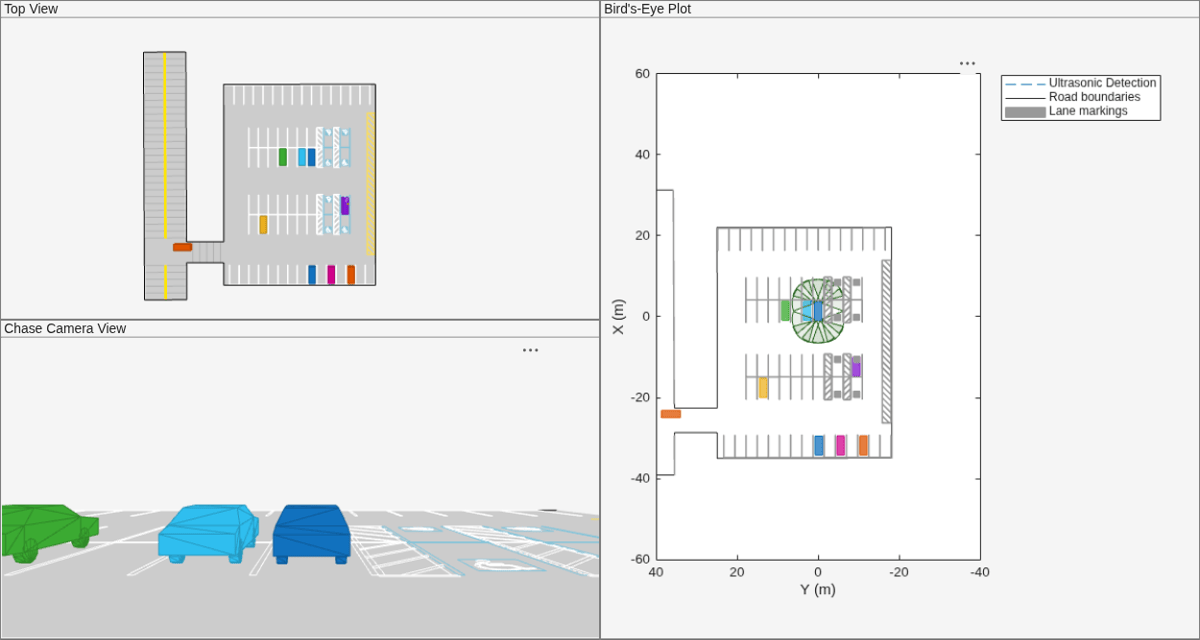
Simulate Vehicle Parking Maneuver in Driving Scenario
Simulate a parking maneuver and generate sensor detections in a large parking lot using a cuboid driving scenario.
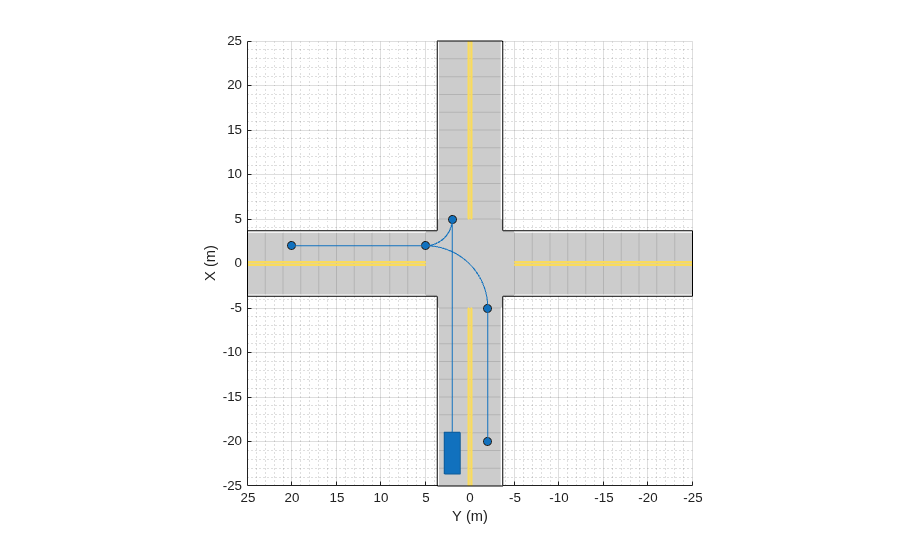
Create Actor and Vehicle Trajectories Programmatically
Programmatically create actor and vehicle trajectories for a driving scenario.
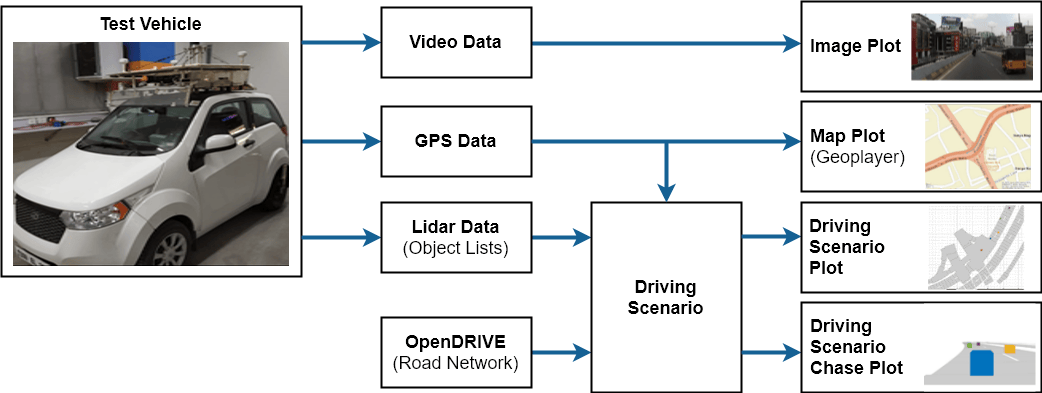
Scenario Generation from Recorded Vehicle Data
Automatically generate virtual driving scenarios from recorded vehicle data.
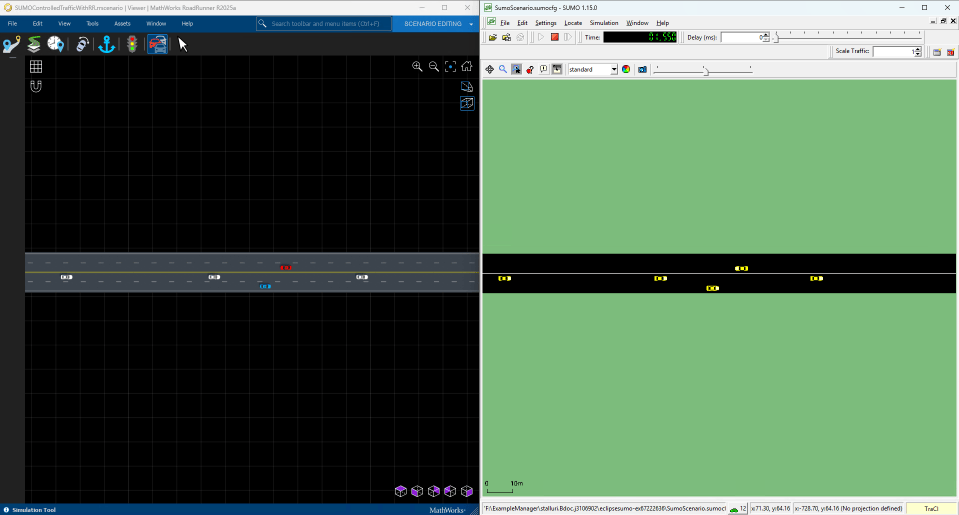
SUMO Traffic Simulation with RoadRunner Scenario
SUMO Traffic Simulation with RoadRunner Scenario.
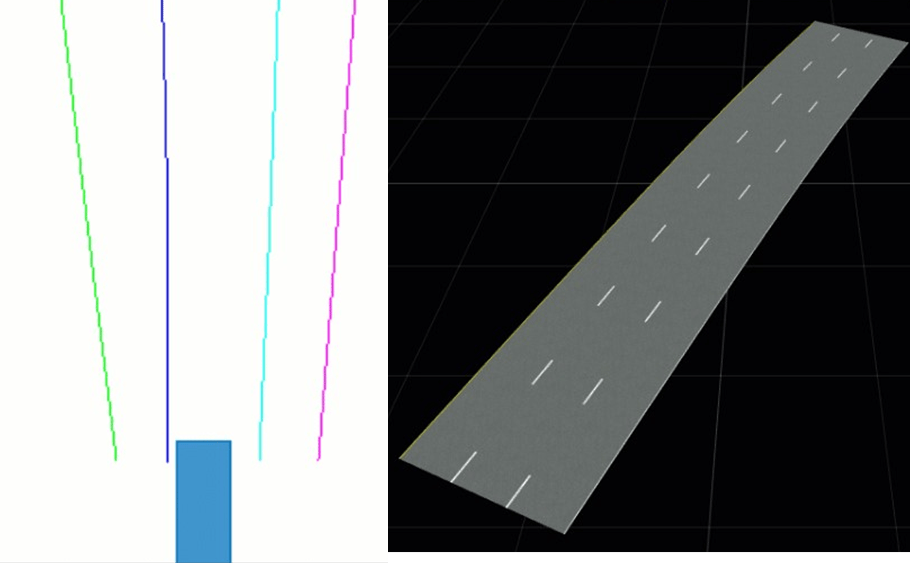
Generate High Definition Scene from Lane Detections and OpenStreetMap
Generate HD road scene using recorded lane detections, GPS data, and OpenStreetMap® data.
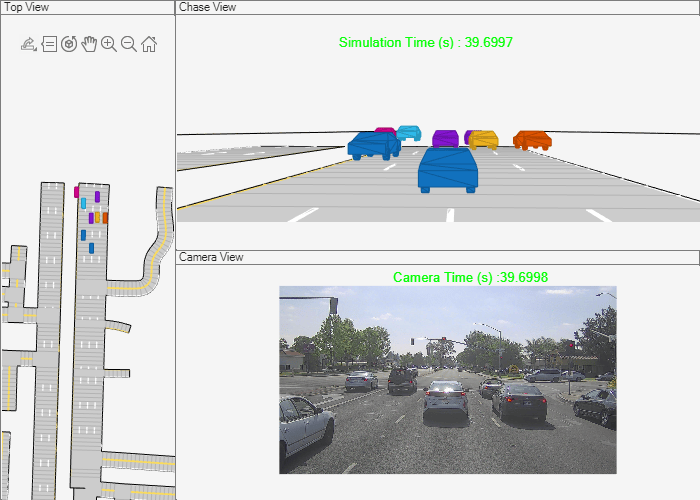
Generate Scenario from Actor Track Data and GPS Data
Generate ASAM OpenSCENARIO v1.0 file using recorded actor tracklist and GPS data.
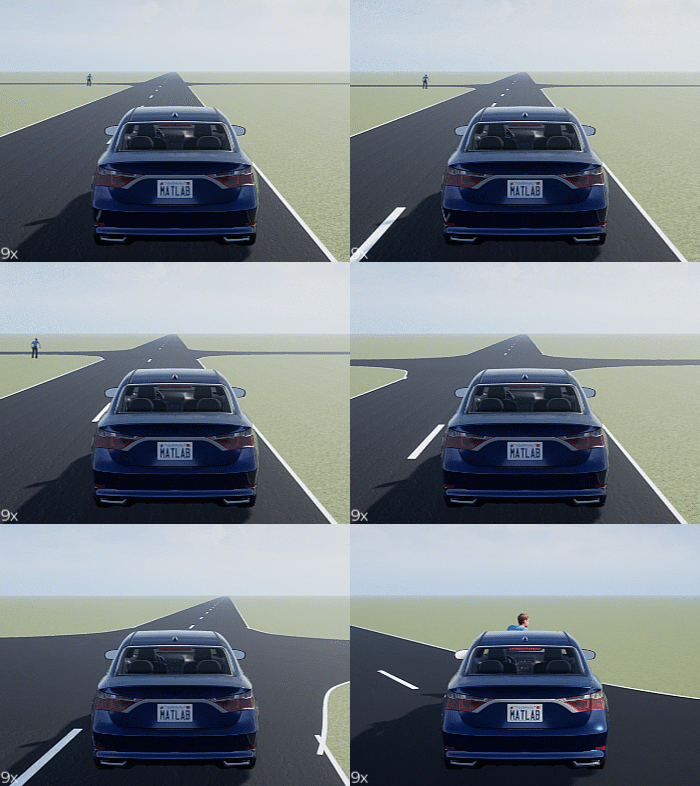
Generate Scenario Variants for Testing AEB Pedestrian Systems
Generate scenario variants to test automated emergency braking (AEB) system using car-to-pedestrian European New Car Assessment Programme (Euro NCAP) test scenario.
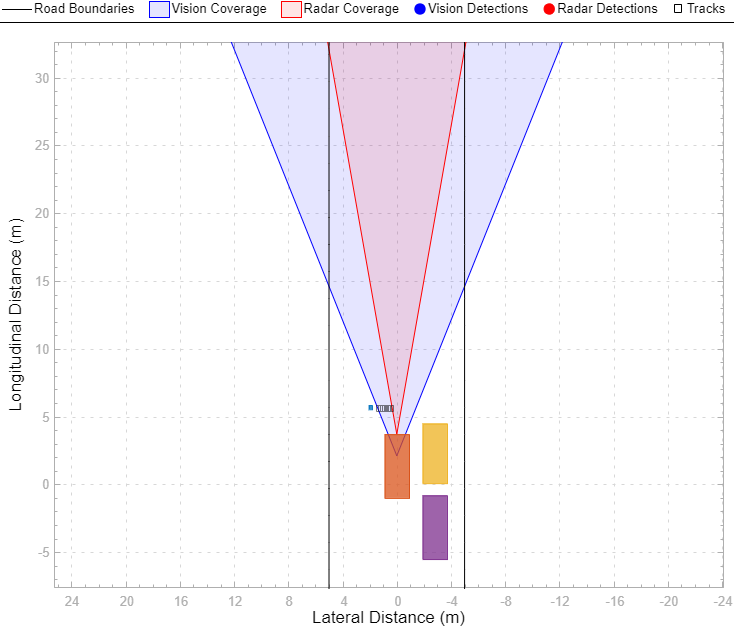
Test Closed-Loop ADAS Algorithm Using Driving Scenario
Test closed-loop ADAS algorithms in Simulink by using driving scenarios saved from the Driving Scenario Designer app.
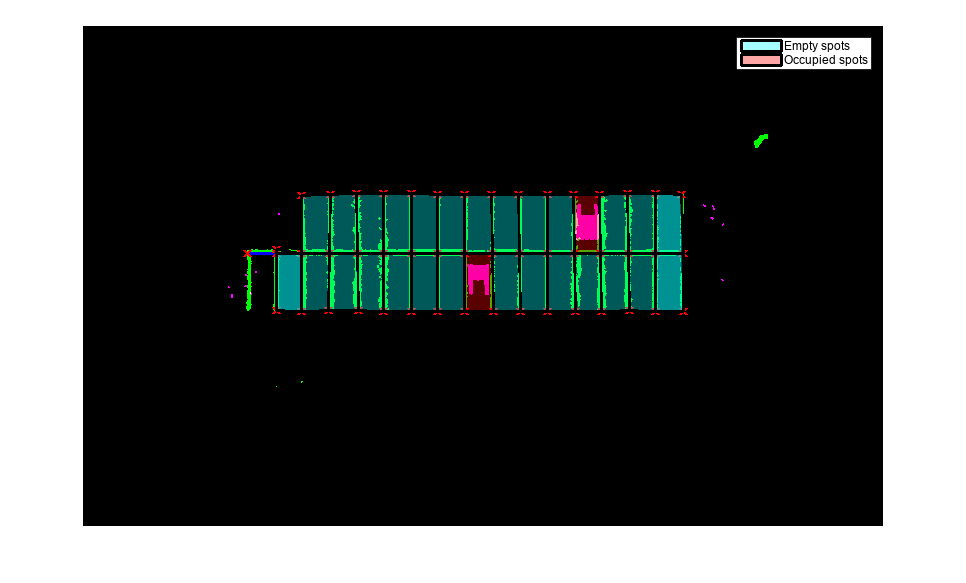
Perception-Based Parking Spot Detection Using Unreal Engine Simulation
Build a bird's-eye-view map of a parking lot using semantically segmented images from the ego vehicle camera, and detect empty parking spots from the map.
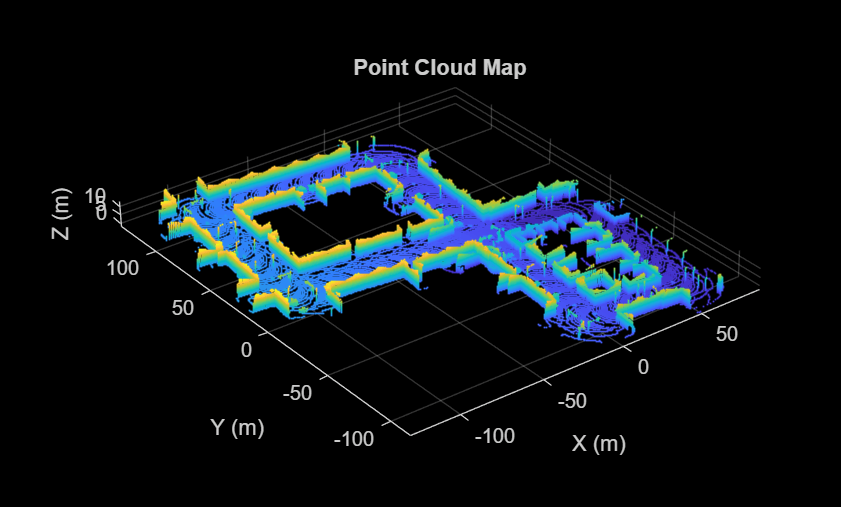
Design Lidar SLAM Algorithm Using Unreal Engine Simulation Environment
Develop a simultaneous localization and mapping algorithm using synthetic lidar sensor data recorded from the Unreal Engine simulation environment.
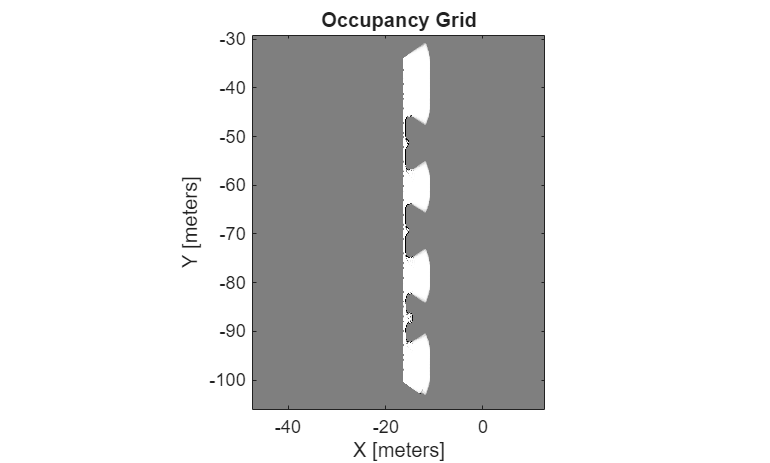
Build Occupancy Map Using Simulation 3D Ultrasonic Sensor
Build an occupancy map of a US city block using a Simulation 3D Ultrasonic Sensor block and Unreal Engine simulation environment.

