데이터 가져오기 및 준비하기
R2026b추적 데이터 가져오기 앱을 사용하여 대화형 방식으로 실제 추적 truth 데이터나 시뮬레이션된 추적 truth 데이터를 Sensor Fusion and Tracking Toolbox™에서 지원되는 다양한 표준 형식으로 가져오고 변환할 수 있습니다. 이 추적 데이터를 가상의 지구본에 시각화합니다. 또한 이 앱에서 TrackingTruthDataImporter 객체를 만들어서 동일한 형식의 추적 데이터를 일괄 변환할 수도 있습니다.
이 앱 외에도, objectDetection 객체 또는 dataFormat 함수를 사용하여 데이터를 가져오고 변환할 수 있습니다.
함수
앱
| 추적 데이터 가져오기 | Import, convert, and visualize tracking data (R2025a 이후) |
추천 예제
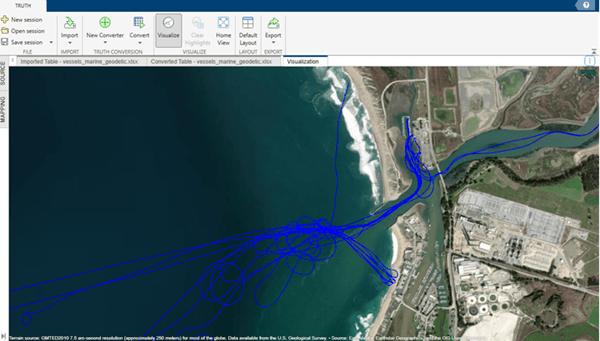
Import Multi-Domain Truth Data Using Tracking Data Importer
Import multi-domain truth data from marine, ground, and aerial platforms using the Tracking Data Importer app. The imported data sets span different file types, time formats, and coordinate reference frames.
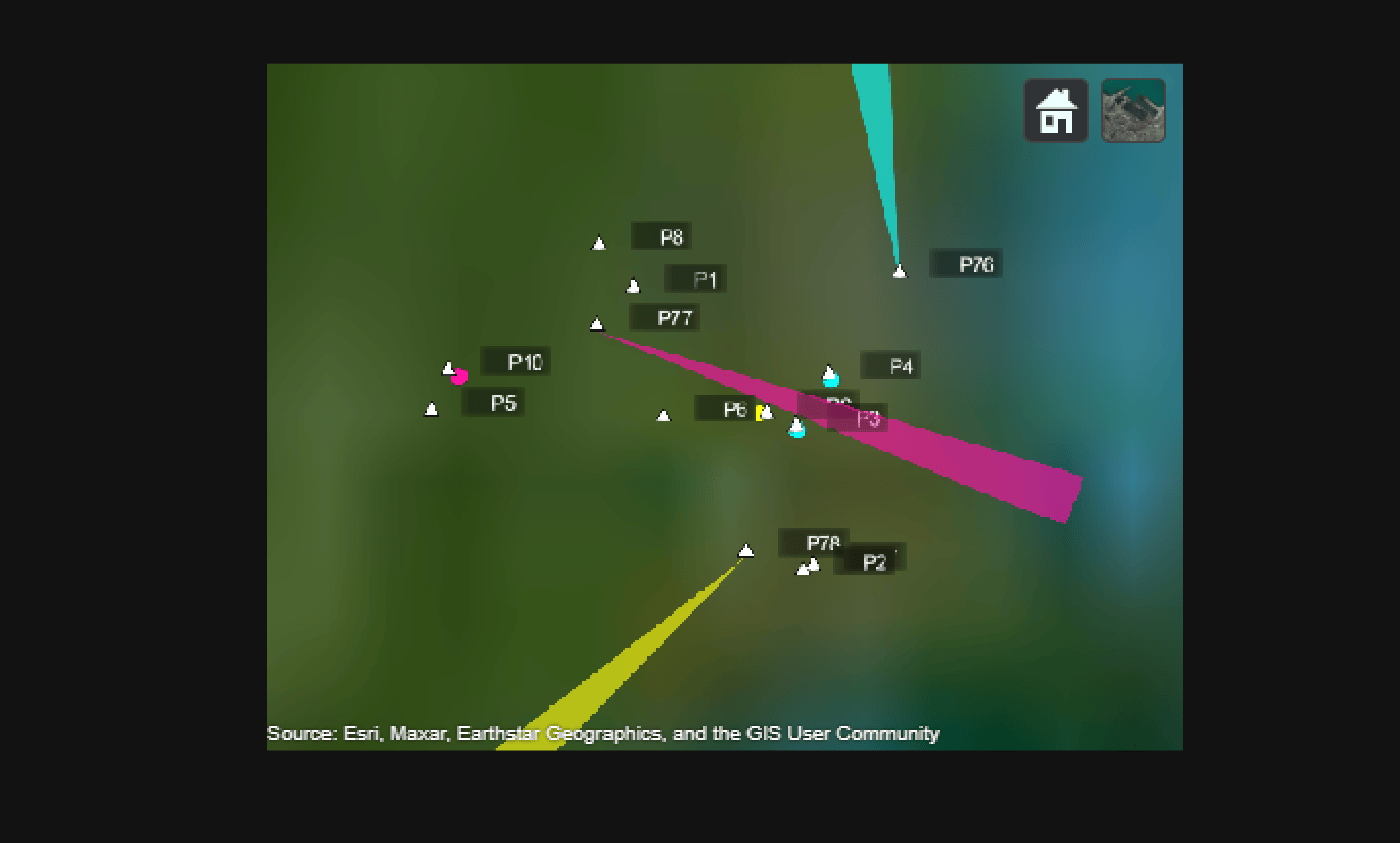
Create Tracking Scenario Using Imported ADS-B Data
Demonstrates how to use the Tracking Data Importer app to import recorded Automatic Dependent Surveillance–Broadcast (ADS-B) data, create a tracking scenario based on the imported data, and generate detections of flight targets by adding radar sensors to the scenario.
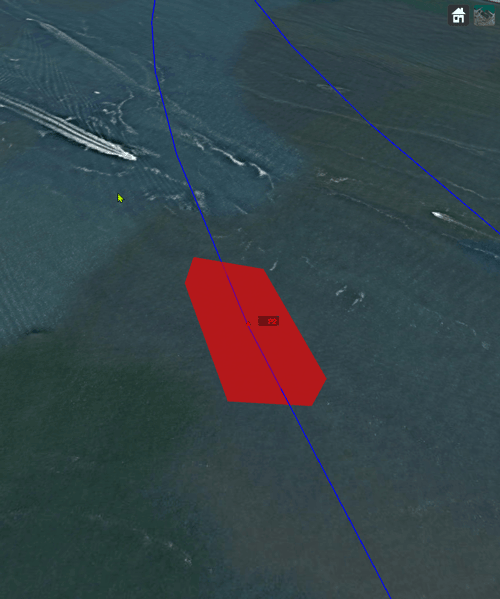
Import Flight Log Data Using Tracking Data Importer App
The Tracking Data Importer app enables you to process the truth data by identifying the data information, visualizing the data on a map, and ultimately exporting the data in formats compatible with Sensor Fusion and Tracking Toolbox™ functionalities.
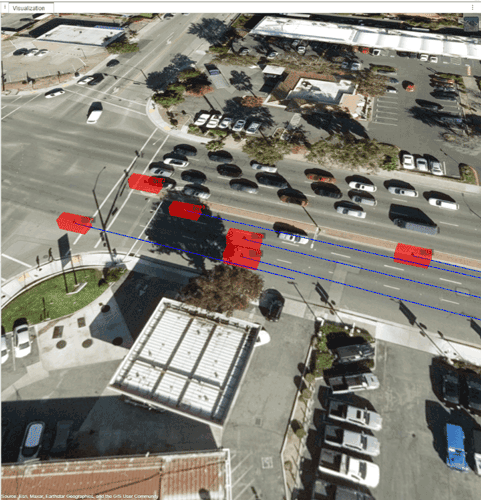
Import Driving Data in Tracking Data Importer App
Import estimated ground truth data in the Tracking Data Importer to visualize track data information and export it for tracking purposes.
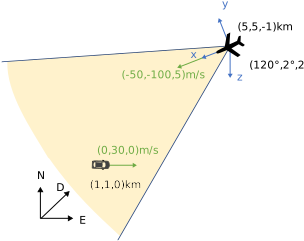
Convert Detections to objectDetection Format
These examples show how to convert actual detections in the native format of the sensor into objectDetection objects. objectDetection is the standard input format for most tracking filters and trackers in the toolbox. The six examples progressively show how to set up objectDetection with varied tracking scenarios.
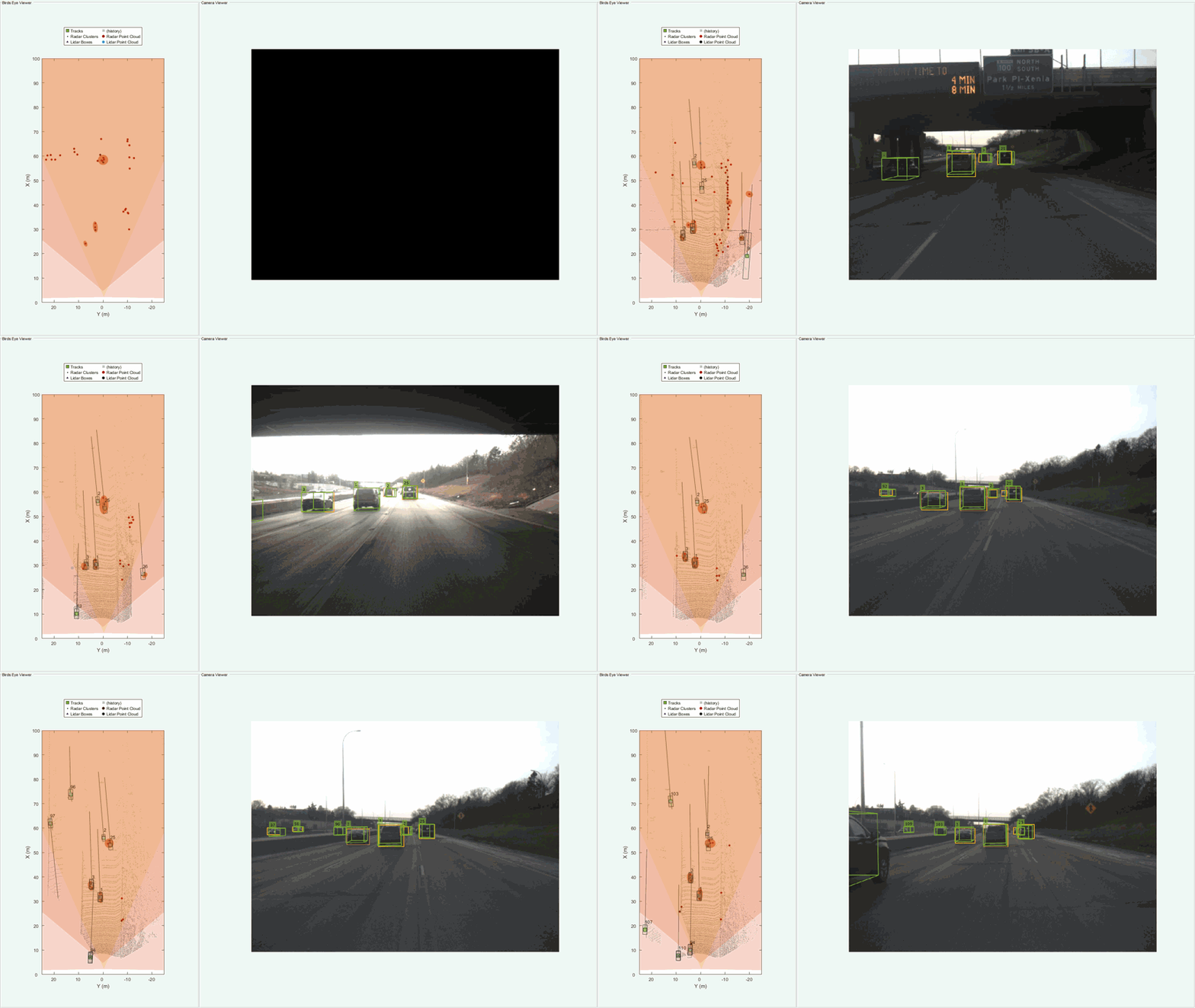
Highway Vehicle Tracking Using Multi-Sensor Data Fusion
Track vehicles on a highway with commonly used sensors such as radar, camera, and lidar. In this example, you configure and run a Joint Integrated Probabilistic Data Association (JIPDA) tracker to track vehicles using recorded data from a suburban highway driving scenario.
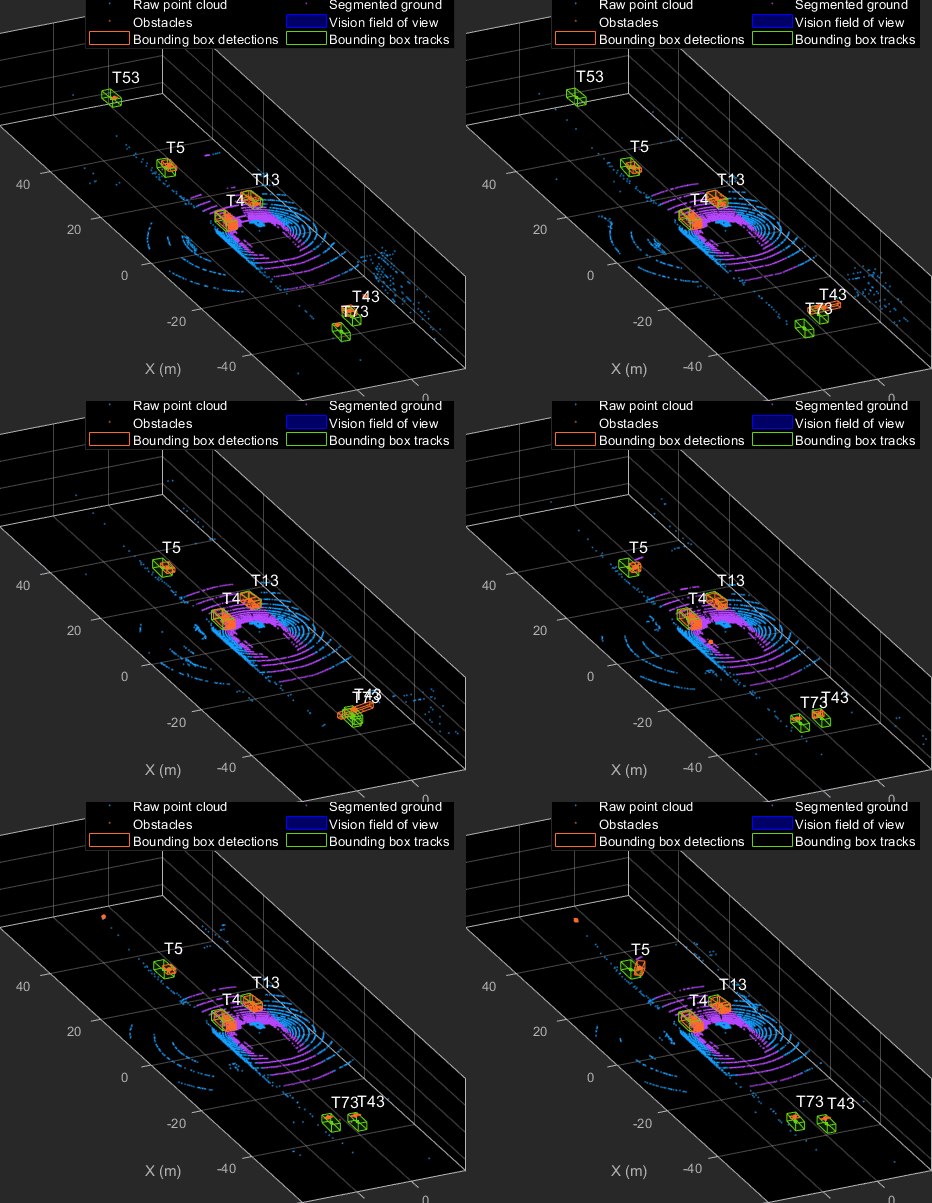
Track Vehicles Using Lidar: From Point Cloud to Track List
Track vehicles using measurements from a lidar sensor mounted on top of an ego vehicle.
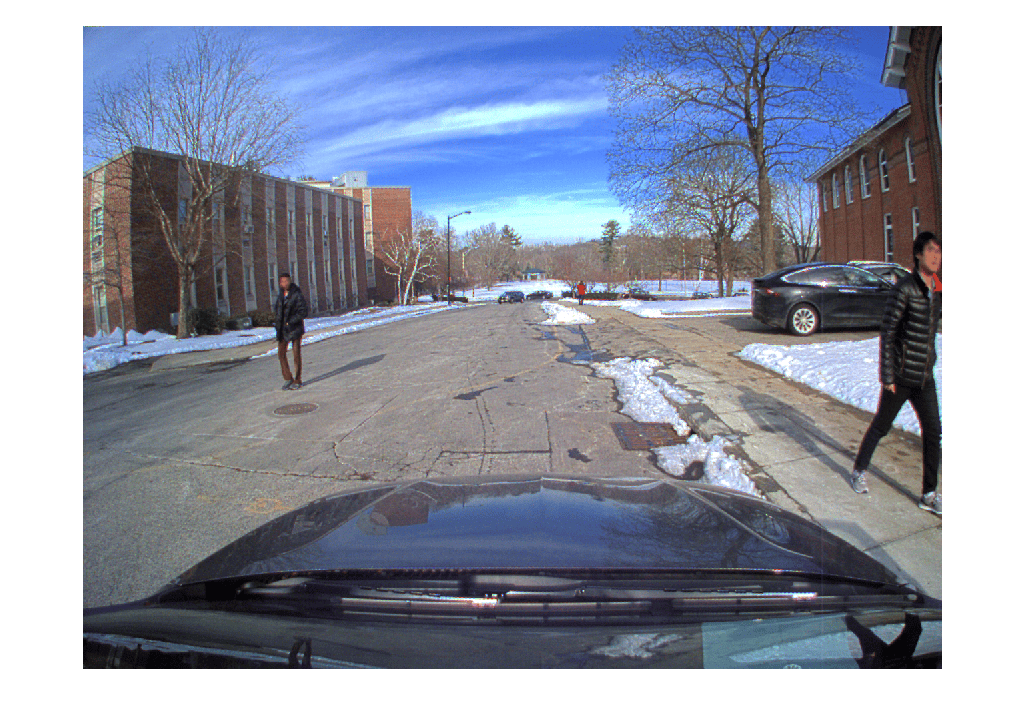
Import Camera-Based Datasets in MOT Challenge Format for Object Tracking
Read camera image sequences and import ground truth and detections in MOT Challenge format.
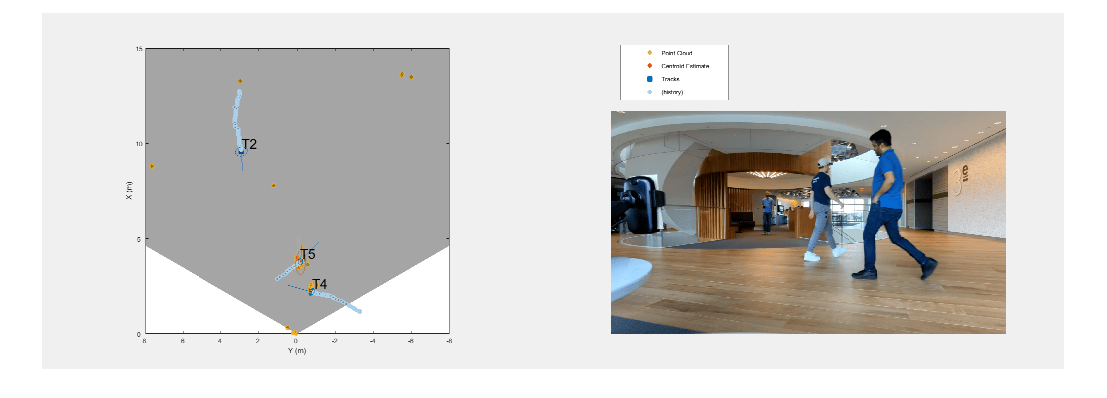
People Tracking Using TI mmWave Radar
Use data captured using the Texas Instruments® (TI) mmWave radar for tracking people in an indoor environment. You learn how to use a processing chain to process radar point clouds and estimate the number of people in the scene as well as their states such as position and velocity.
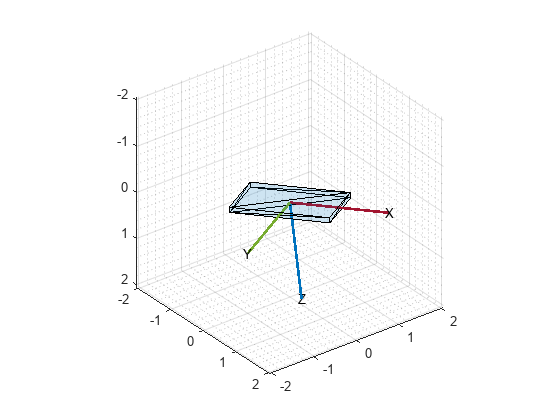
센서 융합을 사용하여 휴대폰 방향 추정하기
MATLAB® Mobile™은 Apple이나 Android® 모바일 기기의 가속도계, 자이로스코프, 자력계에서 얻은 센서 데이터를 보고합니다. 각 센서로부터 원시 데이터를 얻거나 융합된 방향 데이터를 얻을 수 있습니다. 이 예제는 휴대폰에서 얻은 융합된 방향 데이터와 ahrsfilter (Navigation Toolbox) 객체로 구한 방향 추정값을 비교하는 방법을 보여줍니다.
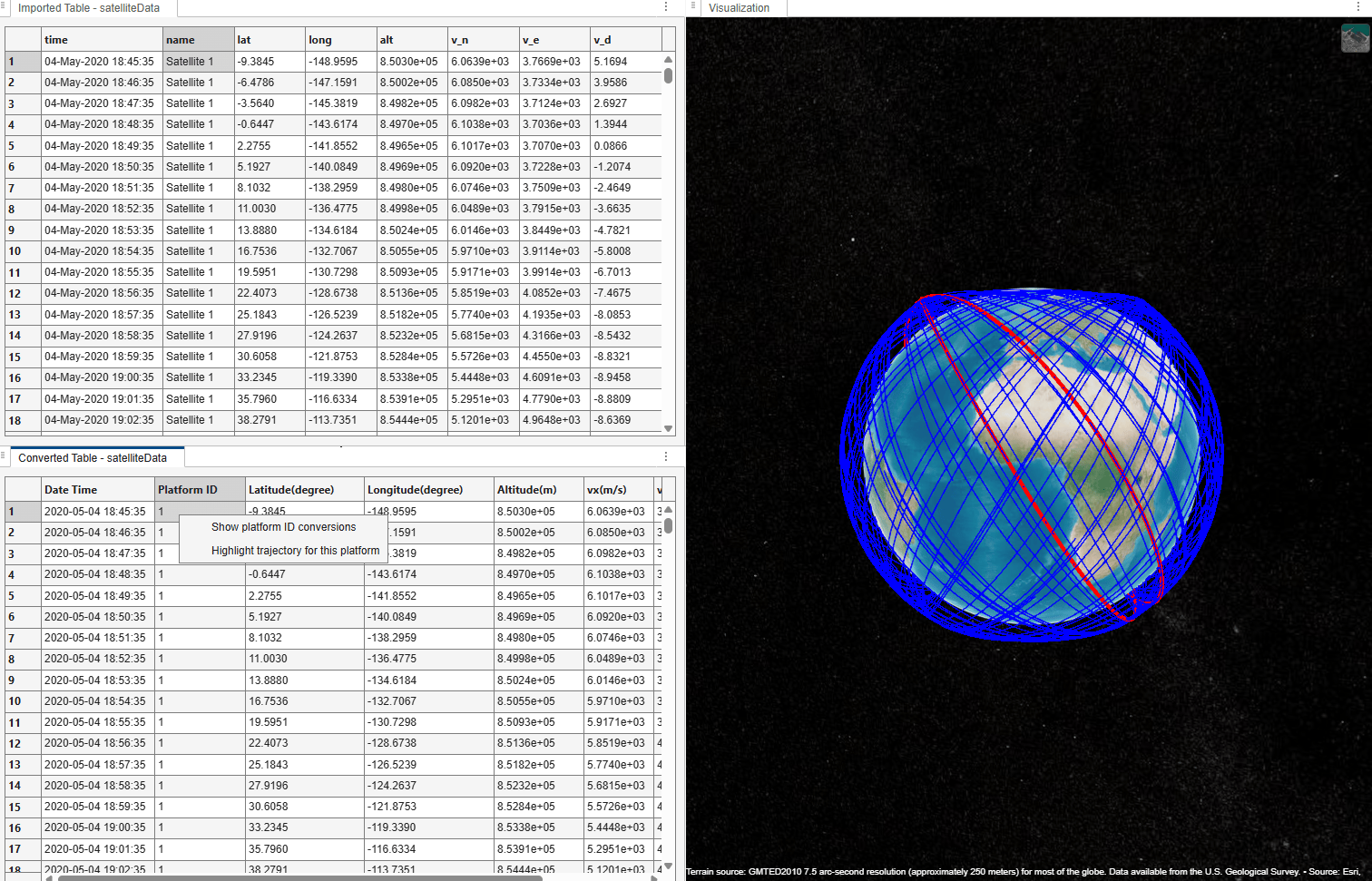
Import Satellite TLE Data Using Tracking Data Importer App
Import satellite trajectory data from a Two-Line Element (TLE) file into the Tracking Data Importer app. You then propagate satellite orbits to generate a truth data table, import it into the app, and map, convert, and visualize the satellite trajectories on a globe.

