이 페이지는 기계 번역을 사용하여 번역되었습니다. 최신 내용을 영문으로 보려면 여기를 클릭하십시오.
MATLAB에서의 통신
R2026a하드웨어 연결 함수는 CAN 버스와의 물리적 연결을 확립하는 CAN 인터페이스 하드웨어에 대한 연결을 정의합니다. CAN Transmit Workflow는 MATLAB®를 사용하여 CAN 메시지를 패킹하고 송신하는 방법을 보여줍니다. 이벤트 기반 메시지 송신을 활용할 수도 있습니다; 메시지를 로드하고 재생합니다. CAN Receive Workflow는 CAN 메시지를 수신하고 언패킹하는 방법을 보여줍니다.
네트워크에서 CAN 블록을 사용하여 메시지를 송신하고 수신하는 Simulink® 모델 구축에 대해서는 Simulink에서의 통신를 참조하십시오.
함수
속성
도움말 항목
CAN 메시지
- Transmit and Receive CAN Messages
Discover CAN devices and communicate over a network. - Filter Messages
Set up filters to accept messages based on specified parameters. - Configure Silent Mode
Observe and analyze message activity without affecting the network state or behavior. - Multiplex Signals
Use multiplexing to represent multiple signals in one signal location in a CAN message’s data. - MathWorks Virtual Channels
Emulate virtual CAN channels provided with the toolbox.
메시지 데이터베이스
- DBC 파일 불러오기 및 메시지 생성
CAN 데이터베이스에서 메시지 및 신호 정보에 액세스합니다. - View Message Information in a CAN Database
Look up information on message definitions. - View Signal Information in a CAN Message
Get signal definition information on a specific signal or all signals in a CAN message with database definitions attached. - Attach a CAN Database to Existing Messages
You can attach a database file to messages and apply the message definition defined in the database.
추천 예제
MATLAB에서 CAN 통신 시작하기
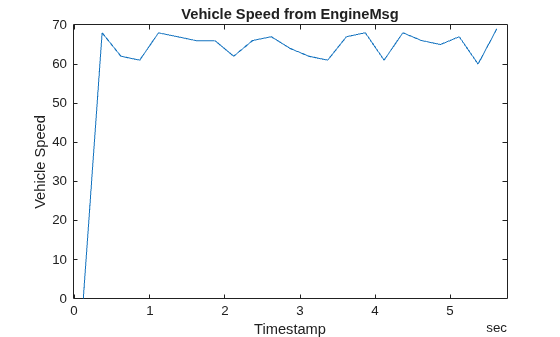
이 예제에서는 CAN 채널을 사용하여 CAN 메시지를 송수신하는 방법을 보여줍니다. 여기서는 루프백 구성으로 연결된 MathWorks® 가상 CAN 채널을 사용합니다.

CAN 통신에서 DBC 파일 사용
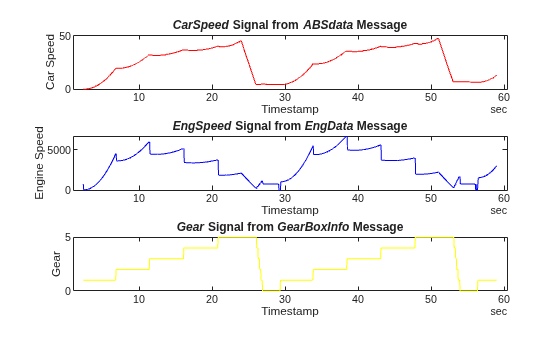
이 예제는 DBC 파일에 저장된 정보를 사용하여 메시지를 생성, 수신 및 처리하는 방법을 보여줍니다. 이 예시는 CAN 네트워크의 워크플로를 설명하지만, 제시된 개념은 CAN FD 네트워크에도 적용됩니다.

Get Started with CAN FD Communication in MATLAB
Use CAN FD channels to transmit and receive CAN FD messages. It uses MathWorks® virtual CAN FD channels connected in a loopback configuration.
Get Started with SocketCAN Devices
Identify, set up, and configure SocketCAN devices in a Linux® terminal, then access them from MATLAB® using Vehicle Network Toolbox™.
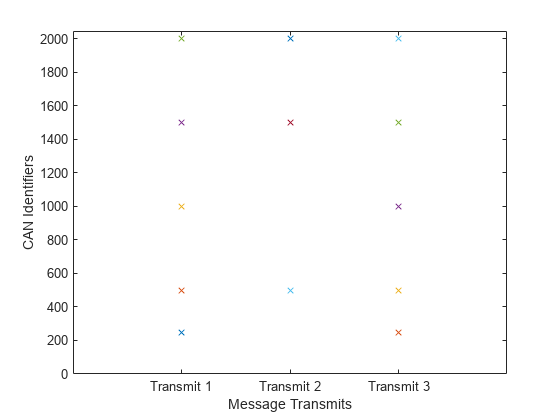
Use Message Filters in CAN Communication
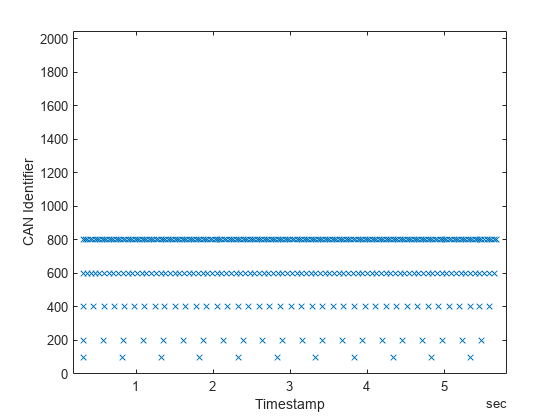
Use CAN message filters to allow only messages that contain specified identifiers to pass through a channel. It uses MathWorks® virtual CAN channels connected in a loopback configuration. This example describes the workflow for a CAN network, but the concept demonstrated also applies to a CAN FD network.
Log CAN Messages to BLF Files Using Channel Callback Functions
Log messages received on a CAN channel into BLF files using a callback function.
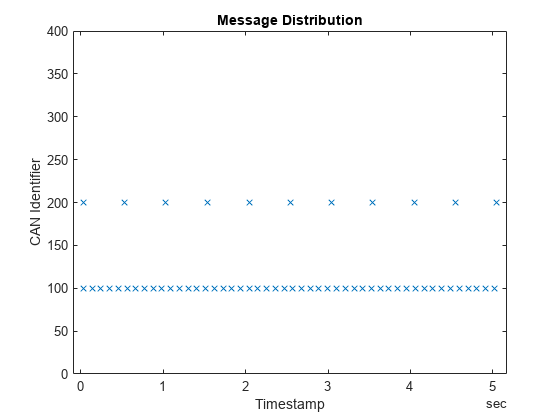
Periodic CAN Communication in MATLAB
How to configure CAN channels and messages for transmit messages periodically. It uses MathWorks® virtual CAN channels connected in a loopback configuration.
Event-Based CAN Communication in MATLAB
Configure CAN channels and messages for transmit messages on event. It uses MathWorks® virtual CAN channels connected in a loopback configuration.
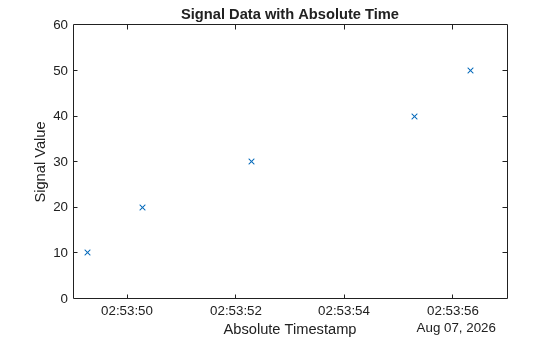
Use Relative and Absolute Timestamps in CAN Communication
Use the InitialTimestamp property of a CAN channel to work with relative and absolute timestamps for CAN messages. It uses MathWorks® virtual CAN channels connected in a loopback configuration. This example describes the workflow for a CAN network, but the concept demonstrated also applies to a CAN FD network.
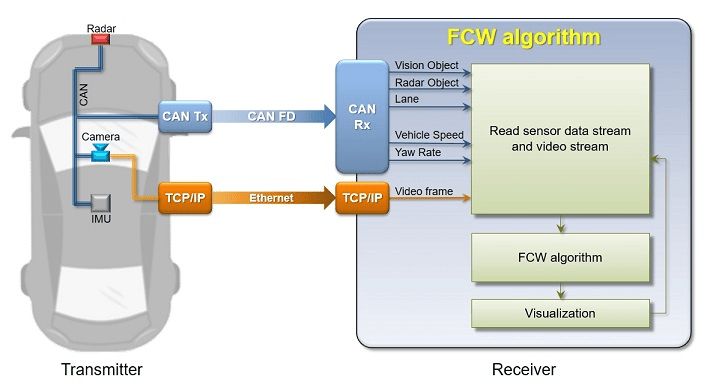
Forward Collision Warning Application with CAN FD and TCP/IP
Execute a forward collision warning (FCW) application with sensor and vision data replayed live via CAN FD and TCP/IP protocols. Recorded data from a sensor suite mounted on a test vehicle are replayed live as if they were coming through the network interfaces of the vehicle. Vehicle Network Toolbox™ and Instrument Control Toolbox™ provide these interfaces. This setup is used to test an FCW system developed using features from Automated Driving Toolbox™. For assistance with the design and development of actual FCW algorithms, refer to the example Forward Collision Warning Using Sensor Fusion (Automated Driving Toolbox).
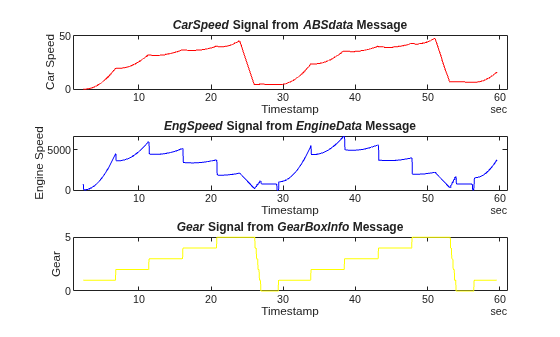
Decode and Write CAN Data in MDF Files
Import and decode CAN data from an MDF file in MATLAB for analysis, and write the decoded data back to the same file.
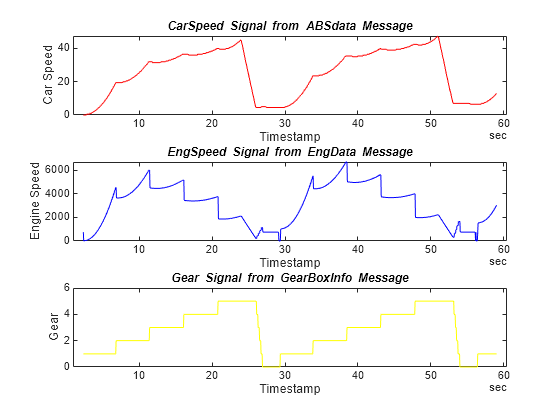
BLF 파일에서 CAN 데이터 디코딩
이 예제는 분석을 위해 MATLAB®에서 BLF 파일로부터 CAN 데이터를 가져오고 디코딩하는 방법을 보여줍니다. 이 예제에서 사용된 BLF 파일은 Vector CANoe™의 "CAN - General System Configuration (CAN)" 샘플을 사용하여 생성되었습니다. 이 예제 또한 Vector 샘플 구성과 함께 제공되는 CAN 데이터베이스 파일인 PowerTrain_BLF.dbc를 사용합니다.
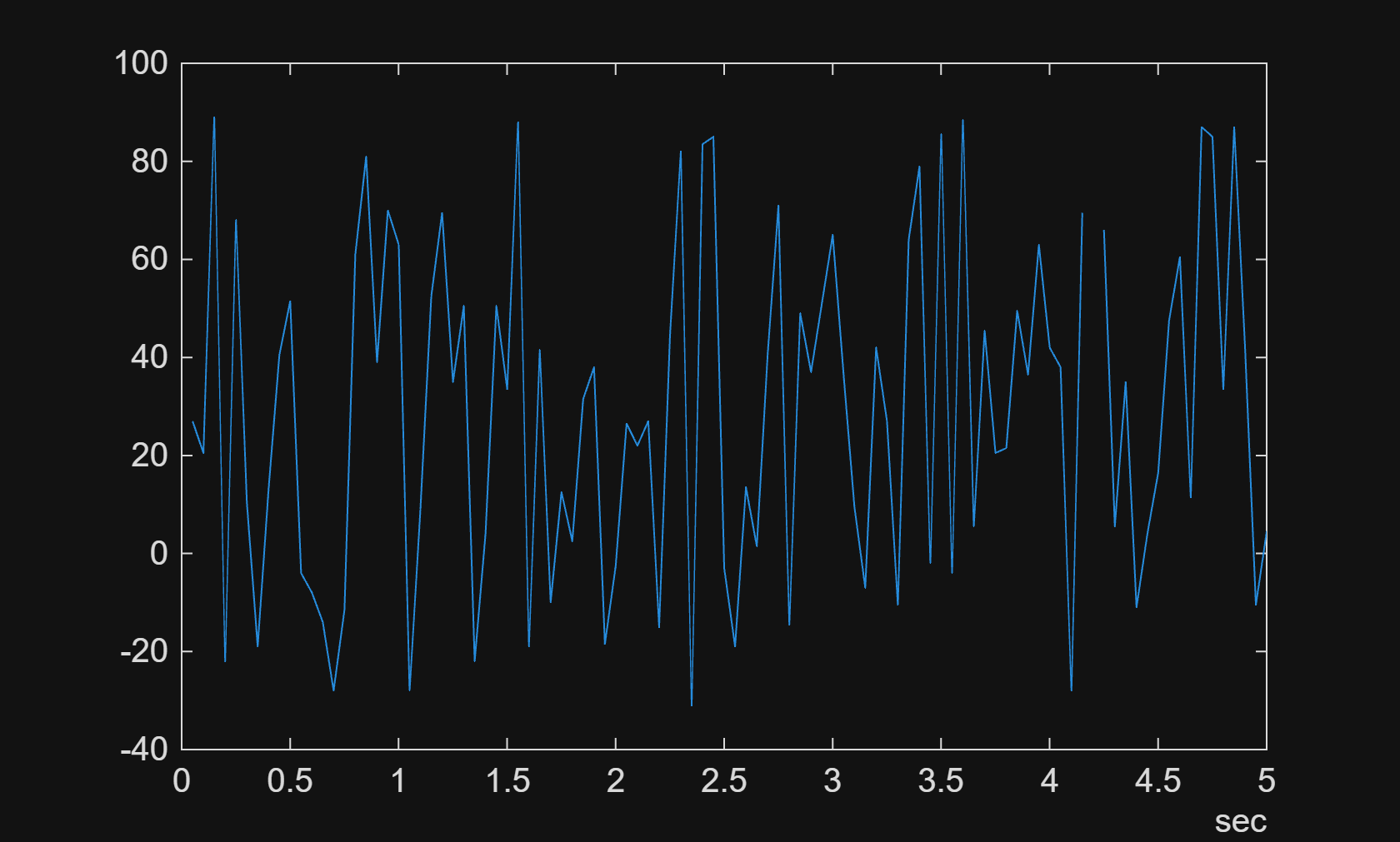

Class-Based Unit Testing of Automotive Algorithms via CAN
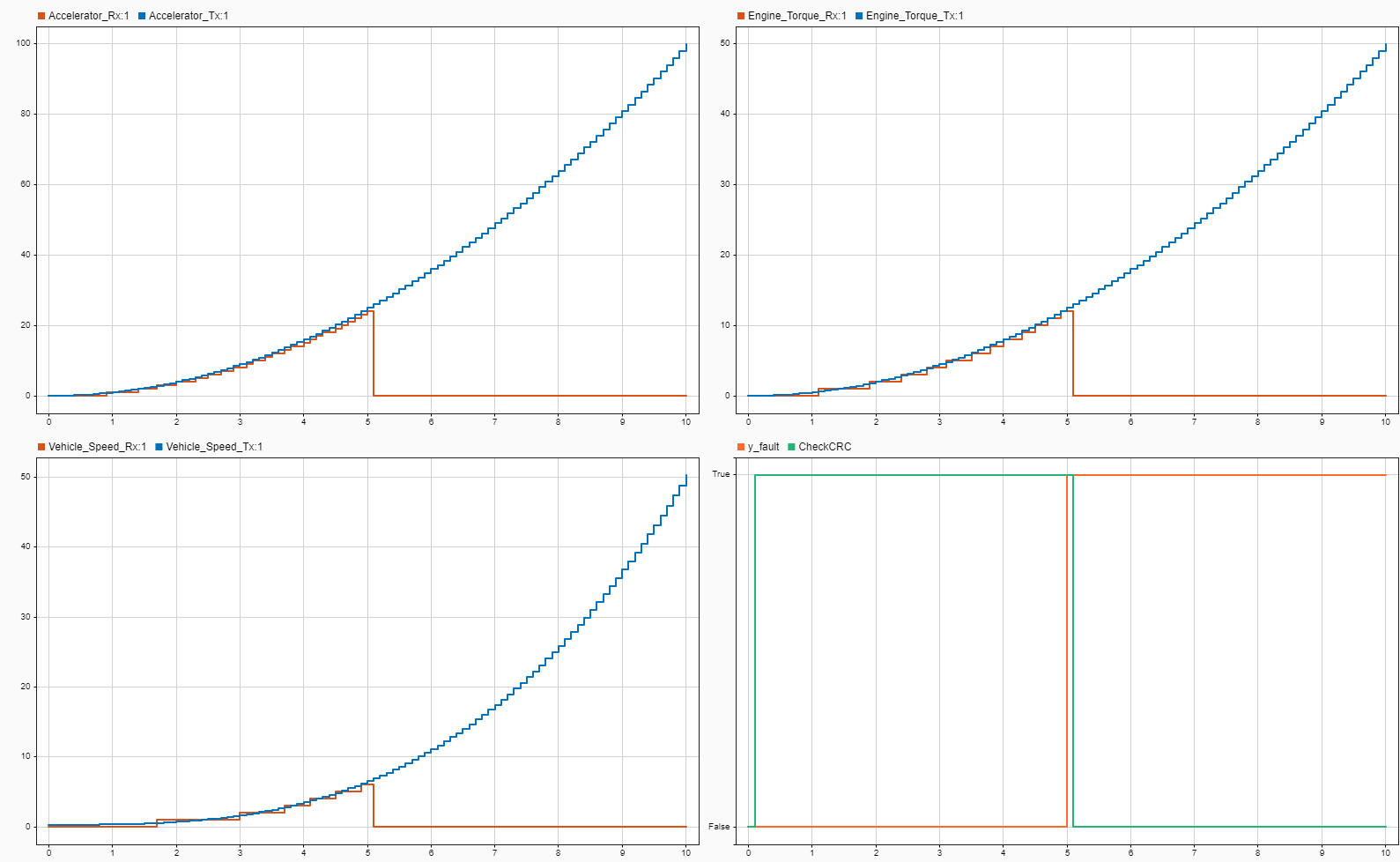
Validate the output of a cruise control algorithm using the Vehicle Network Toolbox™ and MATLAB® class-based unit testing framework.