이 페이지의 내용은 이전 릴리스에 관한 것입니다. 해당 영문 페이지는 최신 릴리스에서 제거되었습니다.
안전성 분석
R2026a안전성 분석 관리자를 사용하면 고장 모드 및 영향 분석(FMEA) 및 기능 위험 평가(FHA)와 같은 안전성 분석을 수행할 수 있습니다. 분석을 자동화하고 결과를 내보냅니다.
앱
| 안전성 분석 관리자 | 안전성 분석을 위한 문서 생성 및 편집 (R2023b 이후) |
함수
객체
CellReference | 안전성 분석 관리자 스프레드시트의 참조 셀 (R2024b 이후) |
ChangeInformation | Detected changes in Safety Analysis Manager (R2024b 이후) |
DocumentFlag | 안전성 분석 관리자의 플래그 (R2023b 이후) |
Spreadsheet | 안전성 분석 관리자의 스프레드시트 (R2023b 이후) |
SpreadsheetCell | 안전성 분석 관리자의 스프레드시트의 셀 (R2023b 이후) |
SpreadsheetRow | 안전성 분석 관리자의 스프레드시트 행 (R2024b 이후) |
도움말 항목
- 안전성 분석 관리자 스프레드시트를 분석하기 위한 콜백 함수 작성
MATLAB®를 사용하여 안전성 분석 관리자 내의 스프레드시트를 분석하기 위해 자동 또는 수동으로 실행되는 코드를 정의하십시오.
- 안전성 분석 관리자 스프레드시트에 대한 사용자 지정 콜백 생성 및 선택
스프레드시트 분석 시 실행할 콜백을 지정합니다. (R2024a 이후)
- Create and Register Templates in the Safety Analysis Manager
Create templates from existing documents to reuse common spreadsheet structures and settings across projects.
- Excel 파일을 안전성 분석 관리자로 가져오기
안전성 분석을 위해 만든 Excel® 스프레드시트를 안전성 분석 관리자로 가져옵니다.
- Link Safety Analysis Manager Spreadsheet Cells and Rows to Requirements, Tests, and Faults
Define traceability between spreadsheet cells and rows and requirements, tests, faults, or conditionals.
- Track Changes in Safety Analysis Manager Spreadsheets
Identify and manage changes to links and linked artifacts in Safety Analysis Manager spreadsheets contained in projects. (R2024b 이후)
- Create References in Derived Column Cells
Create references to cells to use cell information in derived columns. (R2024b 이후)
- Use Self-References in Derived Columns
Retrieve cell information within derived columns, their containing rows and spreadsheets, and use that information to change cell outputs. (R2024b 이후)
추천 예제

프로그래밍 방식으로 안전성 분석 관리자 스프레드시트 만들기 및 구성
다양한 프로그래밍 옵션을 사용하여 안전성 분석 관리자 스프레드시트를 만들고 변경합니다.
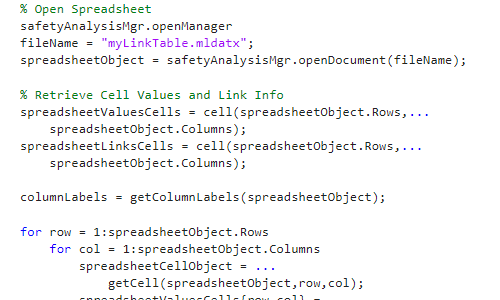
안전성 분석 관리자 링크 정보를 Excel로 내보내기
MATLAB을 사용하여 요구 사항 링크 정보를 Excel 파일에 저장합니다.
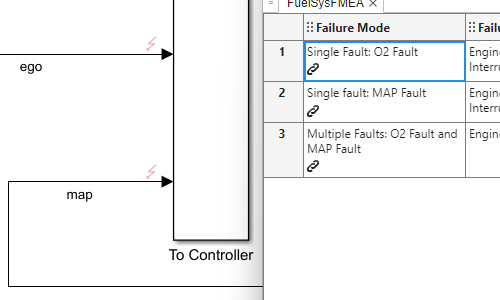
결함 허용 연료 시스템의 결함 조합 평가
결함 허용 연료 시스템의 결함을 시뮬레이션하고 FMEA에서 그 영향을 분석합니다.
창고 로봇에 대한 결함 민감도 연구 수행
로봇 브레이크 시스템을 테스트하기 위해 결함 동작 파라미터를 조정하고 FMEA에서 결과를 확인합니다.

항공기 승강타 제어 시스템의 결함 검출 로직 확인
조건을 사용하여 결함 완화 로직이 배포되는지 확인하고 FMEA에서 컨트롤러 동작을 확인합니다.
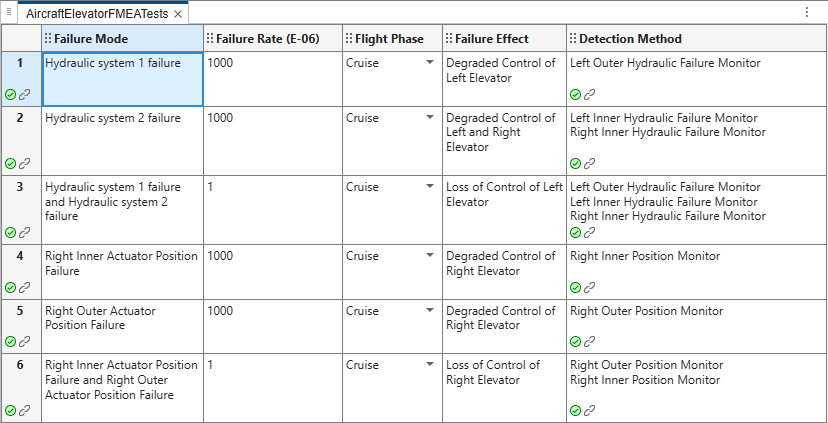
Perform Safety Analysis on Aircraft Elevator by Running Tests
Run tests in the Simulink Test Manager from the Safety Analysis Manager to analyze aircraft elevator fault detection logic.

배터리 관리 시스템의 결함 분석 수행
배터리 관리 시스템에 결함을 주입하고 시뮬레이션합니다.
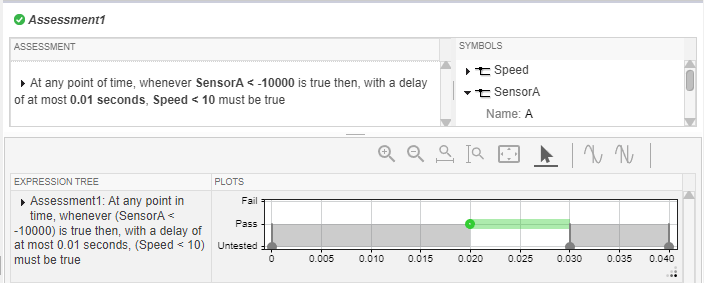
Perform Fault Analysis on a Motor Drive Speed Sensor
Inject and simulate faults on a motor drive speed sensor.
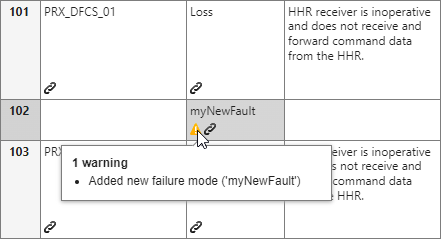
회전익 UAV에 대한 고장 모드 및 영향 분석 수행
안전성 분석 관리자 및 MATLAB를 사용하여 FMEA에서 안전 속성을 정의하고, 이를 UAV에 대해 검증하십시오.

