이 페이지는 기계 번역을 사용하여 번역되었습니다. 최신 내용을 영문으로 보려면 여기를 클릭하십시오.
Embedded Coder Support Package for Linux Applications
R2026aEmbedded Coder® Support Package for Linux Applications는 코드 생성, 실행 파일 생성, 타깃 실행 환경에서 실행 파일 실행 및 중지, 실행 중인 애플리케이션 계측을 지원합니다. 지원 패키지를 사용하면 여러 타깃 컴퓨터와 동시에 상호 작용할 수 있습니다.
Embedded Coder Support Package for Linux Applications는 다음을 지원합니다.
패키징 및 배포
Linux 런타임 관리자 앱
로그 뷰어
계측
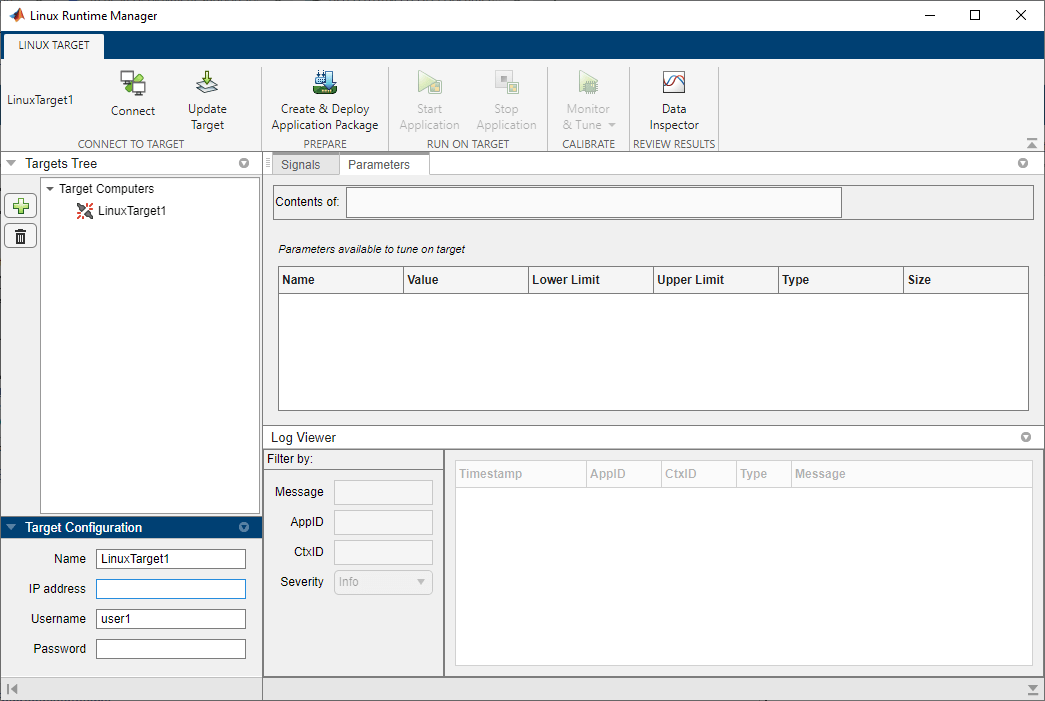
개발 컴퓨터에서 실행되는 Linux 런타임 관리자 애플리케이션을 사용하면 여러 타깃 컴퓨터에서 애플리케이션을 관리할 수 있습니다. 대부분의 지원 패키지 기능은 Linux 런타임 관리자 앱에서 적용할 수 있습니다.
지원 패키지를 사용하는 동안 보안 위험을 줄이기 위한 모범 사례:
신뢰할 수 있는 IP 주소로만 호스트 및 타깃 컴퓨터에 대한 액세스를 제한합니다.
호스트와 타깃 컴퓨터 사이에 전용 라우터 개인 네트워크를 사용합니다.
배포 위치에 대한 권한을 필요한 사용자로만 제한합니다.
객체
linux.Targets | 타깃 컴퓨터를 관리하기 위한 인터페이스 (R2022b 이후) |
linuxTarget | 타깃 컴퓨터를 관리하기 위한 인터페이스 (R2024a 이후) |
앱
| Linux 런타임 관리자 | 서비스 지향 아키텍처(SOA) 애플리케이션 컴포넌트 배포 및 프로토타이핑 (R2022b 이후) |
함수
도움말 항목
- 지원 패키지 설치
지원 패키지 설치 단계.
- Linux 타깃 컴퓨터 설정하기
타깃 컴퓨터 설정 중입니다.
- Simulink 모델 구축 및 애플리케이션 배포
Simulink 모델을 빌드하고 애플리케이션을 Linux 타깃 컴퓨터에 배포합니다.
- 배포된 애플리케이션 시작 및 중지
배포된 애플리케이션을 시작, 일시 중지, 재개 및 종료합니다.
- Tune Parameters and Measure Signal Data for Deployed Applications
Tune parameters and measure signal data as application runs on target computer.
- Calibrate Service-Oriented Application
Tune parameters and monitor signals on a running service-oriented application deployed to a Linux target.
- Analyze Logged Messages
View, filter, and analyze log messages by using the Linux Runtime Manager application or the command line.
- External Mode Simulation of Deployed Applications
Use external mode simulation to tune parameters and monitor signals in real time for applications deployed to a Linux target.
- Troubleshooting
Troubleshoot problems that you encounter while using the Embedded Coder Support Package for Service-Oriented Applications on Linux.
관련 정보
추천 예제
Embedded Coder Support Package for Linux Applications 시작하기
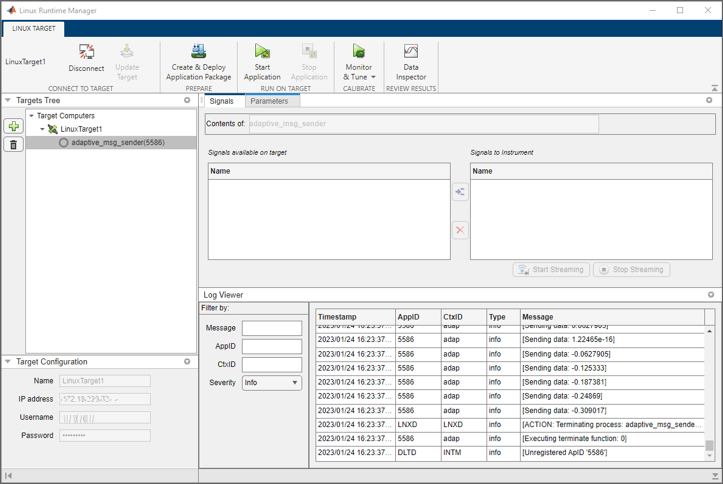
이 예제에서는 Embedded Coder® 지원 패키지 For Linux® Applications를 사용하여 Linux 타깃 컴퓨터에 애플리케이션을 배포하는 방법을 보여줍니다.
Event Communication Between AUTOSAR Adaptive Applications Using Periodic Reception
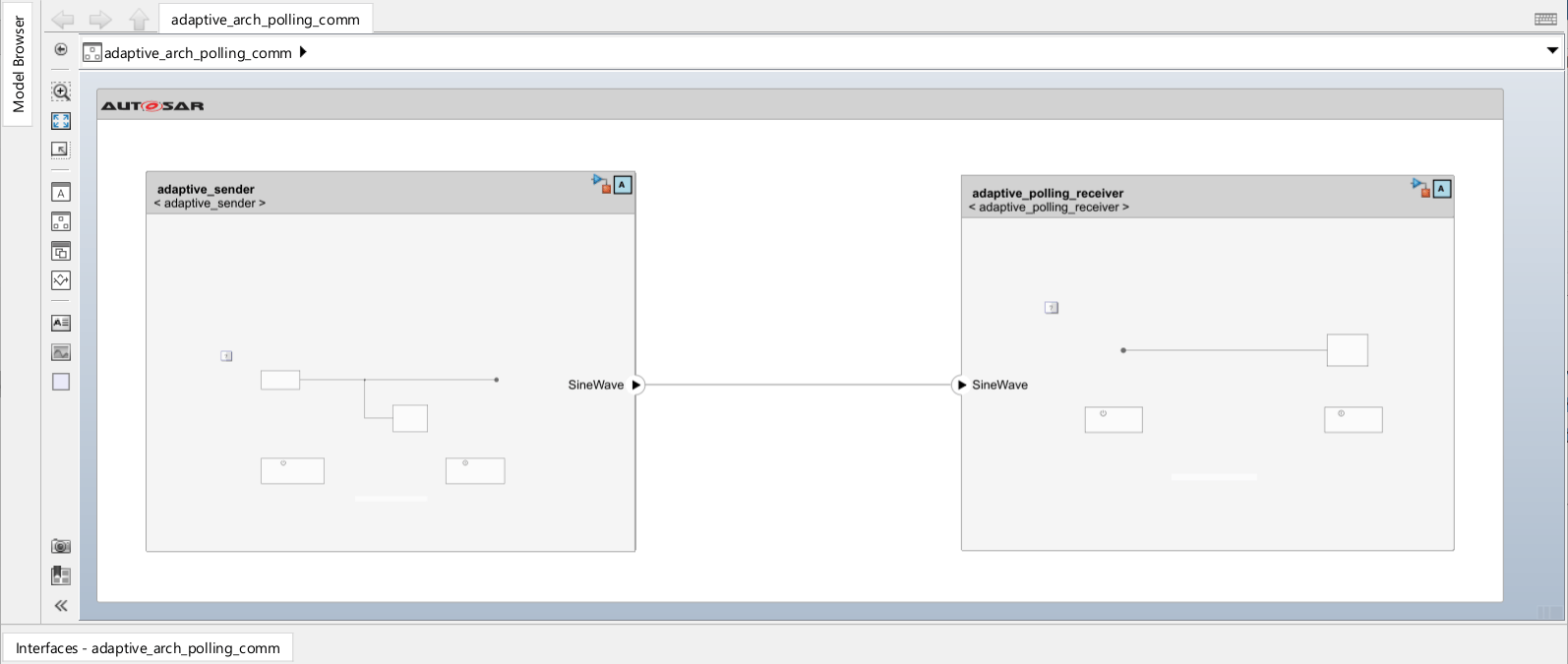
Deploy two AUTOSAR adaptive applications that use events to communicate with each other in periodic (rate-based) reception mode.
Event Communication Between AUTOSAR Adaptive Applications Using Event Driven Approach
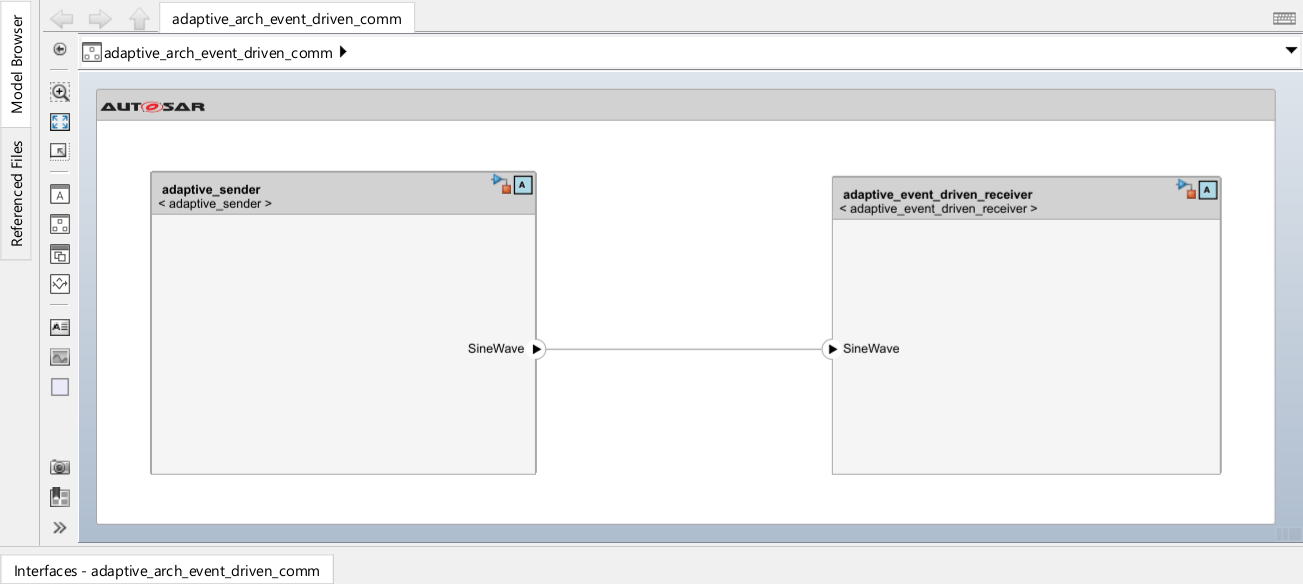
Deploy two AUTOSAR adaptive applications and use events to communicate with each other in message triggering mode.
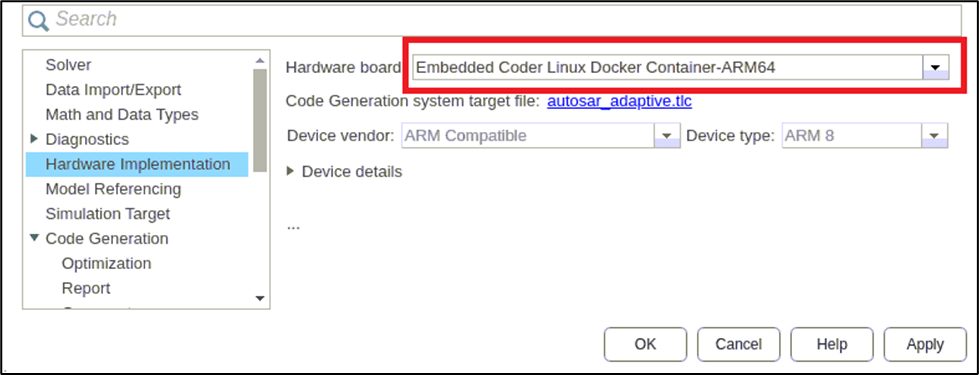
Linux ARM64 시스템에 AUTOSAR Adaptive 애플리케이션 배포
이 예제는 Embedded Coder® Linux 애플리케이션용 지원 패키지를 사용하여 Linux ARM64 타깃 시스템에 AUTOSAR 적응형 모델을 배포하는 방법을 보여줍니다.
AUTOSAR 적응형 아키텍처 모델 배포
이 예제는 Embedded Coder® 지원 패키지를 사용하여 Simulink® System Composer™ (아키텍처) 모델을 AUTOSAR 적응형 애플리케이션으로 배포하는 방법을 보여줍니다. 이 예제는 이벤트와 메서드를 활용한 적응형 통신을 보여줍니다.

Deploy Over-the-Air Updates to Linux Target
Use over-the-air (OTA) updates with the Embedded Coder(R) Support Package for Service-Oriented Applications on Linux(R) to update deployed AUTOSAR(R) adaptive applications on a target machine. OTA updates enable remote software deployment without physical access to the device, using an Eclipse(TM) hawkBit server to roll out updates to target machines.

