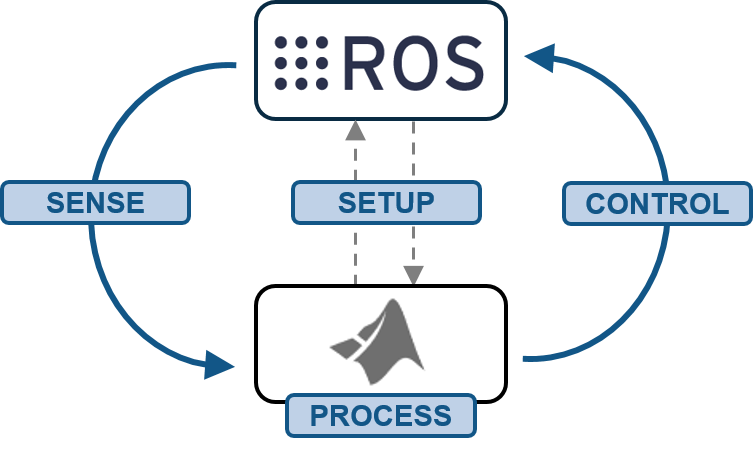
Getting Started with MATLAB, Simulink, and ROS
Resources for getting started with MATLAB and Simulink and the Robot Operating System (ROS).

이 제출물을 팔로우합니다
- 팔로우하는 게시물 피드에서 업데이트를 확인할 수 있습니다
- 정보 수신 기본 설정에 따라 이메일을 받을 수 있습니다
인용 양식
MathWorks Student Competitions Team (2026). Getting Started with MATLAB, Simulink, and ROS (https://github.com/mathworks-robotics/getting-started-ros), GitHub. 검색 날짜: .
도움
도움 준 파일: MATLAB and Simulink ROS Tutorials

| 버전 | 퍼블리시됨 | 릴리스 정보 | Action |
|---|---|---|---|
| 1.3.0 | Linked to GitHub. |
||
| 1.2.0 | Added multitasking object tracking models. |
||
| 1.1.0 | Added updates from the new "Designing Distributed Systems with ROS" video, including partitioned algorithm models and ROS custom messages. Updated sample time settings in blocks to follow Simulink best practices. |
||
| 1.0.0 |
이 GitHub 애드온의 문제를 보거나 보고하려면 GitHub 리포지토리로 가십시오.
이 GitHub 애드온의 문제를 보거나 보고하려면 GitHub 리포지토리로 가십시오.

