산업 자동화 응용 사례
R2026bSimulink®를 사용하면 산업용 장비 제조업체가 다양한 엔지니어링 그룹에 명확한 설계 지침을 제공하는 모델 형태의 실행 가능한 사양을 만들 수 있습니다. 이 예제 모델은 산업 자동화 응용 사례를 보여줍니다.
추천 예제
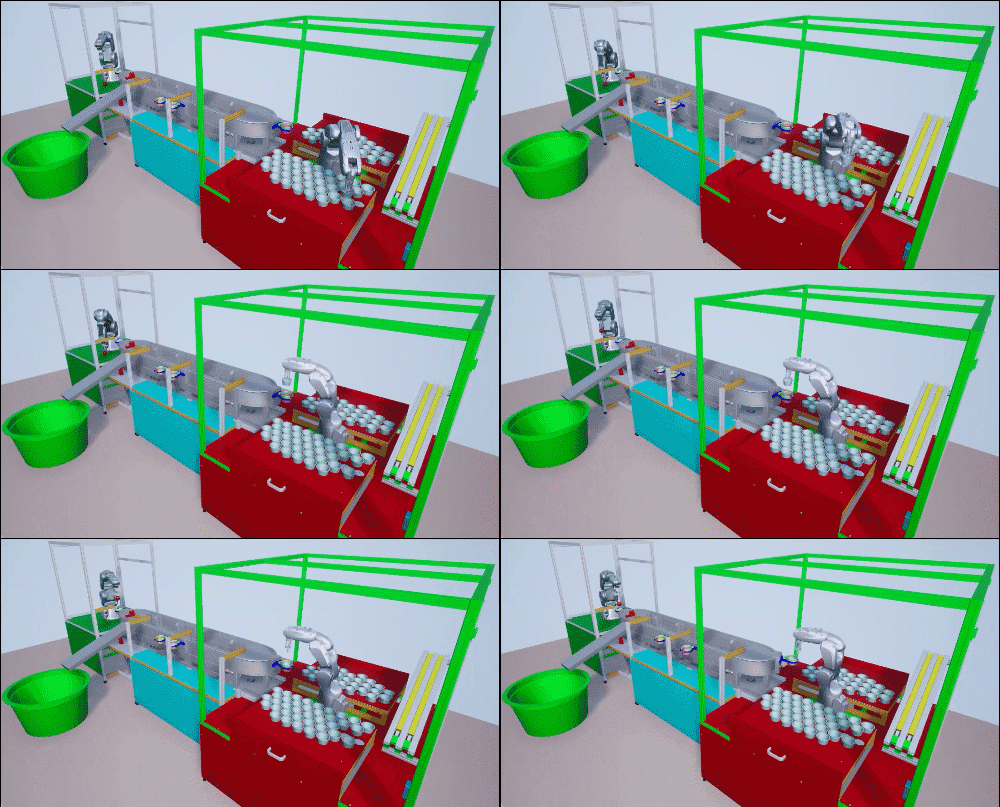
Model and Control Robot Dynamics to Automate Virtual Assembly Line
Extends the Smart4i virtual commissioning applications to accommodate robot dynamics in the system framework to automate assembly line operation. This example models the digit twin of the Smart4i setup and controls the dynamics of robots in the assembly line, which helps develop a more realistic simulation environment. The virtual assembly line consists of four components: two robotic workcells, connected by a shuttle track and a conveyor belt. The first robot, Robot 1, is a Comau Racer V3 and places cups onto the shuttle. The second robot, Robot 2, is a Mitsubishi RV-4F and places balls in the cups. The shuttle track system consists of four shuttles which continuously move to Robot 1, then to Robot 2, followed by a slider. A slider then delivers those cups containing balls to a container. This example downloads the assembly line CAD data, robot model files and shuttle trajectory data. For a detailed system overview, see Automate Virtual Assembly Line with Two Robotic Workcells (Robotics System Toolbox).

Determine Nonlinear Behavior of PMSM Using Characterization Test Data
Build realistic closed-loop simulation of PMSM using characterization test data and obtain nonlinear operating characteristics.
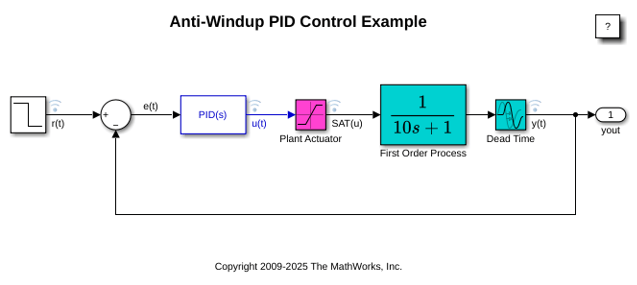
PID Controller 블록을 사용한 안티와인드업 제어
이 예제에서는 액추에이터가 포화되었을 때 PID 제어기의 적분 와인드업을 방지하기 위해 안티와인드업 기법을 사용하는 방법을 보여줍니다. Simulink®의 PID Controller 블록에는 두 개의 내장 안티와인드업 방법인 back-calculation과 clamping이 포함되어 있으며 더 복잡한 산업 시나리오를 처리할 수 있는 추종 모드도 제공합니다. PID Controller 블록은 산업 시나리오에서 흔히 발생하는 제어기 와인드업 문제를 처리할 수 있는 여러 기능을 지원합니다.
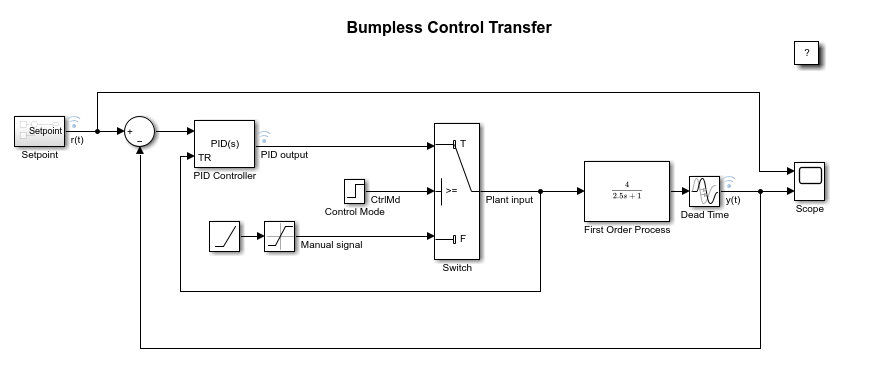
수동 제어와 PID 제어 간 무충돌 제어 전환
이 예제에서는 수동 제어에서 PID(비례-적분-미분) 제어로 전환할 때 무충돌 제어 전환(bumpless control transfer)을 달성하는 방법을 보여줍니다. 이 모델은 Simulink®의 PID Controller 블록을 사용하여 불감 시간을 갖는 1차 공정을 제어합니다.
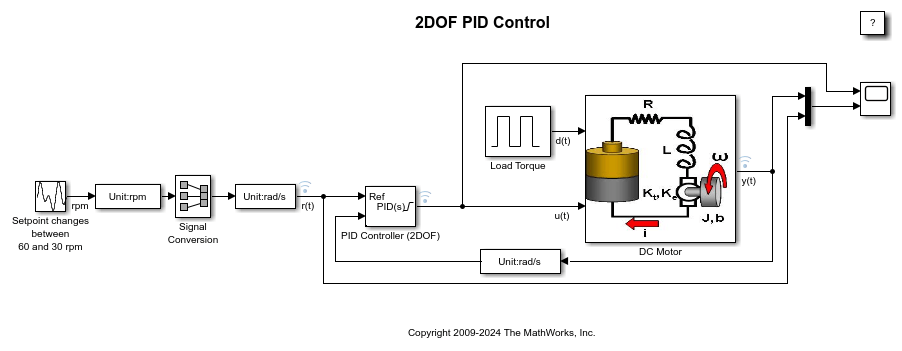
설정점 추종을 위한 2자유도 PID 제어
이 예제에서는 설정값 가중치를 적용한 2자유도 PID 제어를 사용하여 전기 모터의 속도를 조절하는 방법을 보여줍니다. 이 모델은 PID Controller (2DOF) 블록을 사용합니다. 이 모델은 설정점 값을 60rpm과 30rpm 사이로 변경합니다. PID 제어기에서 사용할 수 있도록 단위를 rad/s로 변환하기 위해, 이 모델은 Signal Conversion 블록을 사용합니다.
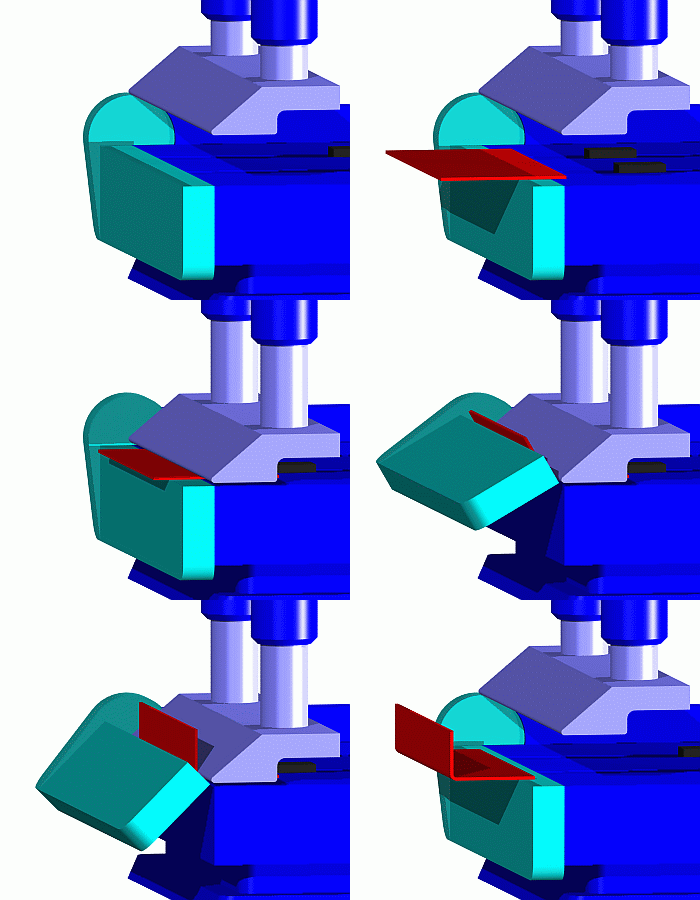
Job Scheduling and Resource Estimation for a Manufacturing Plant
Model a manufacturing plant. The plant consists of an assembly line that processes jobs based on a pre-determined schedule. This example walks you through a workflow for:
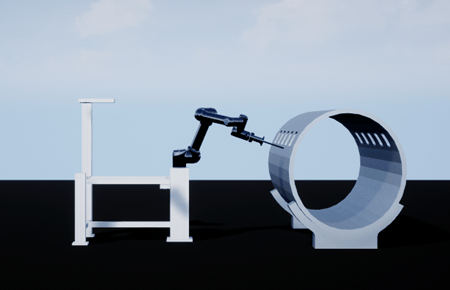
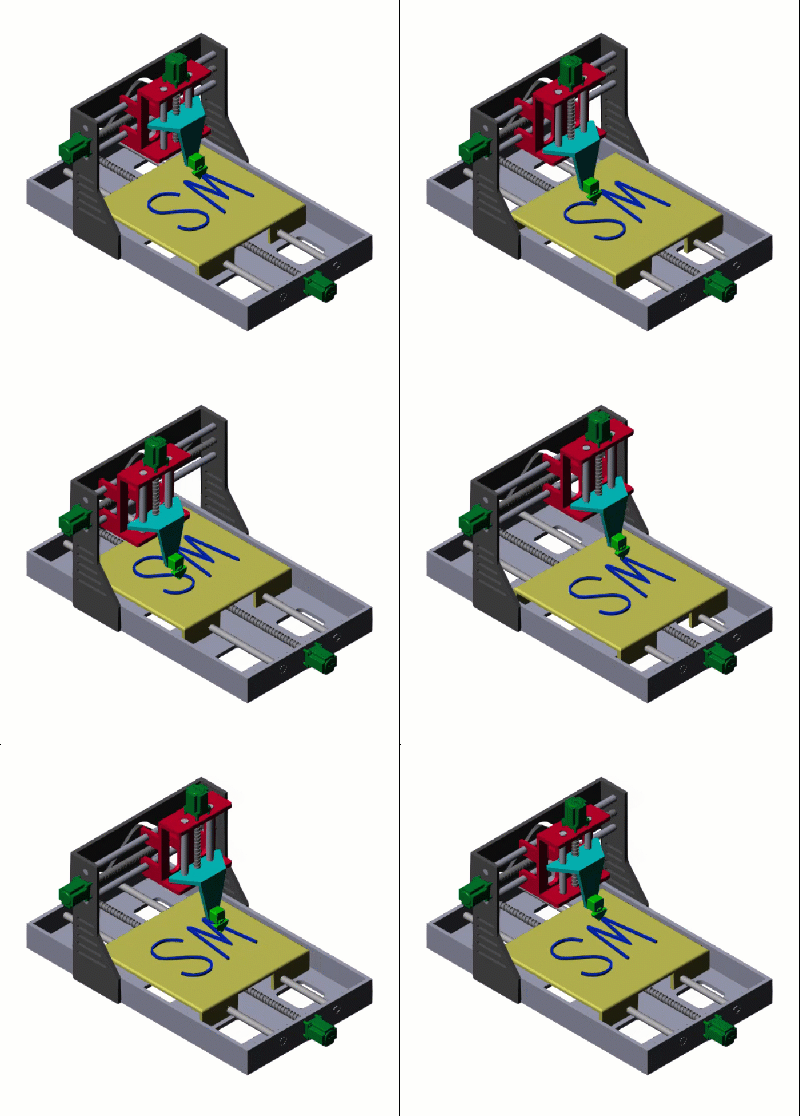
Shape Tracing Manipulator with Simulink 3D Animation
Model and visualize the shape tracing manipulator in the 3D environment.
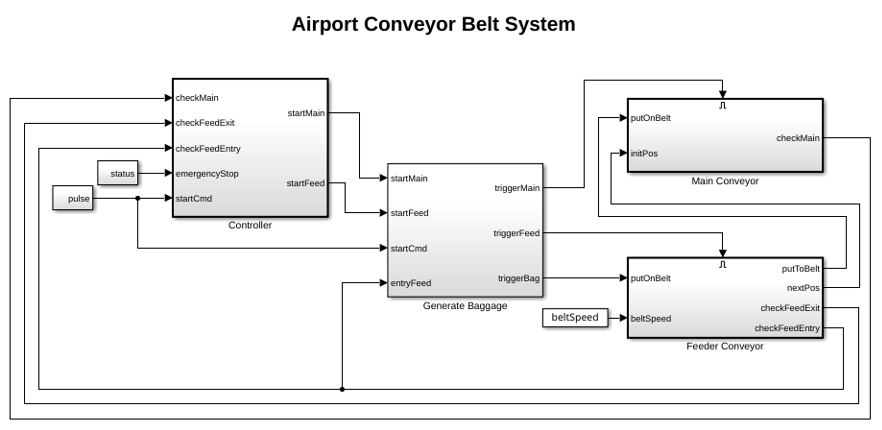
Simulate and Generate Code for Airport Conveyor Belt Control System
Simulate and generate Structured Text code for a Stateflow® controller in an airport conveyor belt model using Simulink® PLC Coder™.
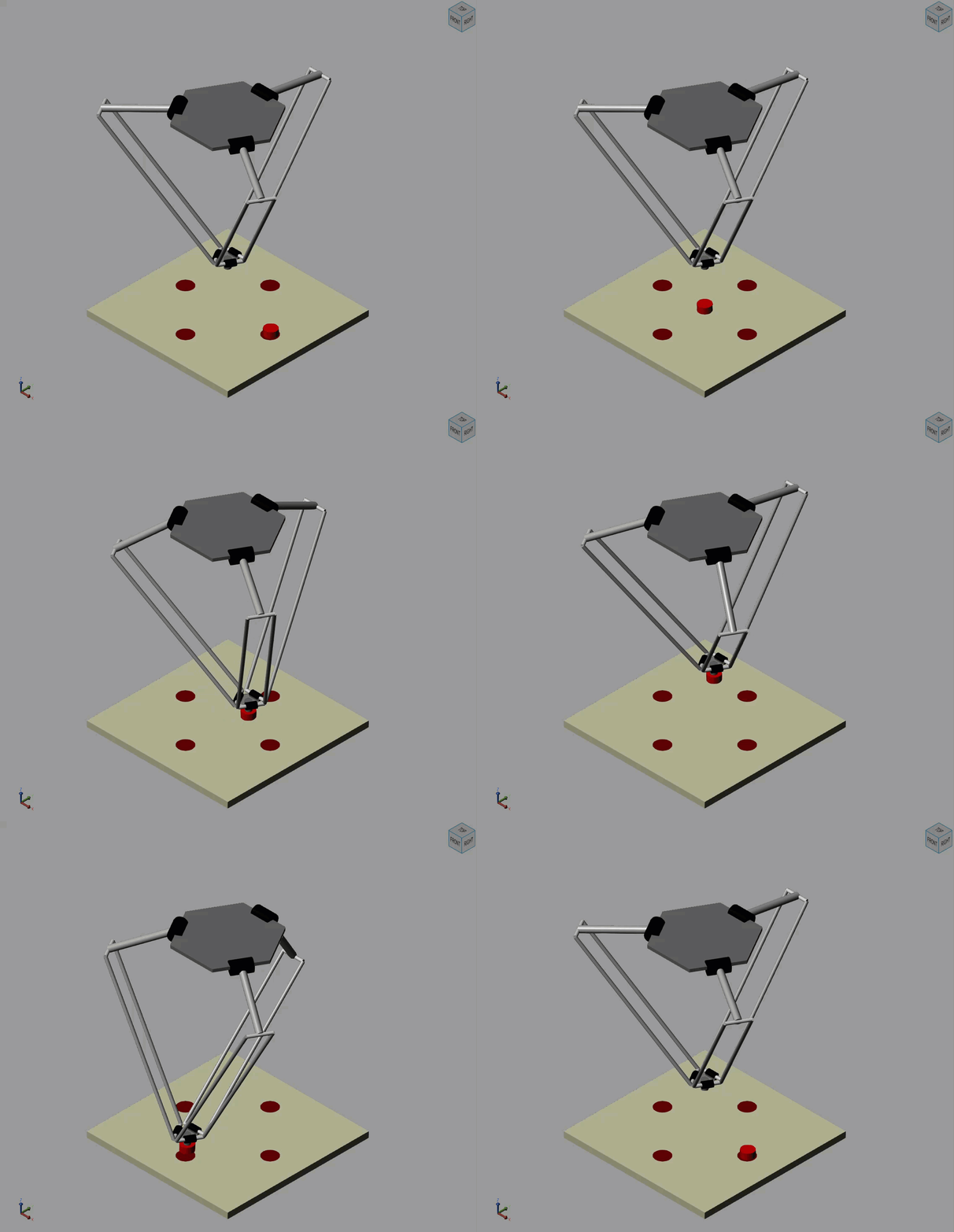
Pick and Place Robot Using Forward and Inverse Kinematics
Model a delta robot performing a pick and place task.
Model a Cartesian 3-D Printer
Models a Cartesian 3-D printer. In this model, the printer uses Lead Screw Joint blocks to represent the actuators that drive the motion of the printing head along the x-, y-, and z-axes. These lead screw joints convert rotational input into translational motion.
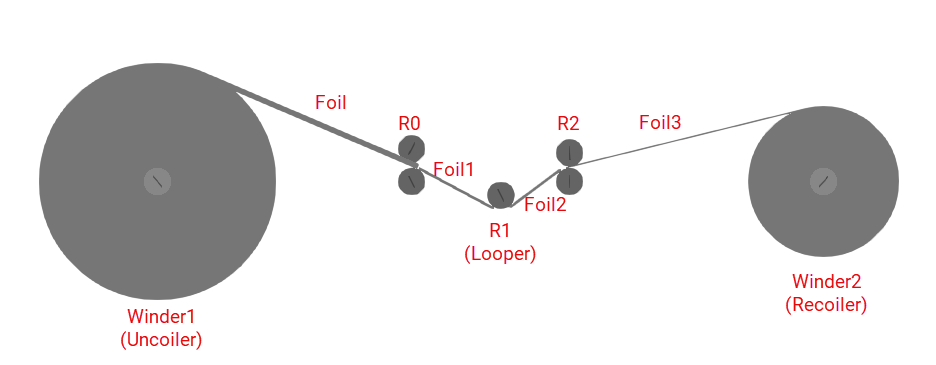
Multi-Stage Rolling Mill Simulation and Control
Design and simulate a multi‑stage rolling mill process using Simulink and Simscape™.
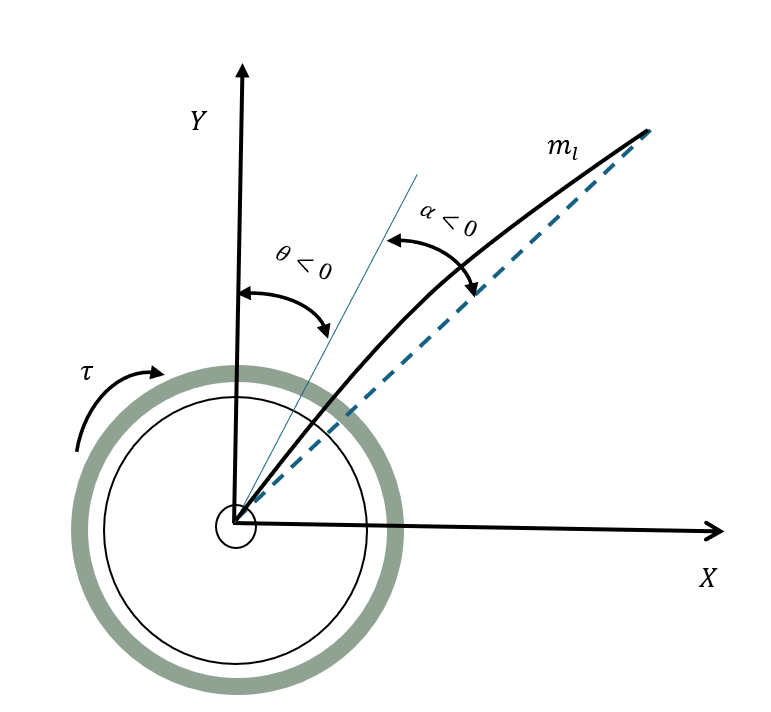
Multirate Output Feedback Control of Rotary Flexible Link System
Use a multirate output feedback approach to control a rotary flexible link system.

