Get Started with HDL Coder
R2026bHDL Coder™ enables high-level design for FPGAs, SoCs, and ASICs by generating portable, synthesizable Verilog®, SystemVerilog, and VHDL® code from MATLAB® functions, Simulink® models, and Stateflow® charts. You can use the generated HDL code for FPGA programming, ASIC prototyping, and production design.
HDL Coder includes a workflow advisor that automates prototyping generated code on Xilinx®, Intel®, and Microchip boards and generates IP cores for ASIC and FPGA workflows. You can optimize for speed and area, highlight critical paths, and generate resource utilization estimates before synthesis. HDL Coder provides traceability between Simulink models and the generated Verilog, SystemVerilog, and VHDL code, enabling code verification for high-integrity applications adhering to DO-254 and other standards.
Tutorials
- Create HDL-Compatible Simulink Model
Create a model and check compatibility for HDL code generation. - Generate HDL Code from Simulink Model
Generate VHDL, Verilog and SystemVerilog code from Simulink models. - Verify Generated HDL Code from Simulink Model
Generate an HDL test bench to verify the VHDL or Verilog Code. - HDL Code Generation and FPGA Synthesis from Simulink Model
Generate code and synthesize your Simulink design on the target FPGA. - Create HDL- or HLS-Compatible MATLAB Algorithms
Create an HDL- or HLS-compatible MATLAB algorithm and MATLAB test bench and verify algorithm functionality. - Generate HDL Code from MATLAB Algorithms
Use the HDL Workflow Advisor to generate HDL code from MATLAB algorithms. - Synthesize Generated HDL Code from MATLAB Algorithms
Use a third-party synthesis tool to synthesize generated HDL code for target hardware.
Simulink-to-HDL
MATLAB-to-HDL
About HDL Code Generation
- Choose to Generate HDL Code in Simulink or MATLAB
Choose between a Simulink or MATLAB design environment for your HDL Coder project.
- Basic HDL Code Generation Workflow
Follow the workflow for HDL code generation and FPGA synthesis from MATLAB and Simulink algorithms.
- Create Designs Under Test and Test Benches in Simulink and MATLAB
Partition your design into a design under test and test bench in Simulink or MATLAB.
- Choose Fixed- or Floating-Point Data Types When Generating HDL Code
To balance precision and hardware resources, choose to use fixed-point, floating-point, or a mixed use of both data types in your design.
- Workflows in HDL Workflow Advisor
Learn about the HDL Workflow Advisor workflows and the platforms you can target.
- Introduction to Optimizations in HDL Coder
Learn about speed and area optimizations and how to optimize your design.
Featured Examples
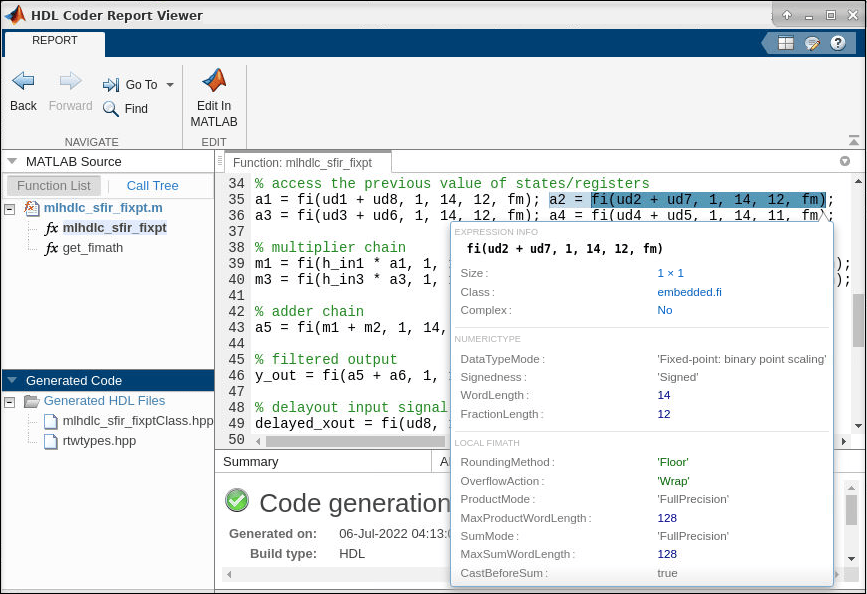
Get Started with MATLAB to High-Level Synthesis Workflow Using HDL Coder App
Generate High-Level Synthesis (HLS) code from MATLAB code by using the HDL Coder App.
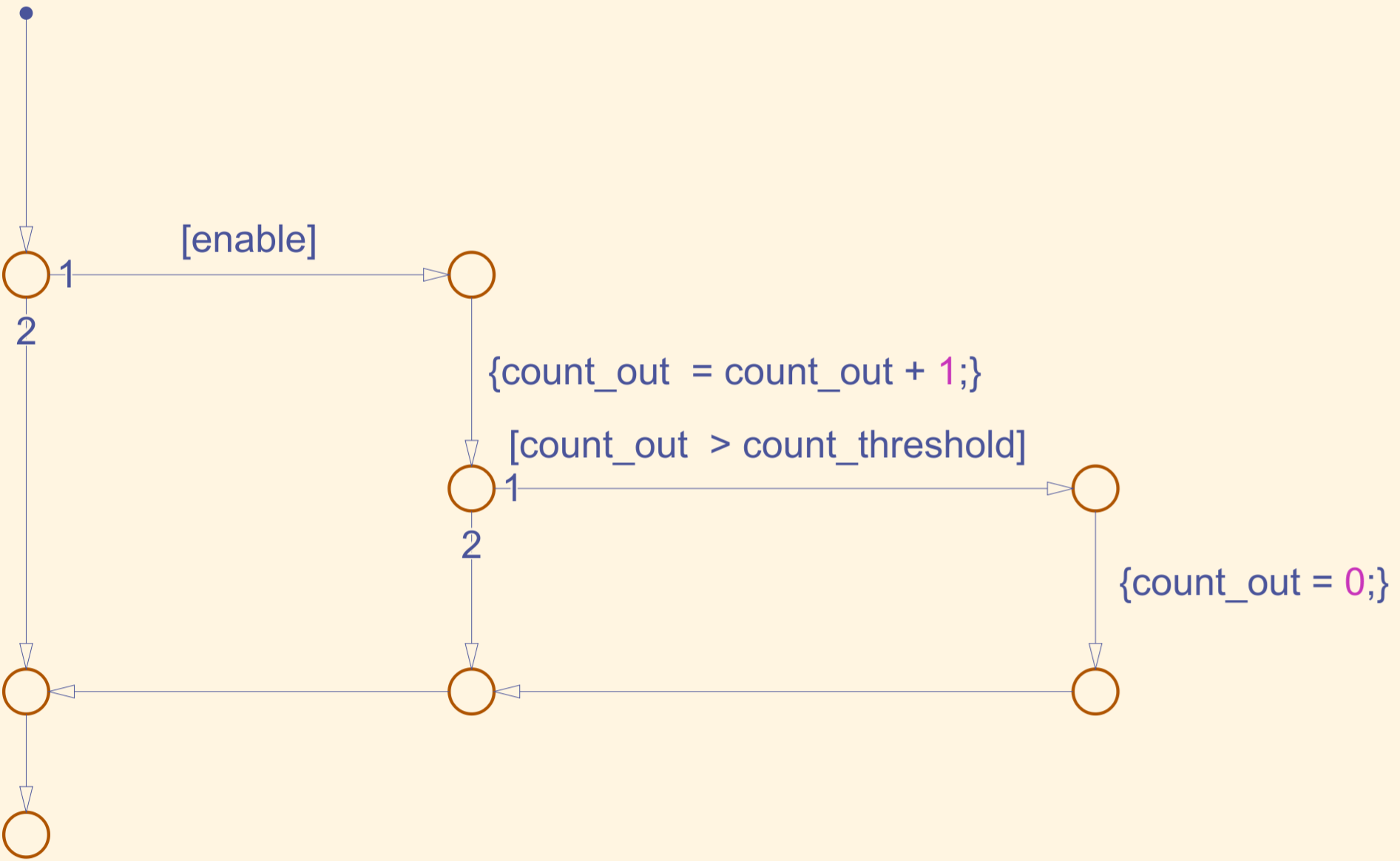
Generate HDL Code from Stateflow Charts
Model a counter in Stateflow, apply HDL‑compatible chart settings, and generate synthesizable HDL code.
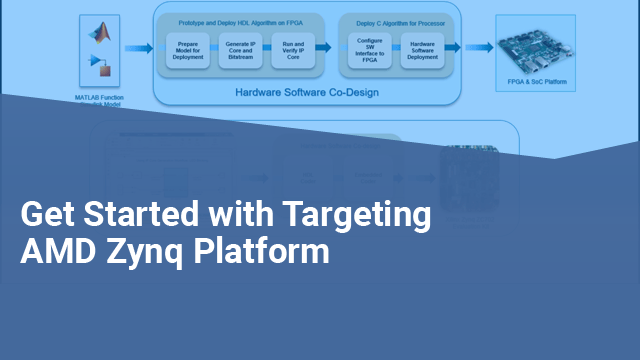
Get Started with IP Core Generation from Simulink Model
Use the hardware-software co-design workflow to blink LEDs at various frequencies on the Xilinx® Zynq® ZC702 evaluation kit.
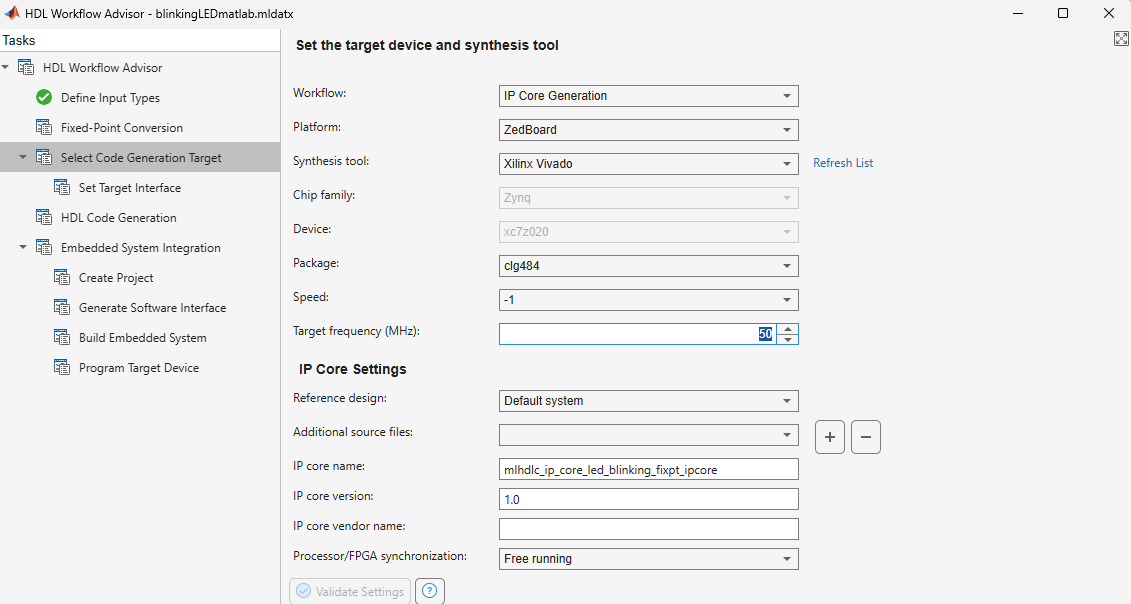
Get Started with IP Core Generation from MATLAB Function
Use the MATLAB® HDL Workflow Advisor to generate a customized IP core that blinks LEDs on an FPGA board. This example deploys the generated IP core on the ZedBoard hardware, but you can use any Xilinx® Zynq® platform or Xilinx FPGA with a MicroBlaze processor.

Real-Time Simulation of Modular Multilevel Converter on FPGA
Model a modular multilevel converter with half-bridge power modules by using generic switching-function modeling approach, generate HDL code and deploy onto a target hardware.
Videos

HDL Coder Overview
Generate VHDL and Verilog code for FPGA and ASIC designs using HDL Coder

Using Simulink to Deploy a MATLAB Algorithm on an FPGA or ASIC
Learn how to take a MATLAB DSP algorithm through Simulink, Fixed-Point Designer™, and HDL Coder, and target an FPGA or ASIC

