이 번역 페이지는 최신 내용을 담고 있지 않습니다. 최신 내용을 영문으로 보려면 여기를 클릭하십시오.
성능
R2026aGPU Coder™에서 생성된 코드가 예상대로 작동하지 않는 가장 일반적인 이유 몇 가지는 다음과 같습니다.
CUDA® 커널이 생성되지 않습니다.
호스트에서 장치 메모리로의 전송 또는 장치에서 호스트 메모리로의 전송(
cudaMemcpy)이 성능 저하를 일으킵니다.병렬 처리가 충분하지 못하거나 장치 문제가 있습니다.
다음 항목에서는 이러한 증상의 일반적인 원인을 자세히 설명하고 내장 스크리너 함수를 활용하여 이러한 문제를 감지하는 방법을 설명합니다. 이러한 문제를 해결하고 보다 효율적인 CUDA 코드를 생성하는 방법에 대한 정보를 확인할 수 있습니다.
툴
| GPU 성능 분석기 | Analyze GPU profiling data and identify optimizations (R2023a 이후) |
함수
객체
도움말 항목
- Code Generation Reports
Create and view reports generated during code generation.
- Trace Between Generated CUDA Code and MATLAB Source Code
Highlight sections of MATLAB® code that runs on the GPU.
- Generating a GPU Code Metrics Report for Code Generated from MATLAB Code
Create and explore GPU static code metrics report.
- Analyzing Network Performance Using the Deep Learning Dashboard
Investigate the performance of deep learning networks and layers in generated code using the Deep Learning Dashboard.
- Kernel Analysis
Recommendations for generating efficient CUDA kernels.
- Memory Bottleneck Analysis
Reduce memory bottleneck issues when using GPU Coder.
- Register Count nvlink Error
Troubleshoot compilation failures due to a register count
nvlinkerror. - Improve Performance of GPU Code by Removing Loop Dependencies
Remove loop dependencies to generate GPU kernels for
for- loops. (R2026a 이후) - Identify Function Calls That Prevent Kernel Creation
Identify code that prevents GPU Coder from generating a CUDA kernel for a loop. (R2026a 이후)
- Prevent Kernel Launches Inside Loops
Parallelize loops that launch kernels to execute them on the GPU.
- Minimize Memory Copy Events in Generated Code Loops
Rewrite loops to minimize the number of data transfers between the CPU and GPU in generated CUDA code.
추천 예제
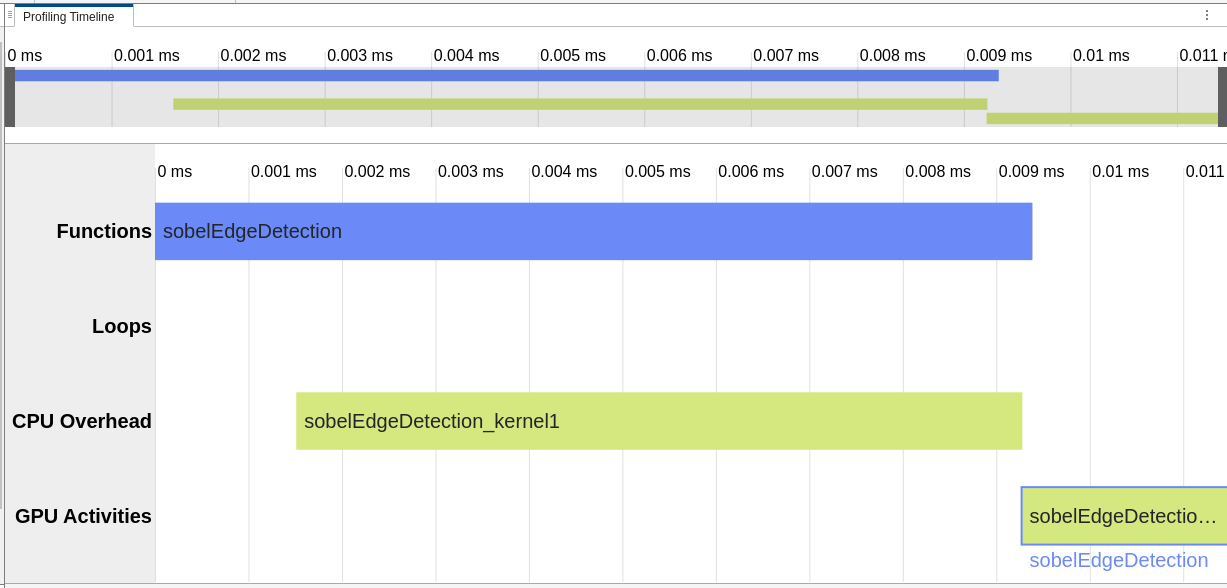
Pass GPU Inputs to Entry-Point Functions
Generate code that receives data from the GPU to avoid unnecessary memory copies.
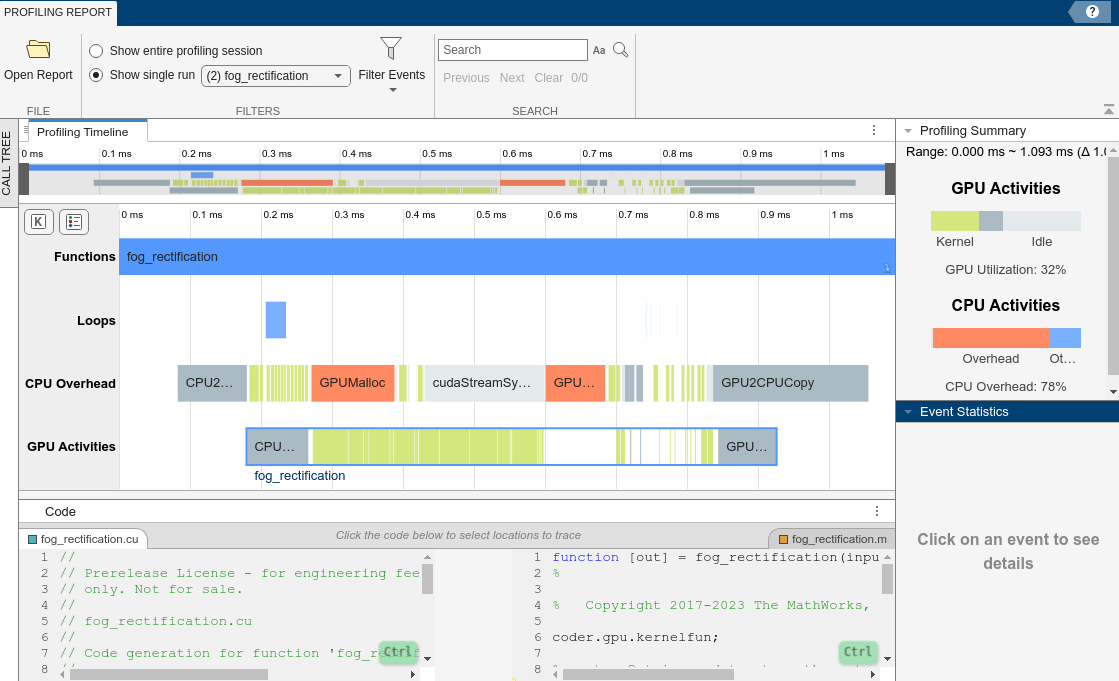
Profile Generated CUDA MEX Functions Using Performance Analyzer
Visualize code metrics and identify optimization and tuning opportunities in generated CUDA MEX.
Profile and Optimize Generated GPU Code
Profile and optimize generated GPU code using the GPU Performance Analyzer. You can use the GPU Performance Analyzer to generate code, profile the code, and detect performance bottlenecks. Use the performance diagnostics from the analyzer to modify the original MATLAB® function and improve performance of generated CUDA® code.
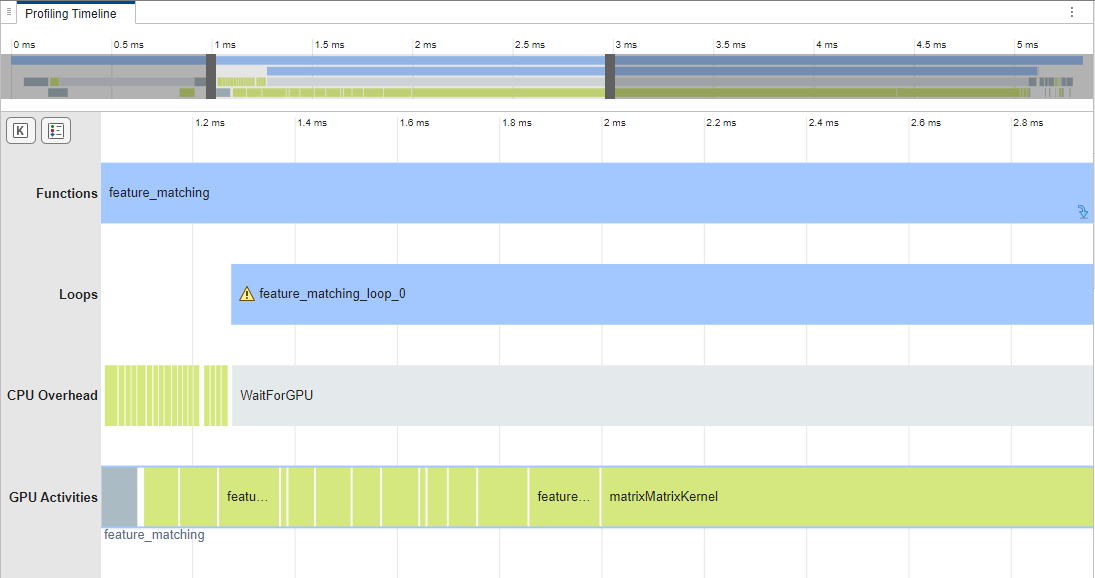
GPU Profiling on NVIDIA Jetson Platforms
Analyze and optimize the performance of the generated CUDA code on the Jetson™ platform.
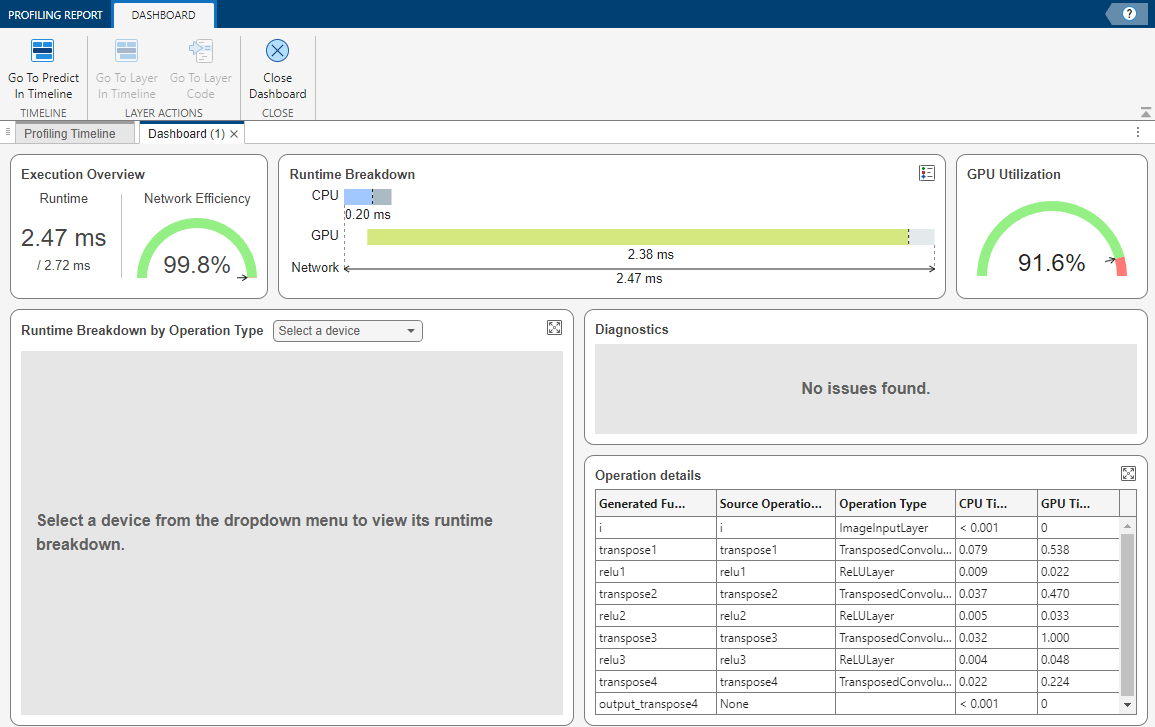
Analyze Performance of Code Generated for Deep Learning Networks
Analyze the performance of the generated CUDA code for deep learning networks.

