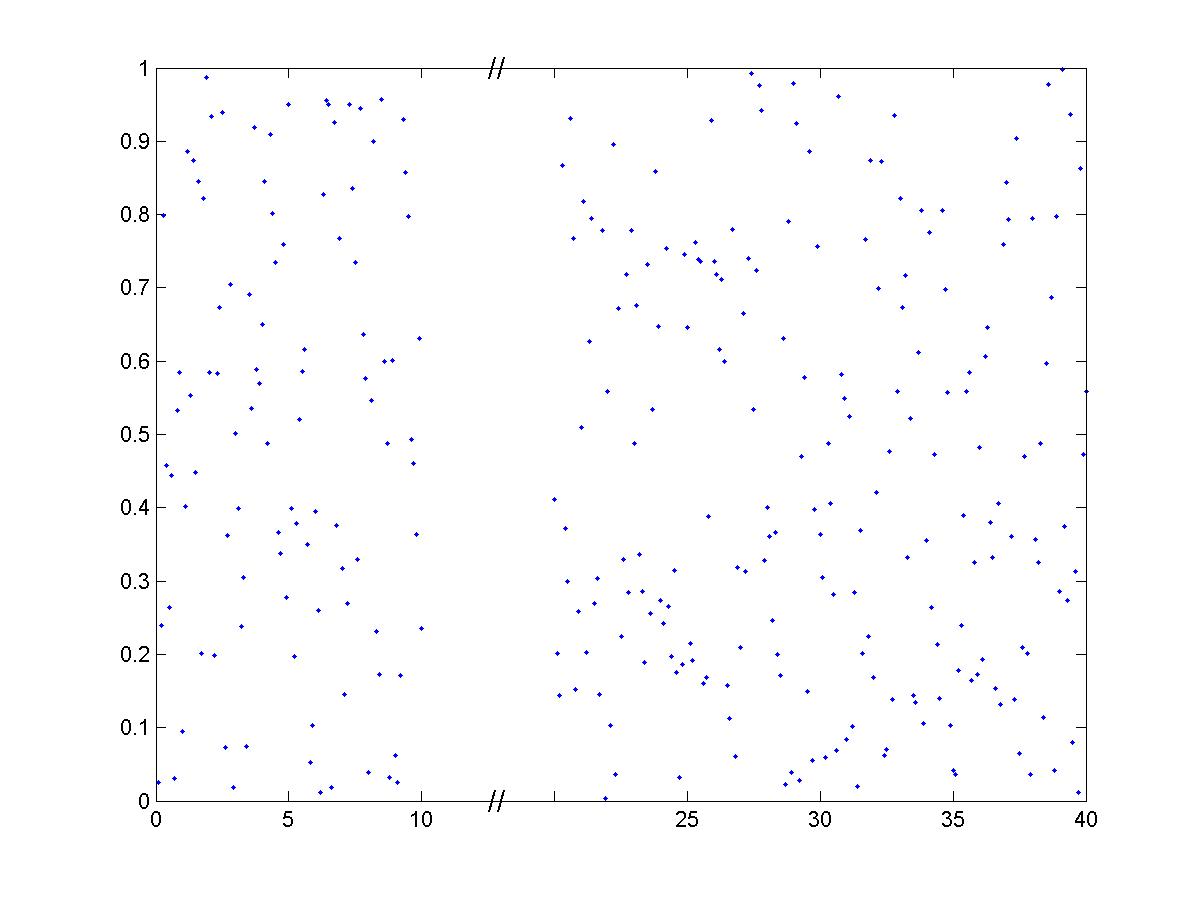

BreakXAxis

Inserts < // > into a 'broken' or discontinuous x-axis.

이 제출물을 팔로우합니다

h=BreakXAxis(x,y,start,stop,width) plots (x,y) and breaks the plot's x-axis between <start> and <stop>, by inserting a broken-axis symbol < // > into a space <width> wide. This type of plot is often used in scientific papers, when the data between <start> and <stop> isn't interesting. The code can be easily modified (swap y for x) to break the y-axis.

인용 양식

Julie Haas (2026). BreakXAxis (https://kr.mathworks.com/matlabcentral/fileexchange/3683-breakxaxis), MATLAB Central File Exchange. 검색 날짜: .

도움

도움 받은 파일: BreakAxis

도움 준 파일: Break X Axis

카테고리

Help CenterMATLAB Answers에서 Line Plots에 대해 자세히 알아보기

일반 정보

MATLAB 릴리스 호환 정보

  • 모든 릴리스와 호환

플랫폼 호환성

  • Windows
  • macOS
  • Linux
버전 퍼블리시됨 릴리스 정보 Action
1.0.0.0