이 제출물을 팔로우합니다
- 팔로우하는 게시물 피드에서 업데이트를 확인할 수 있습니다
- 정보 수신 기본 설정에 따라 이메일을 받을 수 있습니다
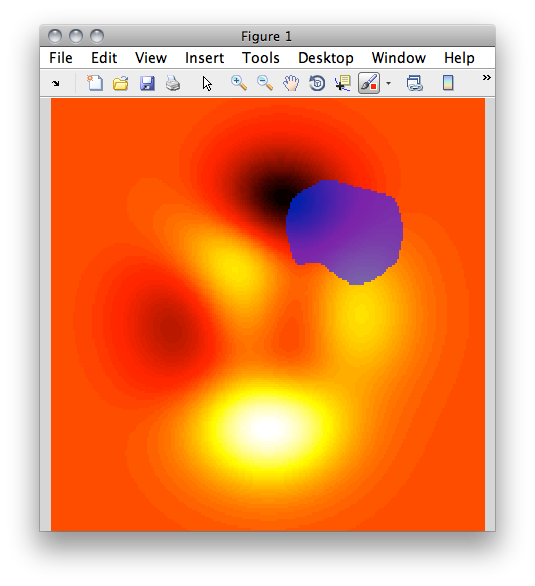
ALPHAMASK: Overlay image with semi-transparent mask
Overlays a semi-transparent mask over an image. By default the
currently displayed figure is overlain.
Options include overlay colour and opacity.
Returns a handle to the overlay mask.
Usage:
hOVM = alphaMask(bwMask, [colour, transparency, axHandle])
bwMask: logical matrix representing mask
colour: vector of three rgb values in range [0, 1] (optional; default [0 0 1])
transparency: scalar in range [0, 1] representing overlay opacity (optional; default 0.6)
axHandle: handle to axes on which to operate (optional; default current axes)
hOVM: handle to overlay image is returned
Example:
figure;
I = peaks(200);
bwMask = eye(200);
imshow(I, [], 'Colormap', hot);
alphamask(bwMask, [0 0 1], 0.5);
See also IMSHOW, CREATEMASK
인용 양식
Andrew Davis (2026). ALPHAMASK: semi-transparent image overlay (https://kr.mathworks.com/matlabcentral/fileexchange/34936-alphamask-semi-transparent-image-overlay), MATLAB Central File Exchange. 검색 날짜: .
도움
도움 받은 파일: Image overlay
| 버전 | 퍼블리시됨 | 릴리스 정보 | Action |
|---|---|---|---|
| 1.0.0.0 |
