Target NI USRP Radios
Deploy custom software-defined radio (SDR) algorithms on the FPGA of an NI USRP radio using a Simulink® and HDL Coder™ workflow. Run and verify your design using MATLAB® objects and functions.
Objects
usrp | Control NI USRP radio device (Since R2024a) |
fpga | Access DUT on the FPGA of an NI USRP radio device (Since R2024a) |
hdlcoder.DUTPort | DUT port object array that represents DUT ports on custom FPGA image (Since R2024a) |
Functions
Topics
- Supported Radio Devices
Determine which NI USRP radios you can target with Wireless Testbench™.
- System Requirements
Determine the host system requirements for targeting NI USRP radios.
- Installation for Targeting NI USRP Radios
Install and configure additional support packages and third-party tools.
- Target NI USRP Radios Workflow
Prototype and deploy SDR algorithms on the FPGA of an NI USRP radio.
- STEP 1: Verify Radio Connection
- STEP 2: Set Up Third-Party Tools
- STEP 3: Prepare Hardware Model for Deployment
- STEP 4: Generate HDL Code
- STEP 5: Generate Bitstream and Program FPGA
- STEP 6: Run and Verify Hardware Implementation
- Reduce Resource Utilization and Achieve Timing Closure
How to and leverage optimization and clocking features to reduce resources and achieve timing closure. (Since R2026a)
- Radar Target Emulation Applications Overview
Learn about the relationships between the family of radar target emulation examples. (Since R2026a)
Troubleshooting
Resolve Issues with Generating and Loading Bitstreams
Troubleshoot issues encountered when generating and loading bitstreams. (Since R2026a)
Featured Examples
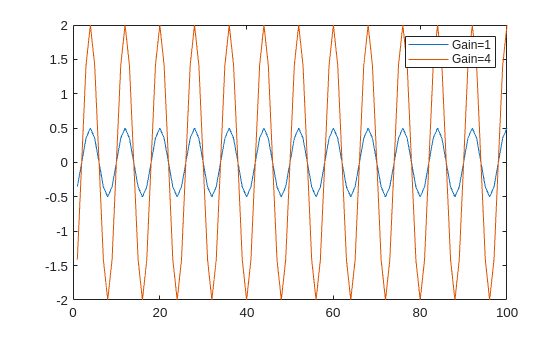
Getting Started with NI USRP Targeting
Deploy a hardware implementation of a numeric gain algorithm on the FPGA of an NI USRP radio.
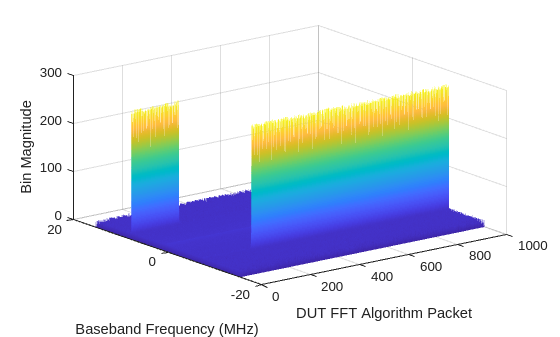
Introduction to Streaming Interfaces on NI USRP Radio
Deploy a hardware implementation of a multi-port packet-based algorithm on the FPGA of an NI USRP radio.
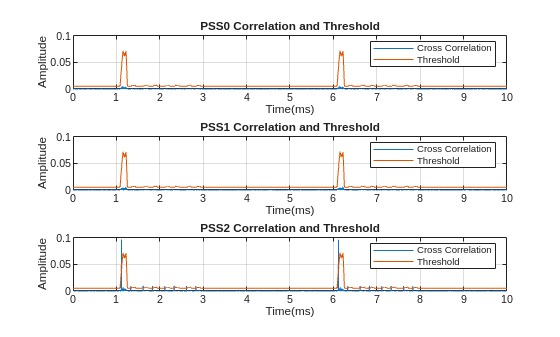
Introduction to 5G NR Signal Detection on NI USRP Radio
Deploy a hardware implementation of a 5G NR signal detection algorithm on the FPGA of an NI USRP radio.
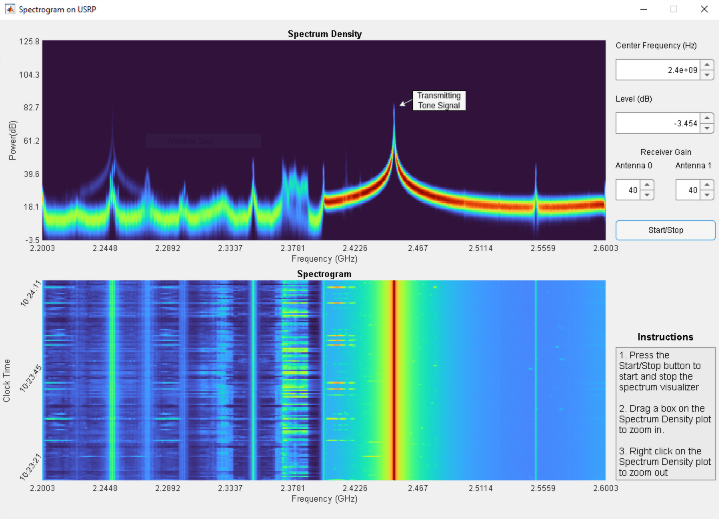
Spectrum Visualization on NI USRP Radio
Deploy a hardware implementation of a real-time, wideband spectrum visualization algorithm on the FPGA of an NI USRP radio.
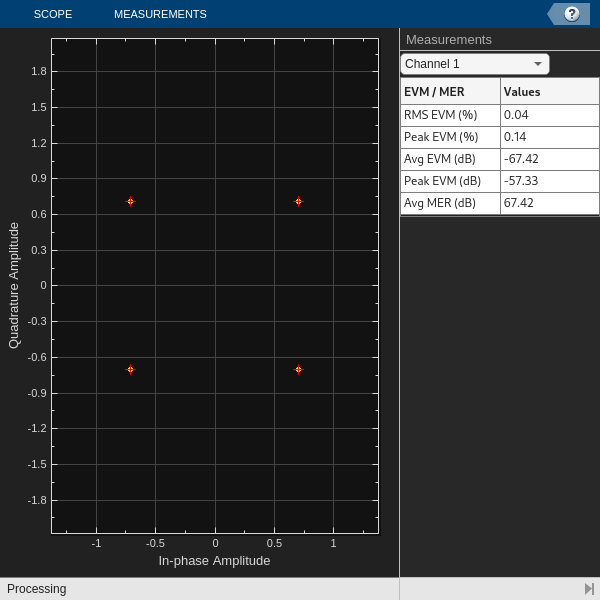
Introduction to Custom OFDM on NI USRP Radio
Deploy a hardware implementation of a custom OFDM transceiver on the FPGA of an NI USRP radio.
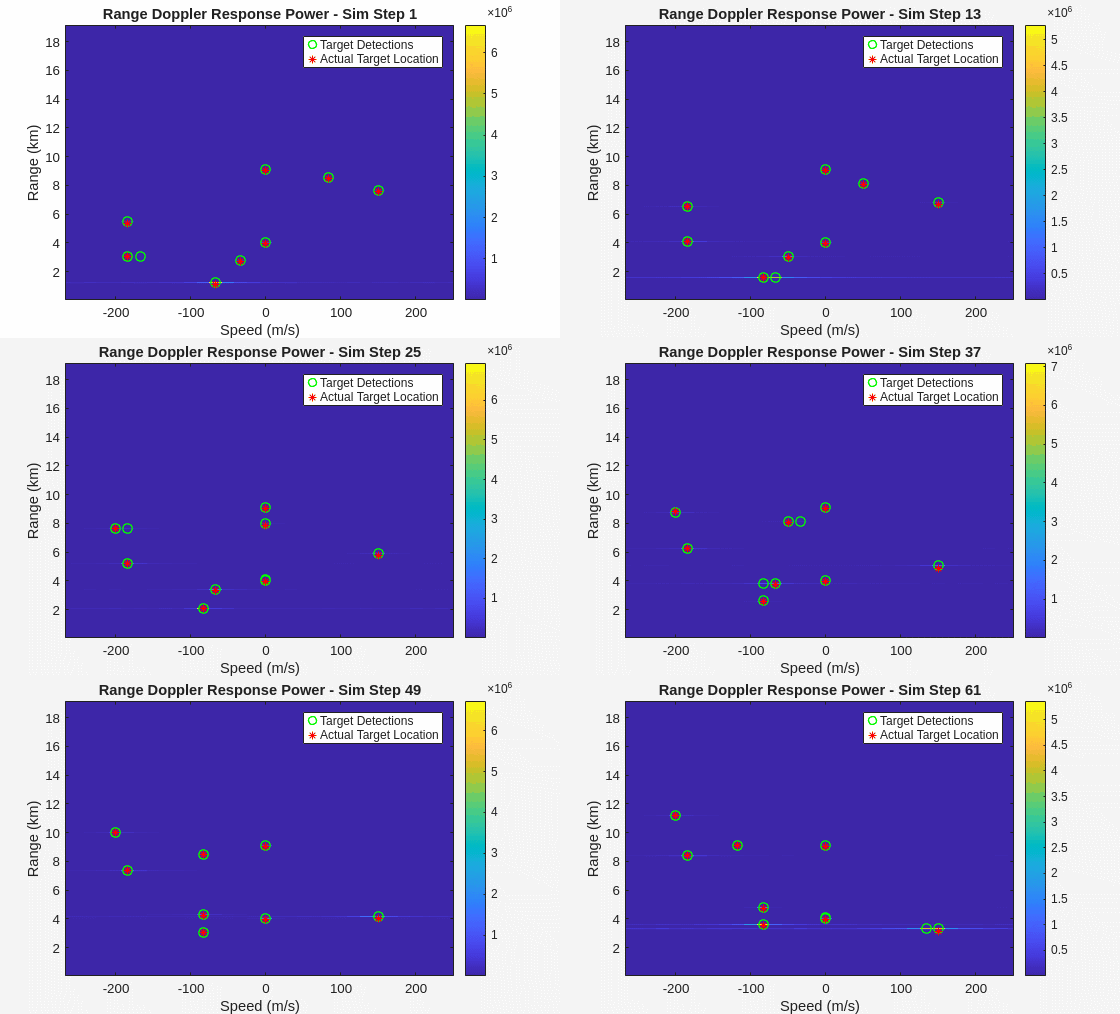
Radar Target Emulation on NI USRP Radio
Deploy a hardware implementation of a radar target emulation algorithm on the FPGA of an NI USRP radio.
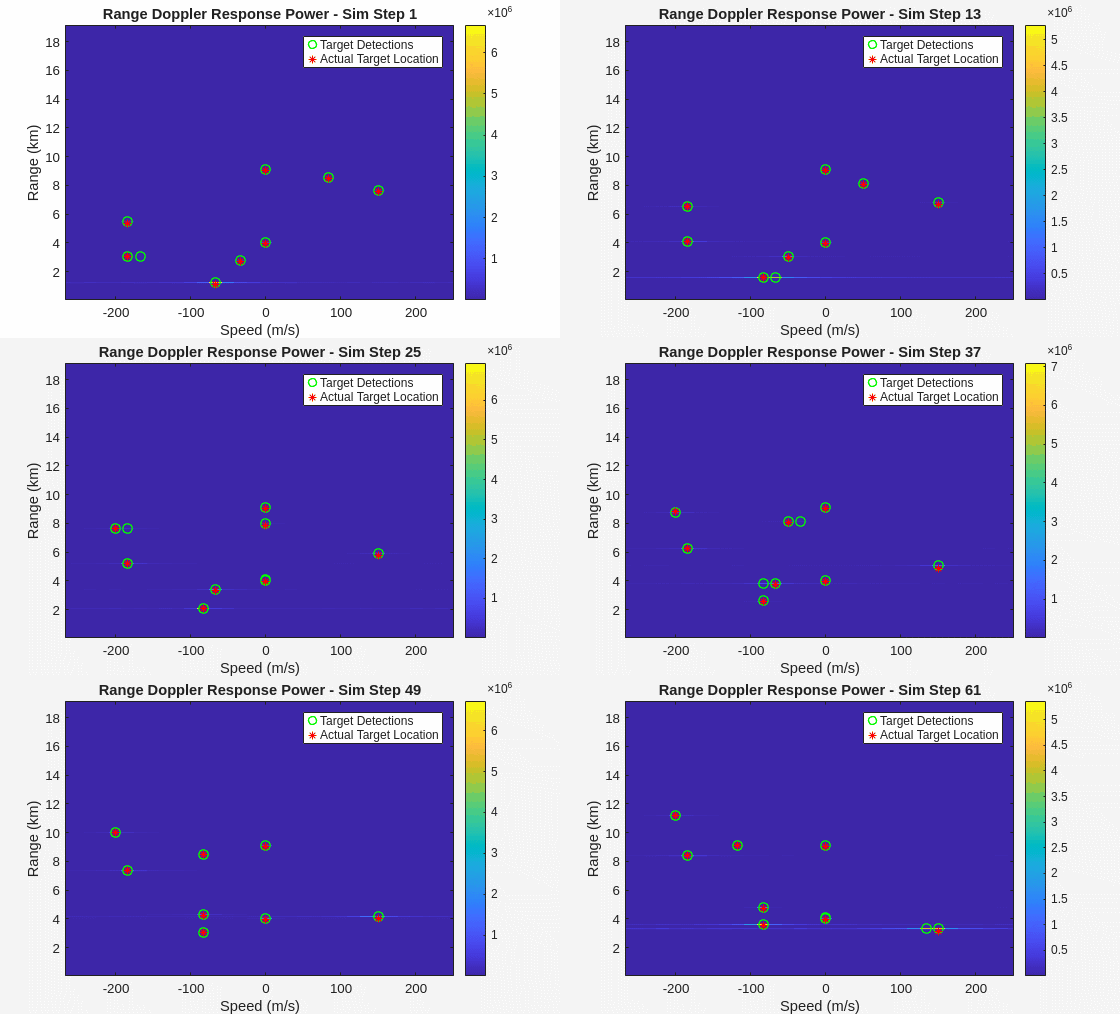
Pulse Radar Scenario Using Target Emulator on NI USRP Radio
Run a pulse radar scenario on an NI USRP radio with a target emulation algorithm deployed on the FPGA.
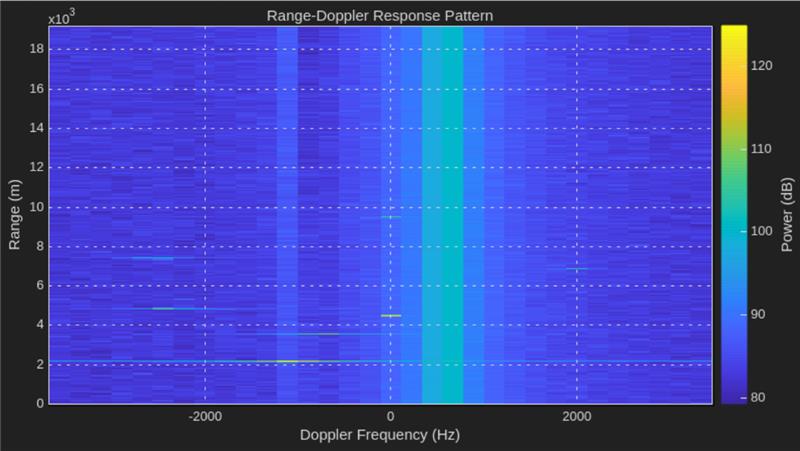
Real Time Target Emulation on NI USRP Radio
Run a deployed radar target emulation algorithm continuously on the FPGA of an NI USRP using a second radio as a pulse radar.
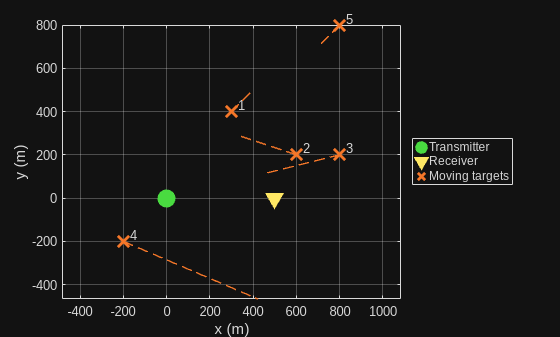
Integrated Sensing and Communication Using 6G Waveform on NI USRP Radio
Illustrate the integrated sensing and communication (ISAC) capabilities of a 6G waveform using a target emulation algorithm deployed on an NI USRP radio.

