Data Specification Basics
R2026bControl the behavior of a Stateflow® chart and communicate with other charts, Simulink® blocks, and the MATLAB® workspace by using data. Through the Symbols pane, add new data and eliminate undefined or unused data. In the Property Inspector, control data properties such as scope, type, and size.
Topics
- Implement Stateflow Data
Use data types to exchange information between Stateflow charts and Simulink models.
- Add Stateflow Data
Define the data that a chart stores internally in its own workspace.
- Set Data Properties Basics
Specify data properties by using the Property Inspector.
- Share Data with Simulink and the MATLAB Workspace
Define data to share with Simulink models and the MATLAB base workspace.
- Share Parameters with Simulink and the MATLAB Workspace
Define parameters to share constant data with Simulink models and the MATLAB base workspace.
Featured Examples
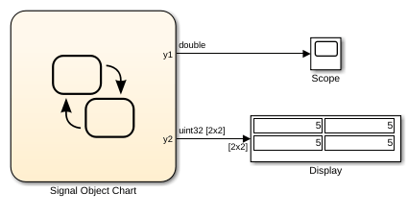
Resolve Data Properties from Simulink Signal Objects
Configure your chart data to inherit properties from Simulink signals.

