가속화
R2026b프로토타이핑 중에 코드 실행 속도를 높이기 위해 다음을 수행할 수 있습니다.
parfor함수를 사용하여 다중 코어 또는 워커를 활용합니다.GPU에서 코드를 실행합니다. 일반적으로
gpuArray(Parallel Computing Toolbox) 함수를 사용하여 GPU로 데이터를 전송한 다음gather(Parallel Computing Toolbox) 함수를 사용하여 GPU에서 출력 데이터를 가져옵니다. Communications Toolbox™ 기능 목록은 GPU 배열을 지원하는 함수 및 System object를 참조하십시오.클라우드 또는 여러 워커가 있는 클러스터에서 시뮬레이션을 실행합니다. 자세한 내용은 MathWorks Cloud Center (Parallel Computing Toolbox) 항목을 참조하십시오.
함수
backgroundPool | 백그라운드에서 코드를 실행하기 위한 환경 |
gather | 로컬 작업 공간으로 분산 배열, Composite 객체 또는 gpuArray 객체 전송 |
gpuArray | GPU에 저장된 배열 |
parfor | 병렬 for 루프 |
도움말 항목
- Background Data Generation
Generate simulation input data in the background while running your simulation loop on parameterized conditions rather than generating the data in advance and recalling the stored data and run time. (R2026a 이후)
- Simulation Acceleration Using Parallel Computing Toolbox
Ways to accelerate the simulation of communications algorithms in MATLAB.
- Accelerate Simulation Using GPUs
Speed up your communications system simulation using GPUs.
추천 예제
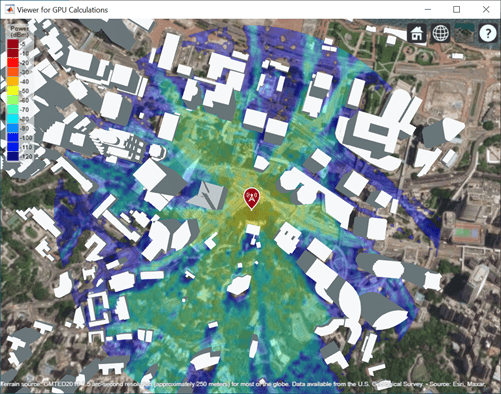
Accelerate Ray Tracing Analysis Using GPU
Perform accelerated ray tracing analysis using a GPU.
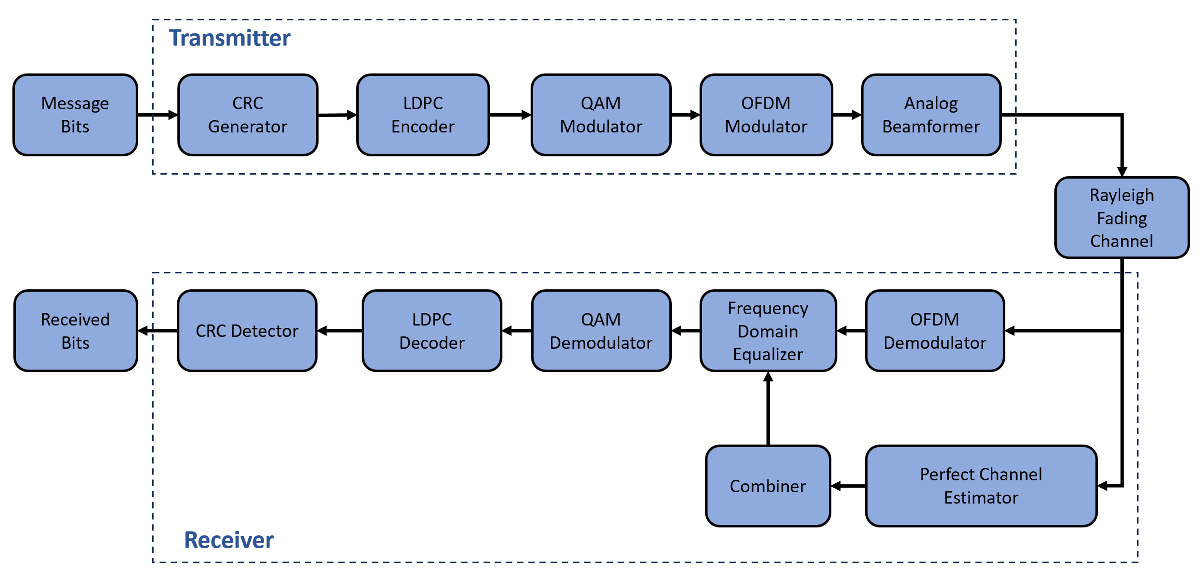
Accelerate MIMO-OFDM Link Simulation Using GPU
Accelerate a MIMO-OFDM link simulation with LDPC channel coding by using a GPU.
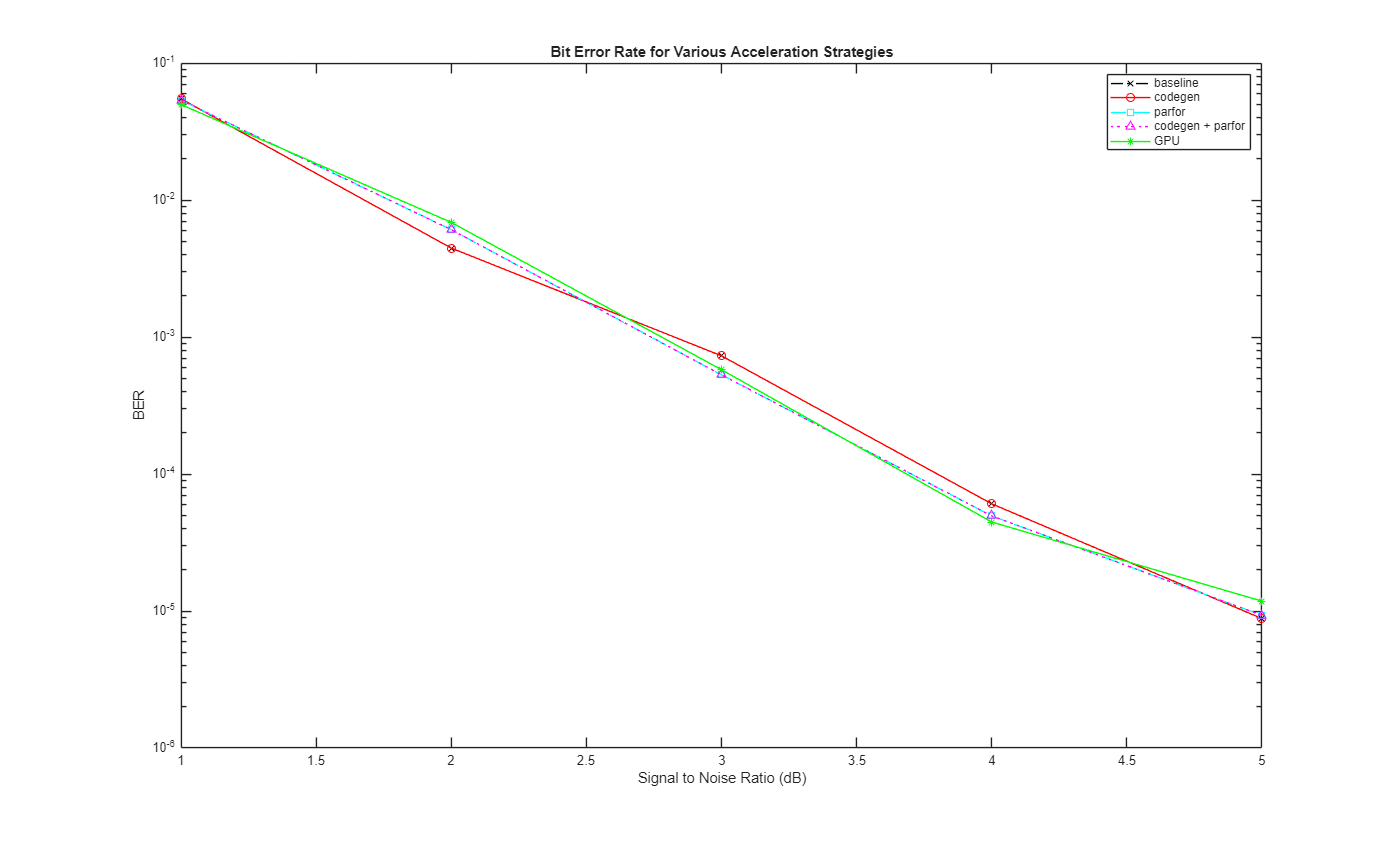
Accelerate SISO Single-Carrier Link Simulation Using GPU
Compare four techniques to accelerate SISO single-carrier link bit error rate (BER) simulations.
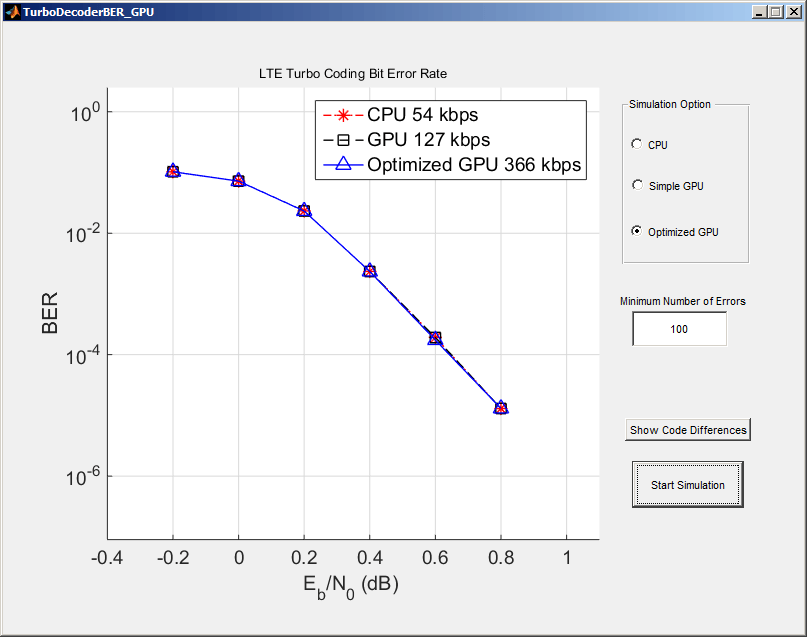
Using GPUs to Accelerate Turbo Coding Bit Error Rate Simulations
Use GPUs to dramatically accelerate bit error rate simulations.
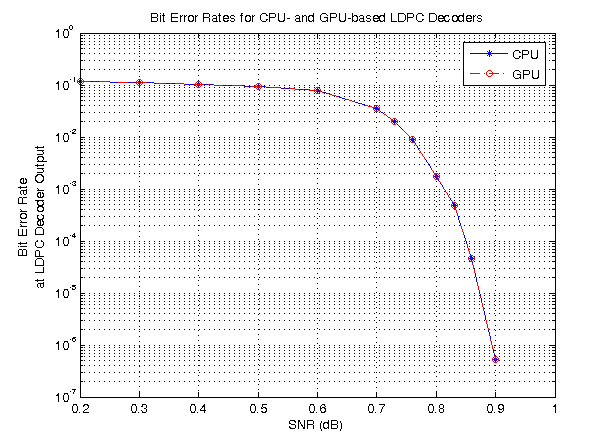
LDPC Link Simulation Using GPU Processing
Use the ldpcDecode function and gpuArray to increase the speed of a communications system simulation.
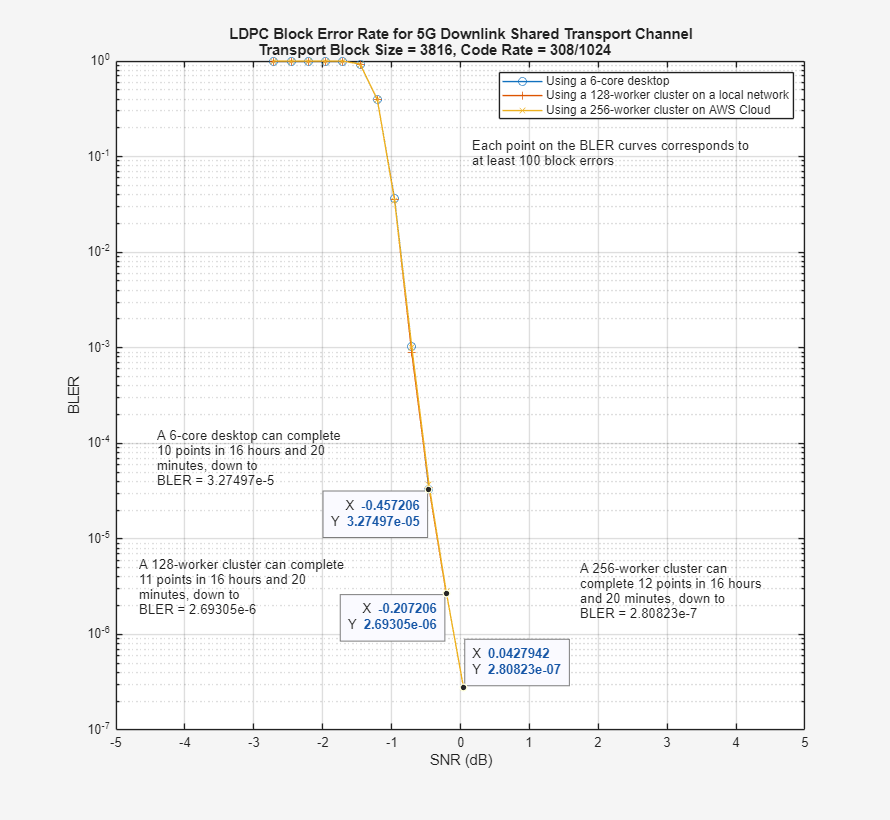
5G LDPC Block Error Rate Simulation Using the Cloud or a Cluster
Use the cloud or a cluster for block error rate (BLER) simulation of low-density parity-check (LDPC) coding for the 5G NR downlink shared transport channel (DL-SCH).

