
이 제출물을 팔로우합니다
- 팔로우하는 게시물 피드에서 업데이트를 확인할 수 있습니다
- 정보 수신 기본 설정에 따라 이메일을 받을 수 있습니다
편집자 메모: This file was selected as MATLAB Central Pick of the Week
INSERTROWS - Insert rows into a matrix at specific locations
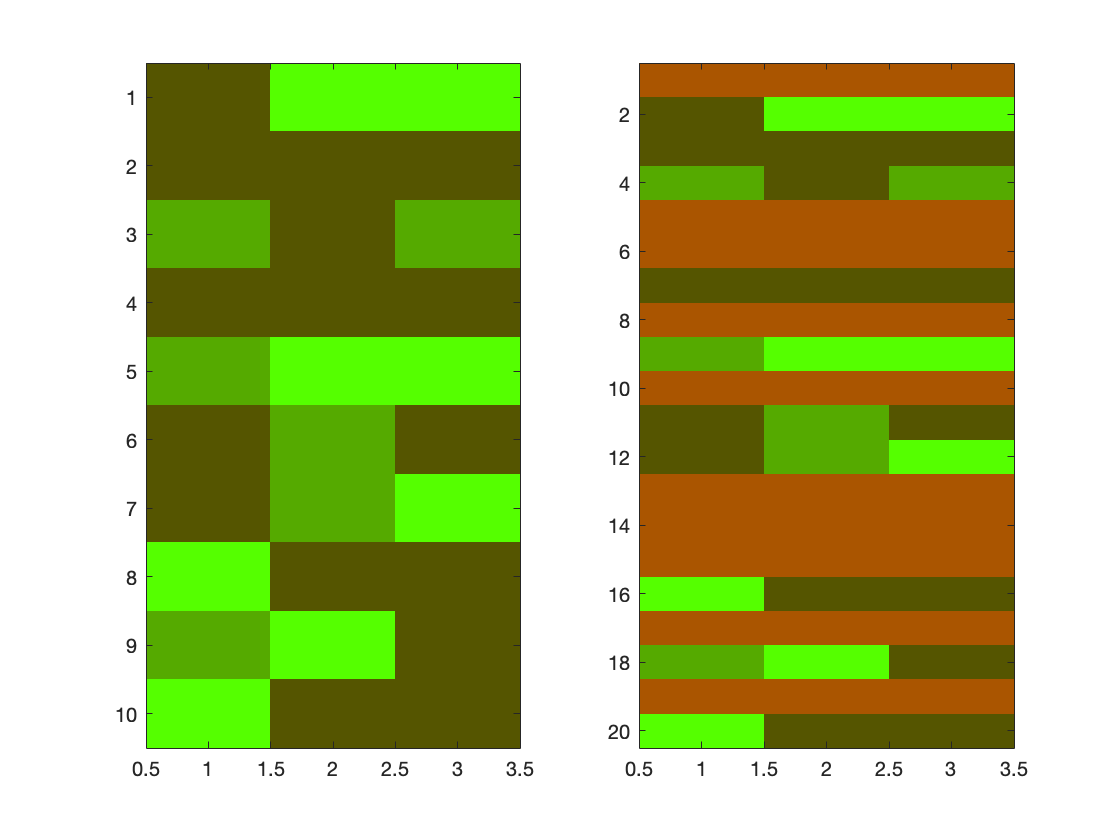
C = INSERTROWS(A,B,IND) inserts the rows of matrix B into the matrix A at the positions IND. Row k of matrix B will be inserted after position IND(k) in the matrix A. If A is a N-by-X matrix and B is a M-by-X matrix, C will be a (N+M)-by-X matrix. IND can contain non-integers.
If B is a 1-by-N matrix, B will be inserted for each insertion position specified by IND. If IND is a single value, the whole matrix B will be inserted at that position. If B is a single value, B is expanded to a row vector. In all other cases, the number of elements in IND should be equal to the number of rows in B, and the number of columns, planes etc should be the same for both matrices A and B.
Values of IND smaller than one will cause the corresponding rows to be inserted in front of A. C = INSERTROWS(A,B) will simply append B to A.
If any of the inputs are empty, C will return A. If A is sparse, C will be sparse as well.
[C, RA, RB] = INSERTROWS(...) will return the row indices RA and RB for which C corresponds to the rows of either A and B.
Examples:
% the size of A,B, and IND all match
C = insertrows(rand(5,2),zeros(2,2),[1.5 3])
% the row vector B is inserted twice
C = insertrows(ones(4,3),1:3,[1 Inf])
% matrix B is expanded to a row vector and inserted twice (as in 2)
C = insertrows(ones(5,3),999,[2 4])
% the whole matrix B is inserted once
C = insertrows(ones(5,3),zeros(2,3),2)
% additional output arguments
[c,ra,rb] = insertrows([1:4].',99,[0 3])
c.' % -> [99 1 2 3 99 4]
c(ra).' % -> [1 2 3 4]
c(rb).' % -> [99 99]
Using permute (or transpose) INSERTROWS can easily function to insert columns, planes, etc:
% inserting columns, by using the transpose operator:
A = zeros(2,3) ; B = ones(2,4) ;
c = insertrows(A.', B.',[0 2 3 3]).' % insert columns
% inserting other dimensions, by using permute:
A = ones(4,3,3) ; B = zeros(4,3,1) ;
% set the dimension on which to operate in front
C = insertrows(permute(A,[3 1 2]), permute(B,[3 1 2]),1) ;
C = ipermute(C,[3 1 2])
See also horzcat, reshape, cat
(version 2.0, may 2008)
인용 양식
Jos (10584) (2026). insertrows (https://kr.mathworks.com/matlabcentral/fileexchange/9984-insertrows), MATLAB Central File Exchange. 검색 날짜: .
