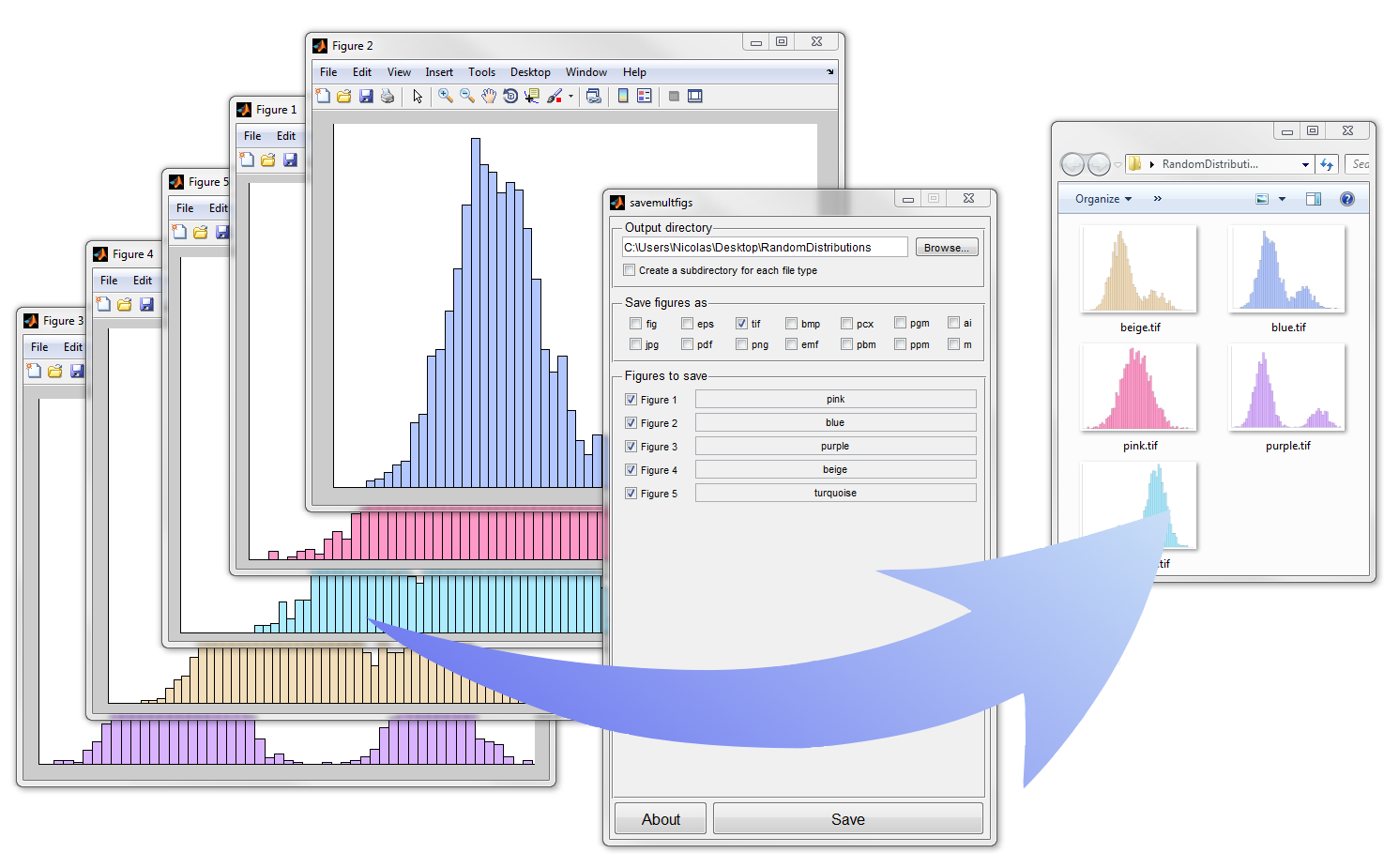
Save Multiple Figures in a click
Save multiple figures with a GUI in several formats. No need to save all figures one-by-one anymore!

이 제출물을 팔로우합니다
- 팔로우하는 게시물 피드에서 업데이트를 확인할 수 있습니다
- 정보 수신 기본 설정에 따라 이메일을 받을 수 있습니다
인용 양식
Nicolas Beuchat (2026). Save Multiple Figures in a click (https://kr.mathworks.com/matlabcentral/fileexchange/35082-save-multiple-figures-in-a-click), MATLAB Central File Exchange. 검색 날짜: .
도움
도움 준 파일: yliu-xjtu/savemultifigs
| 버전 | 퍼블리시됨 | 릴리스 정보 | Action |
|---|---|---|---|
| 1.10.0 | Default filename is now the name of the figure (if specified). Credits go to Tassos for this update. |
||
| 1.7.0 | Correction of the same bug that make the app to save all the figures as the last figure. |
||
| 1.6.0 | Correction of another bug introduced in the 2/24/12 version (all files were saved as the last figure). |
||
| 1.5.0 | Correction of a little bug that came out with the last version (24 Feb 2012) which displayed an error message after successful saving. |
||
| 1.4.0 | Check for figures having the same filename and rename them before saving. |
||
| 1.3.0 | Correction of the display of the number of files saved. |
||
| 1.0.0 |

