MATLAB® based Python® Requirements manager
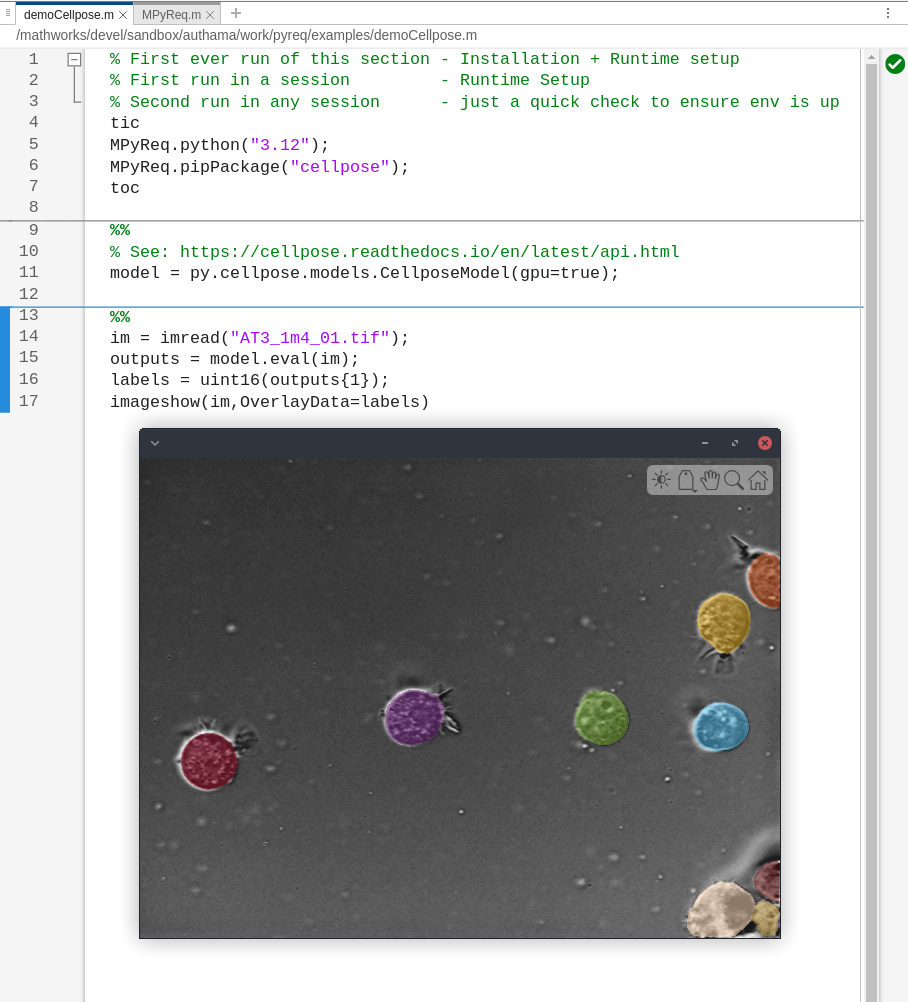
MPyReq is a MATLAB-based Python requirements manager that simplifies installing and configuring Python environments for MATLAB projects.

이 제출물을 팔로우합니다
- 팔로우하는 게시물 피드에서 업데이트를 확인할 수 있습니다
- 정보 수신 기본 설정에 따라 이메일을 받을 수 있습니다
인용 양식
Ashish Uthama (2026). MATLAB® based Python® Requirements manager (https://kr.mathworks.com/matlabcentral/fileexchange/182230-matlab-based-python-requirements-manager), MATLAB Central File Exchange. 검색 날짜: .
| 버전 | 퍼블리시됨 | 릴리스 정보 | Action |
|---|---|---|---|
| 1.0.28 | Update cellpose dependencies |
||
| 1.0.27 | Add maci support |
||
| 1.0.26 | Add BiRefNet |
||
| 1.0.25 | Added UI to ask for install folder |
||
| 1.0.24 | Clarified need for absolute path |
||
| 1.0.23 | Add SAM3 |
||
| 1.0.22 | Add autoAcceptDownloadPrompts |
||
| 1.0.21 | Ensure Python used is always from downloaded folder |
||
| 1.0.20 | Add reset to demo |
||
| 1.0.19 | Add addToPythonPath(folder) API |
||
| 1.0.18 | Removed path troubleshooting section (fixed in code) |
||
| 1.0.17 | Auto addpath |
||
| 1.0.16 | Add GPU support for starDist |
||
| 1.0.15 | Description updates |
||
| 1.0.14 | win64 bug fix |
||
| 1.0.13 | Add startdist example |
||
| 1.0.12 | Note on MO |
||
| 1.0.11 | Note on example platform tested |
||
| 1.0.10 | Troubleshooting section |
||
| 1.0.9 | Fix default verbose to false |
||
| 1.0.8 | Push verbose flag all the way down |
||
| 1.0.7 | Updated description with an example |
||
| 1.0.6 | Help update |
||
| 1.0.5 | Fix links |
||
| 1.0.4 | Typo in error |
||
| 1.0.3 | Update setup instructions |
||
| 1.0.2 | re-include examples |
||
| 1.0.1 | Dont default installation path since it can fill up with large data. Always explicitly ask user. |
||
| 1.0.0 |

