Saving Figure using saveas() function

이전 댓글 표시
Is there any way by which I can save the current figure?.
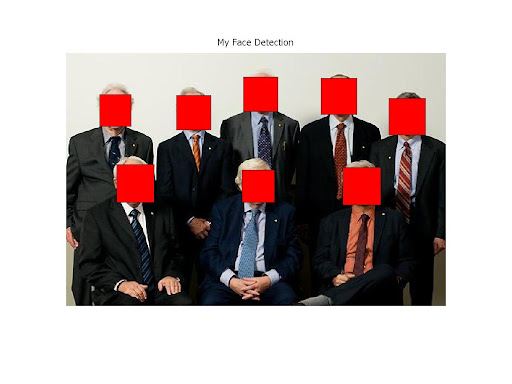
When I use saveas() function eg)saveas(gcf,'pred_prey.jpg') the current image in the figure gets saved but with a white background with my image centered in it.
I need only the image no need of the white background. How can I do that?
https://picasaweb.google.com/lh/photo/xxof9xl2tRBx0GttFdESBJOzMXS1UfqXPDW9N1lFu0w?feat=directlink
댓글 수: 1

Jan
2011년 2월 18일
The link shows a picture, but it does not clear the difference of what you get and waht you want.
채택된 답변

Oliver Woodford
2011년 2월 18일
The function export_fig (available on the File Exchange) will automatically crop the image for you. It will not change the background colour, nor will it resize the figure. It will save to jpeg with low compression/high quality by default.
Download it then try:
export_fig(gcf, 'pred_prey.jpg');
추가 답변 (2개)
Jan
2011년 2월 18일
You can use GETFRAME and IMWRITE instead:
AxesH = gca; % Not the GCF
F = getframe(AxesH);
imwrite(F.cdata, 'pred_prey.jpg');

Doug Hull
2011년 2월 18일
0 개 추천
If you have the image as a matrix that you used in IMSHOW, then IMWRITE directly on the matrix should work.
카테고리
도움말 센터 및 File Exchange에서 Printing and Saving에 대해 자세히 알아보기
Community Treasure Hunt
Find the treasures in MATLAB Central and discover how the community can help you!
Start Hunting!
Translated by 

