mdlxSetup
R2026bSyntax
Description
mdlxSetup( sets up the Modelithics® library specified in libpath)libpath.
libpath is persistent across MATLAB® sessions.
Note
This function requires a Modelithics SELECT+ Library™ or a Modelithics Exemplar Library license. For more information, see Modelithics Libraries for MATLAB and Modelithics Support.
Examples
Set up Modelithics SELECT+ Library™.
mdlxSetup('C:\mdlx_library\SELECT')
Create a new Modelithics library object related to the library you set up.
mdlx = mdlxLibrary;
Search the library for a component that you can mount on the Rogers4350B4mil substrate with the vendor name AVX.
search(mdlx,'Rogers4350B4mil',Vendor='AVX')
This command displays the search results of the components based on your search criteria.

Select the Substrate tab to view the the component properties such as substrate, thickness, and many more.
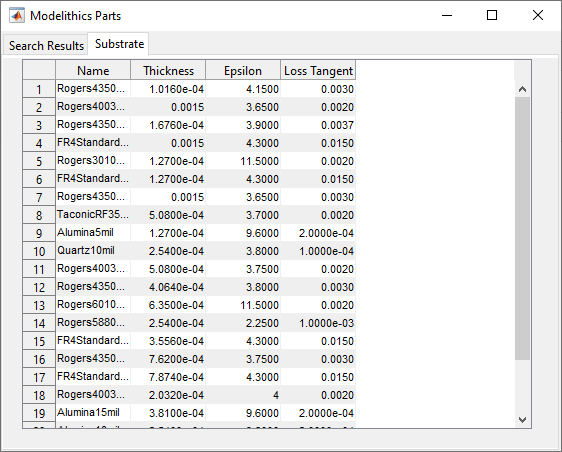
The AVX 600S capacitor on a 4 mil Roger 4350B substrate fits the search criteria. Create a Modelithics component object that matches these characteristics.
pobj = mdlxPart(mdlx,'600S','Capacitors','AVX','Rogers4350B4mil',Value=1.2e-12);
Create a circuit named C_AVX_600S_Rogers4350B4mil.
hckt = circuit('C_AVX_600S_Rogers4350B4mil')
Add the Modelithics component to the circuit.
add(hckt,[1 2],pobj);
Set the ports of the circuit.
setports(hckt, [1 0],[2 0]);
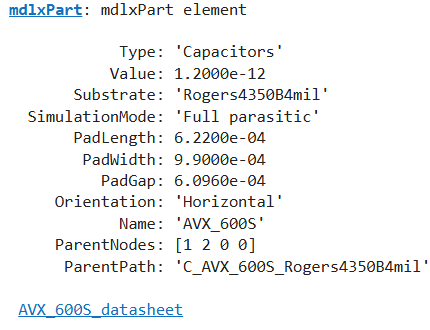
Display the Modelithics component to ensure it is connected to the circuit.
disp(pobj)
Calculate the S-parameters of the circuit.
S = sparameters(hckt,linspace(0,20e9,101));
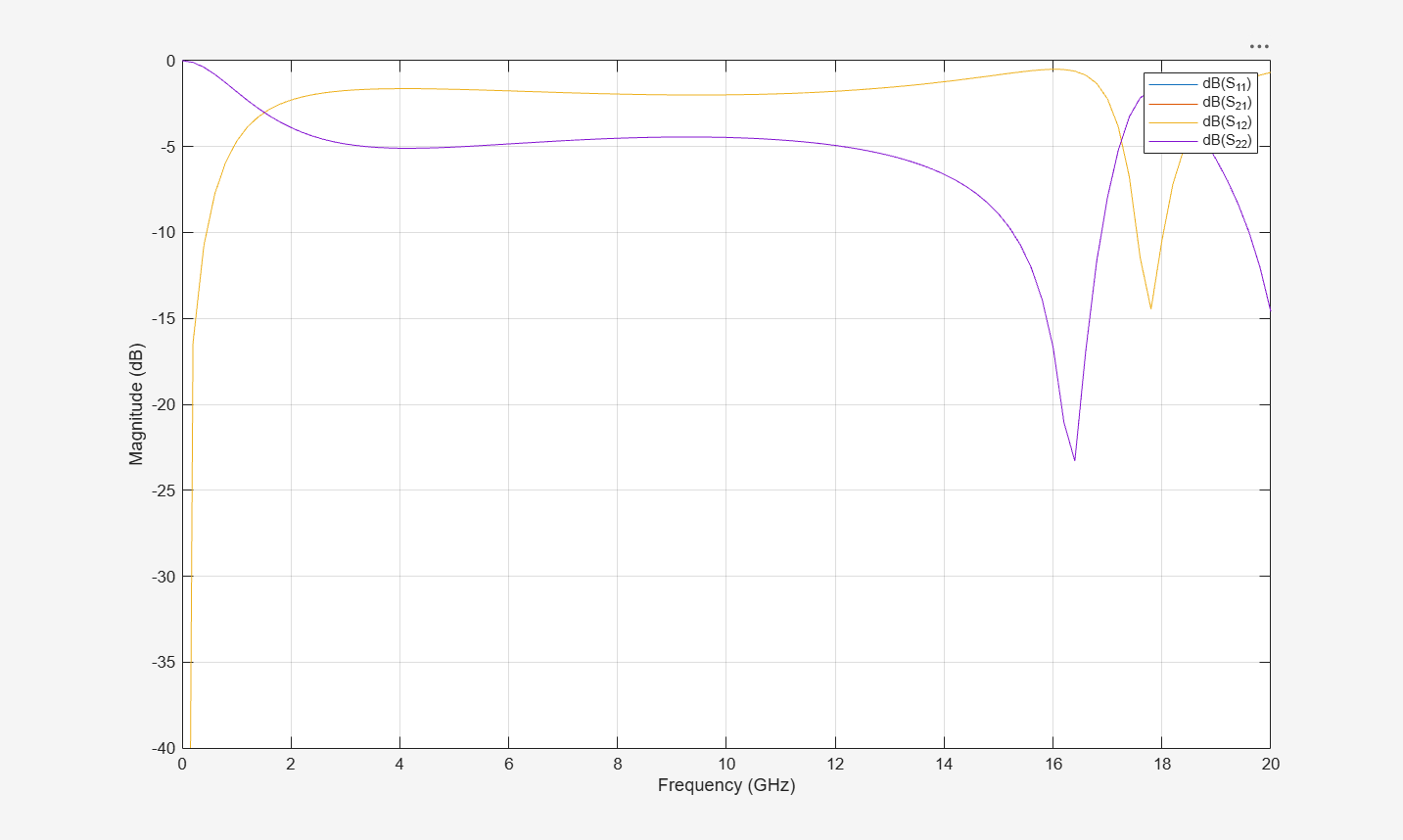
Plot the S-parameters characteristics.
figure;
rfplot(S)
ylim([-40 0])