시각화
R2026b세 가지 유형의 워크플로인 통합 femodel 워크플로, 도메인별 워크플로, 일반 PDE 워크플로에서 반환된 결과를 플로팅하고 분석합니다. 플로팅과 애니메이션의 경우 [Visualize PDE Results] 라이브 편집기 작업의 대화형 방식 컨트롤을 사용하거나, PDE 플로팅 함수 또는 MATLAB® 플로팅 함수를 사용할 수 있습니다.
함수
라이브 편집기 작업
| [Visualize PDE Results] | Create and explore visualizations of PDE results in the Live Editor (R2022b 이후) |
속성
| PDEVisualization Properties | PDE visualization of mesh and nodal results |
도움말 항목
- Dimensions of Solutions, Gradients, and Fluxes
Learn about the dimensions of stationary, time-dependent, and eigenvalue results at mesh nodes and arbitrary locations.
추천 예제
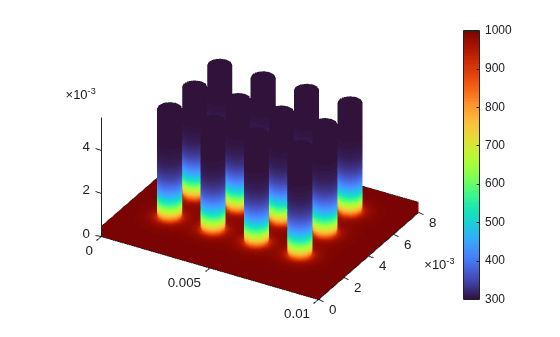
Static and Animated Plots with Visualize PDE Results Live Editor Task
Plot and animate PDE solutions using the Visualize PDE Results Live Editor task, generate code, and export animations.
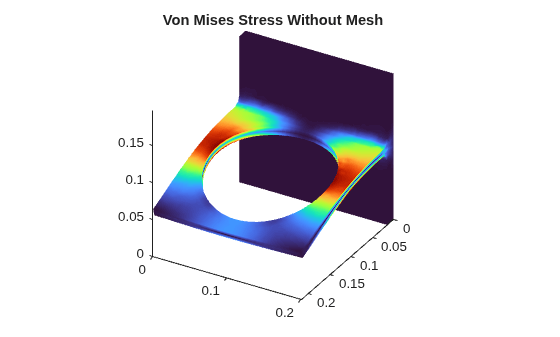
Solution Plots with pdeviz
Create and plot a PDE visualization object whose properties control the appearance of the plot.
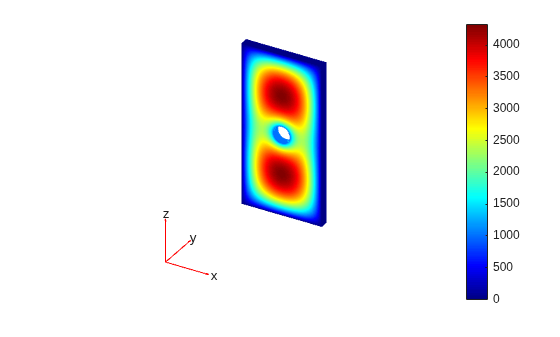
Solution and Gradient Plots with pdeplot and pdeplot3D
Plot 2-D and 3-D PDE solutions and their gradients using
pdeplot and pdeplot3D.
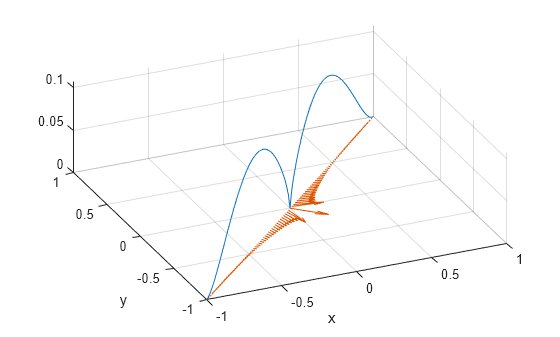
MATLAB 함수를 사용한 2차원 해 및 기울기 플롯
surf, mesh, quiver 및 기타 MATLAB 함수를 사용하여 2차원 PDE 해와 그 기울기를 플로팅합니다.
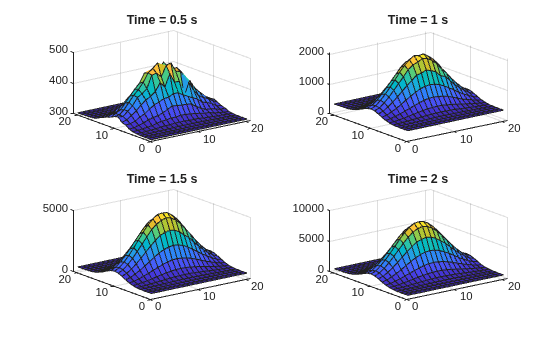
2-D Slices Through 3-D Geometry with MATLAB Functions
Obtain plots from 2-D slices through a 3-D geometry.
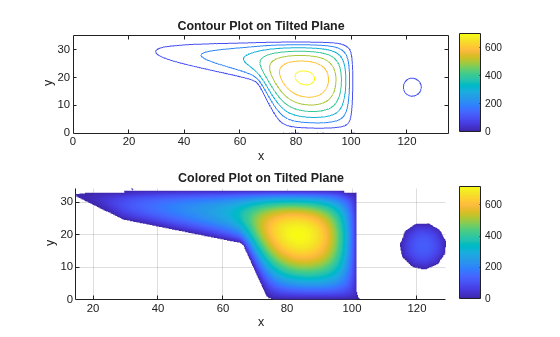
Contour Slices Through 3-D Solution with MATLAB Functions
Create contour slices in various directions through a solution in 3-D geometry.
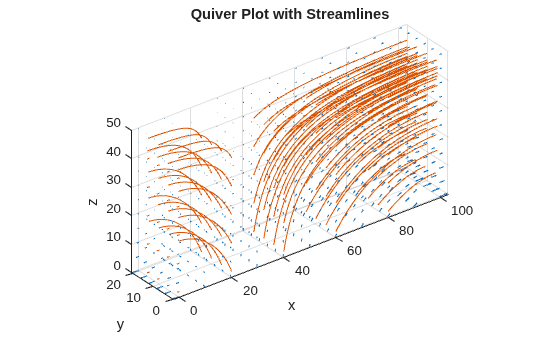
Plots of Gradients and Streamlines with MATLAB Functions
Calculate the approximate temperature gradient, and how to use the gradient in a quiver plot or streamline plot.

