이 번역 페이지는 최신 내용을 담고 있지 않습니다. 최신 내용을 영문으로 보려면 여기를 클릭하십시오.
실험 관리하기
R2026aMATLAB® 코드를 실행하는 계산 실험 설계
실험 관리자 앱을 통해 특정 범위의 파라미터 값을 사용하여 MATLAB 코드를 실행하는 계산 실험을 만들고, 실험 아티팩트를 자동으로 관리하고, 결과를 비교할 수 있습니다. 시작하려면 Explore Parameters Using Simple Computational Experiment 항목을 참조하십시오.
이 페이지에는 실험 관리자 사용에 관한 일반적인 정보가 나와 있습니다. AI 워크플로에 기반한 실험에 대한 자세한 내용은 실험 관리자 (Deep Learning Toolbox)를 참조하십시오.
앱
| 실험 관리자 | Explore parameters in your MATLAB code and compare experiment results (R2023b 이후) |
도움말 항목
실험 구성하기
- Explore Parameters Using Simple Computational Experiment
Interactively explore parameters in your MATLAB code and organize the results by using the Experiment Manager app. (R2023b 이후) - Visualize Experiment Results with Plots
Generate plots to visualize your experiment trial results by including plotting code in the experiment function. (R2023b 이후) - Configure Experiment to Solve Ordinary Differential Equations Using Template
Set up an experiment to solve ordinary differential equations using a provided experiment template. (R2024b 이후) - Debug General-Purpose Experiments
Diagnose problems in your experiment function. - Keyboard Shortcuts for Experiment Manager
Navigate Experiment Manager using only your keyboard.
실험 실행 시간 단축하기
- Optimize Experiment Performance Using Initialization Function
Improve the performance of your experiment trials by moving setup code into an initialization function. (R2023b 이후) - Run Experiments in Parallel
Run multiple simultaneous trials or one trial at a time on multiple workers. - Offload Experiments as Batch Jobs to a Cluster
Run experiments on a cluster so you can continue working or close MATLAB.
관련 정보
추천 예제
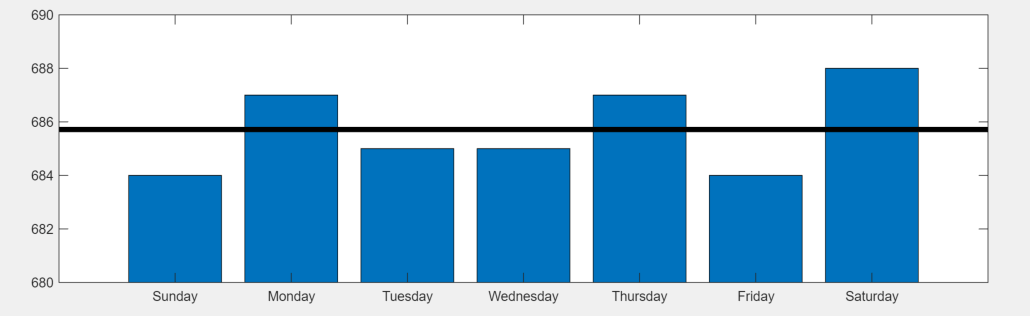
Convert MATLAB Code into Experiment
Convert your existing MATLAB code into an experiment that you can run using the Experiment Manager app.
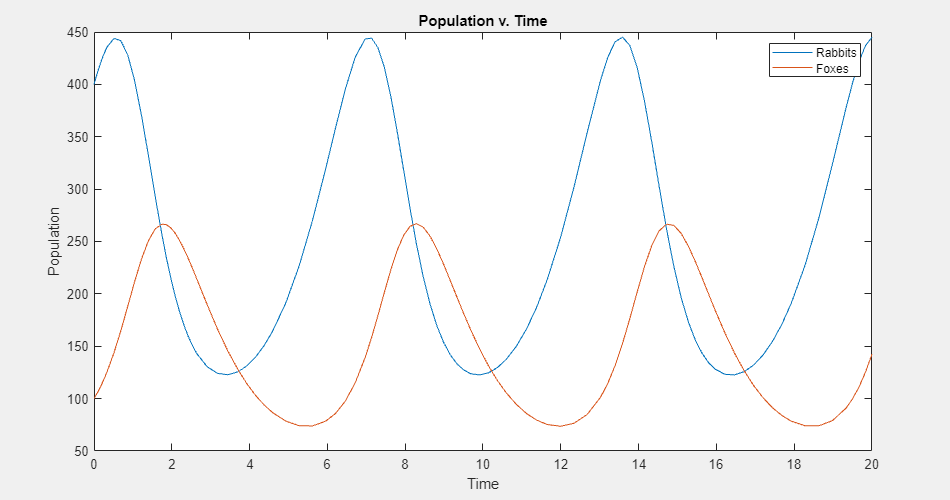
Experiment with Predator-Prey Equations
Explore different coefficients and initial values for a system of differential equations.
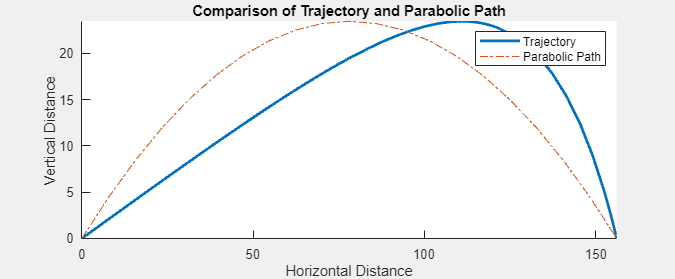
Compare Air Resistance Models for Projectile Motion
Calculate projectile trajectories assuming different models for air resistance.

