센서
R2026b여러 센서에 연결하여 데이터를 읽습니다.
MATLAB® 및 MATLAB Online™에서 Arduino 탐색기의 Pin Explorer 창과 Pin Configuration 창을 사용하여 센서와의 인터페이스를 구성하고 센서 데이터를 시각화합니다.
설치된 MATLAB 버전에서 지원되는 하드웨어의 전체 목록을 보려면 Supported Hardware 항목을 참조하십시오. MATLAB Online에서 지원되는 보드, 워크플로, 플랫폼에 관한 자세한 내용은 Get Started with MATLAB Online for Arduino 항목을 참조하십시오.
Pin Configuration 패널에서 모드를 설정하고, 필요한 경우 핀을 고유하게 식별하는 레이블을 지정합니다. 앱의 플롯 패널을 사용하여 Arduino 보드에서 읽어온 데이터를 대화형 방식으로 볼 수도 있습니다. 자세한 내용은 Use Arduino Explorer App 항목을 참조하십시오.
함수
도움말 항목
- Read and Plot Real-Time Data from BNO055 Sensor in NDOF Mode
This example shows you how to read and plot calibrated data from a Bosch Sensortec BNO055 a 9-axis absolute orientation sensor in real time.
- Calibrate BNO055 Sensors
Steps to calibrate the BNO055 sensors.
- Limitations
Limitations when using sensors and GPS receiver.
- Calculate Pitch and Roll on Arduino Using IMU Sensor (Simulink)
This example shows how to read the acceleration and angular velocity data from IMU sensor mounted on Arduino® hardware and calculate the pitch and roll angles.
- Measure LSM9DS1 Sensor Outputs Using Nano 33 BLE Sense
Read data from a LSM9DS1 sensor using Bluetooth®.
- Use Arduino Explorer App
Learn how to use the Arduino Explorer app to configure GPIO pins and communication protocol interfaces and visualize data.
문제 해결
Troubleshoot sensors.
관련 정보
추천 예제
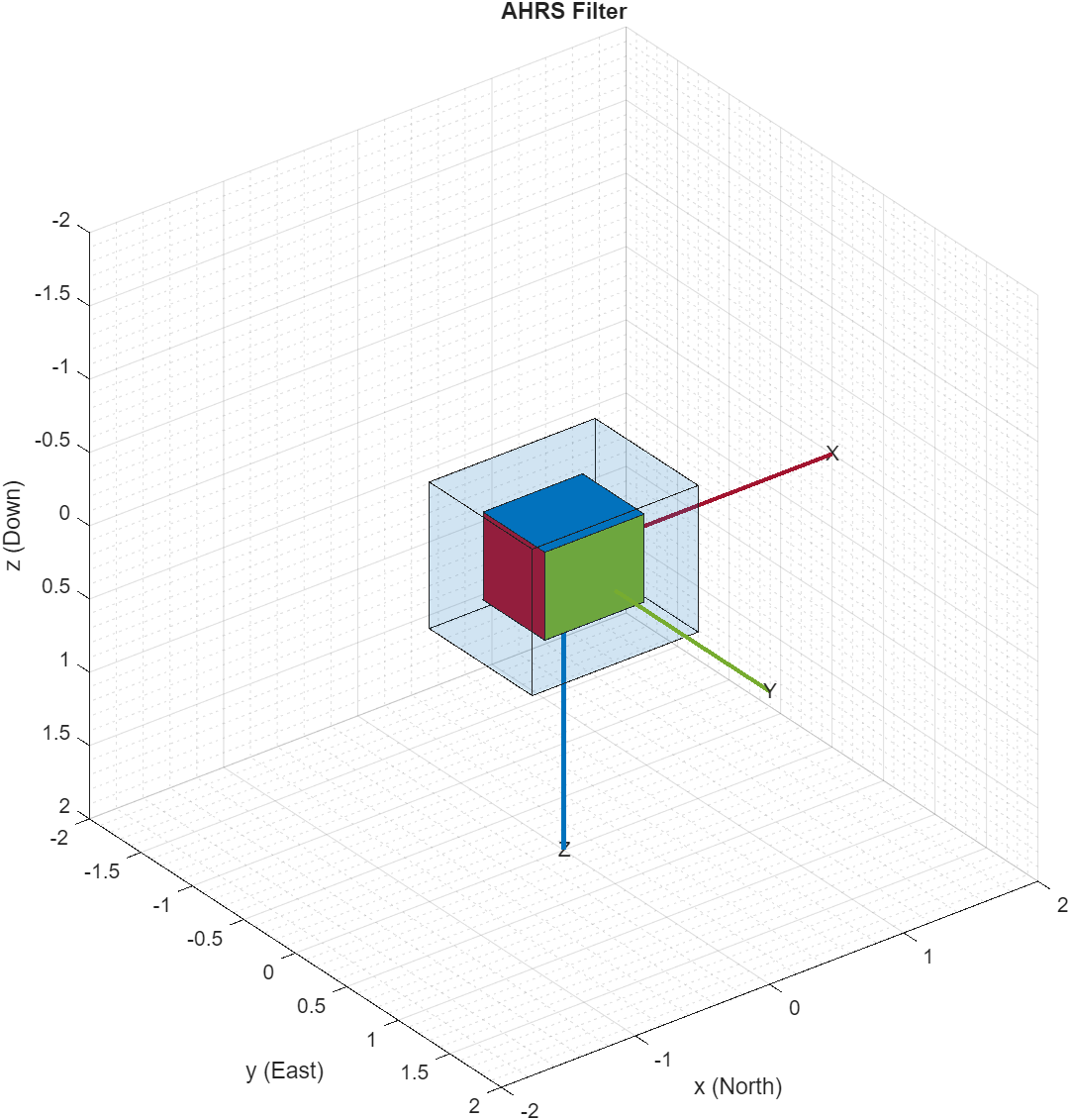
Estimating Orientation Using Inertial Sensor Fusion and MPU-9250
Get data from an InvenSense MPU-9250 IMU sensor, and to use the 6-axis and 9-axis fusion algorithms in the sensor data to compute orientation of the device.
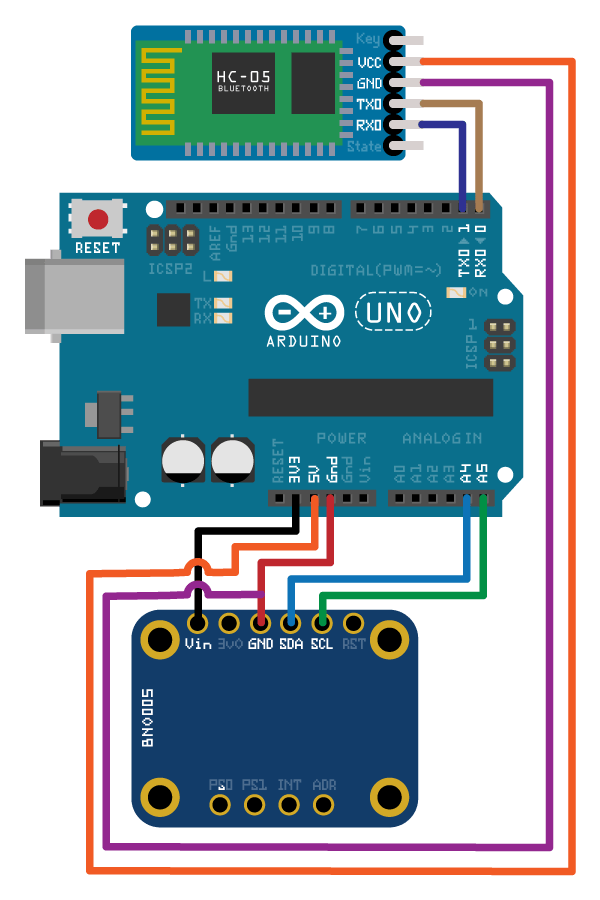
Wireless Data Streaming Using BNO055 and Bluetooth and Estimating Orientation Using Sensor Fusion
Get data from a Bosch BNO055 IMU sensor through HC-05 Bluetooth® module and to use the 9-axis AHRS fusion algorithm on the sensor data to compute orientation of the device. The example creates a figure which gets updated as you move the device.
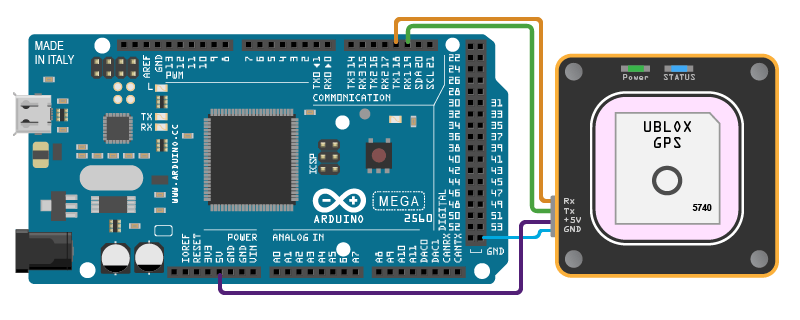
Plot Position Using GPS Connected to Arduino Hardware
Get the geographic location using the GPS module connected on Arduino hardware and plot the location in a map.

