이 번역 페이지는 최신 내용을 담고 있지 않습니다. 최신 내용을 영문으로 보려면 여기를 클릭하십시오.
3차원 볼륨 영상 표시하기
R2026a볼륨 영상을 3차원 렌더링 또는 2차원 단면으로 표시하고, 렌더링을 조정하여 볼륨 내부 특징을 더 명확하게 표현
3차원 볼륨 영상의 경우 볼륨을 3차원 공간에 렌더링하여 표시할 수 있습니다. 볼륨 내부 특징을 더 명확하게 표현하기 위해 장면 내에서 카메라 위치를 이동하거나, 데이터의 투명도를 조정하거나, 렌더링 스타일을 변경할 수 있습니다. 볼륨의 2차원 단면을 표시하여 내부 특징을 드러낼 수도 있습니다. 자세한 내용은 Choose Approach to Display 2-D and 3-D Images 항목을 참조하십시오.
볼륨 뷰어 앱을 사용하여 볼륨 강도 데이터와 볼륨 레이블 데이터를 표시하고 탐색할 수 있습니다. 볼륨 뷰어에는 볼륨 데이터를 대화형 방식으로 검토하는 데 사용할 수 있는 툴이 포함되어 있습니다.
앱
| 볼륨 뷰어 | 볼륨 데이터 및 레이블이 지정된 볼륨 데이터 표시 |
함수
속성
| Viewer Properties | Viewer for 2-D and 3-D image display (R2022b 이후) |
| Volume Properties | Display volume in 3-D viewer (R2022b 이후) |
| BlockedVolume Properties | Display blocked volume in 3-D viewer (R2023a 이후) |
도움말 항목
볼륨 데이터를 대화형 방식으로 탐색하기
- Explore 3-D Volumetric Data with Volume Viewer
View perpendicular cross-sections of 3-D volumetric data and adjust the rendering to reveal structures within the volume. - Explore 3-D Labeled Volumetric Data with Volume Viewer
View 3-D labeled volumetric data, and adjust the visualization such as the opacity and colormap, using the Volume Viewer app.
볼륨을 표시하고 렌더링 조정하기
- Display Volume Using Cinematic Rendering
View volumes with photorealistic lighting and shadows using cinematic rendering. - Display Large 3-D Images Using Blocked Volume Visualization
This example shows how to display large 3-D image volumes using ablockedImageobject and thevolshowfunction. - Remove Objects from Volume Display Using 3-D Scissors
This example shows how to interactively remove unwanted regions in a 3-D display, such as a patient bed in a CT scan, by using 3-D scissors. - Display Interior Labels by Clipping Volume Planes
Interactively clip a quadrant of a volumetric image to expose a surface within the volume.
볼륨의 2차원 단면 표시하기
- 비등방성 복셀 간격을 갖는 3차원 영상 볼륨에서 단층 탐색하기
공간 차원마다 복셀 간격이 서로 다른 3차원 영상 볼륨의 단층을 표시합니다.
추천 예제

Display Translucent Volume with Advanced Light Scattering
Display translucent volumes using realistic light scattering.
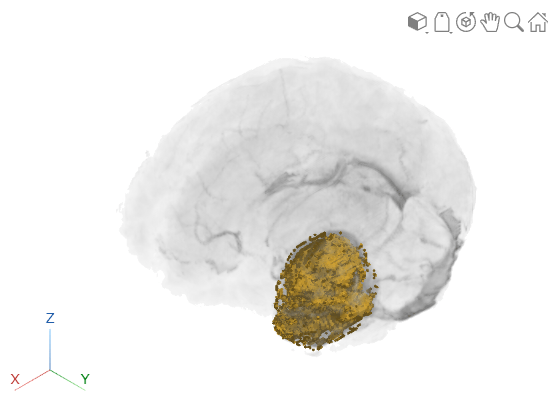
Display Interior Labels by Adjusting Volume Overlay Properties
Adjust the transparency of labeled volumetric data and the rendering style to reveal labels on the interior of the volume.
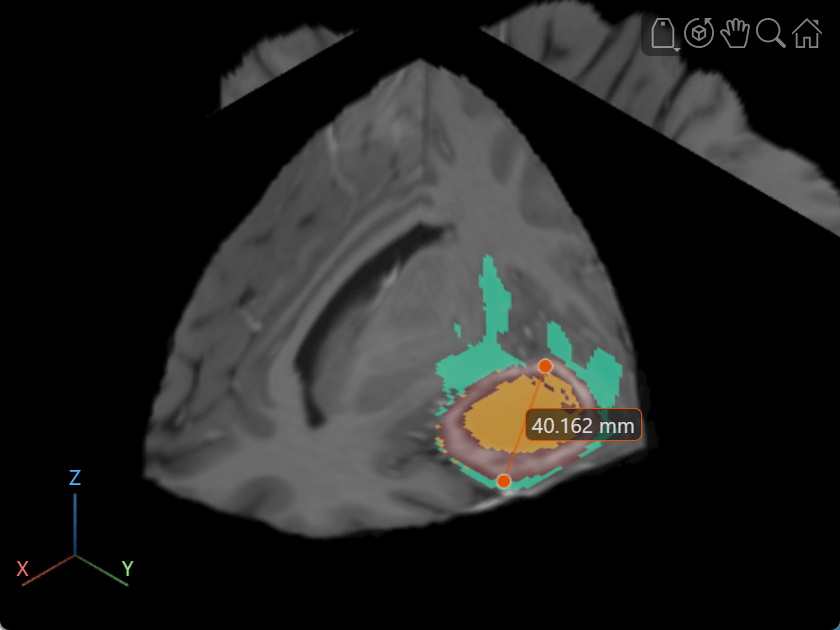
Label Volume Display Using Point and Line Annotations
Add and edit point and line annotations in a Viewer object displaying a 3-D Brain MRI scan.

