이 페이지는 기계 번역을 사용하여 번역되었습니다. 영어 원문을 보려면 여기를 클릭하십시오.
MDF 파일
R2026b이 툴박스는 MDF 파일에 대한 읽기 및 쓰기 액세스를 제공합니다. MDF 파일을 정렬하고 완성할 수 있으며, 첨부 파일을 추가, 저장 또는 제거할 수 있습니다.
mdfDatastore를 사용하여 큰 MDF 파일이나 여러 개의 MDF 파일로 구성된 데이터저장소에 액세스하십시오.
함수
도움말 항목
- Transition Your mdf Object Code
Update your code to directly access MDF files, instead of using
mdfobjects. - Troubleshooting MDF Applications
Troubleshoot common issues with MDF file applications.
추천 예제

MDF 파일 시작하기
이 예제는 MDF 파일과 그 내용에 대한 정보에 액세스하는 방법을 보여줍니다.
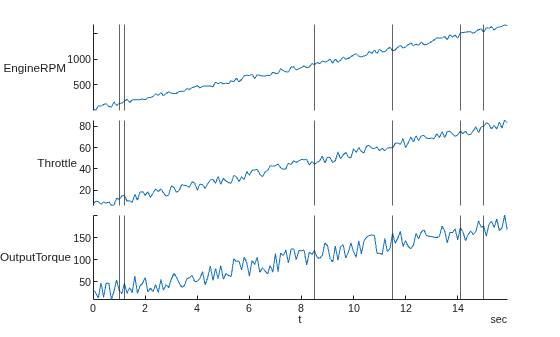
MDF 파일에서 데이터 읽기
MDF 파일에서 채널 데이터를 읽습니다.
Read Physical and Raw Data from MDF Files
Read channel data from an MDF file as physical values and raw values.
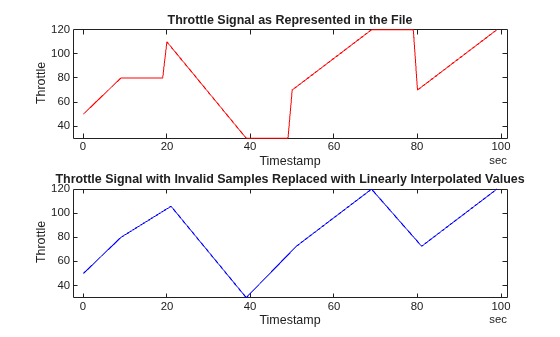
Work with Unfinalized and Unsorted MDF Files
Work with unfinalized and unsorted MDF files. The unfinalized MDF file used in this example, MDFUnfinalized.MF4, was recorded by a CANedge2 CAN bus data logger from CSS Electronics.
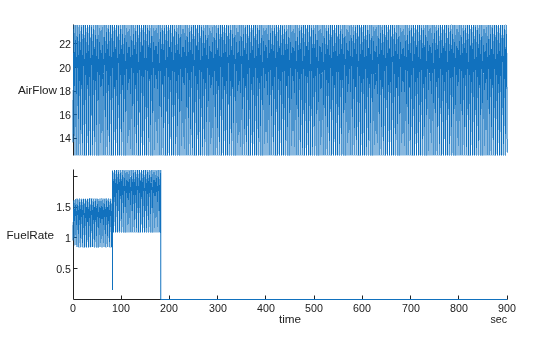
Customize Metadata When Writing Timetable Data to MDF Files
Customize the file, channel group, and channel metadata when writing timetable data to an MDF file.
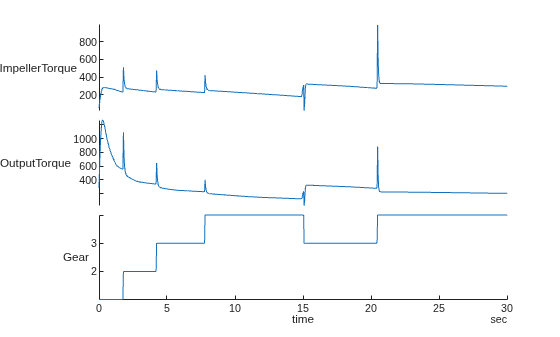
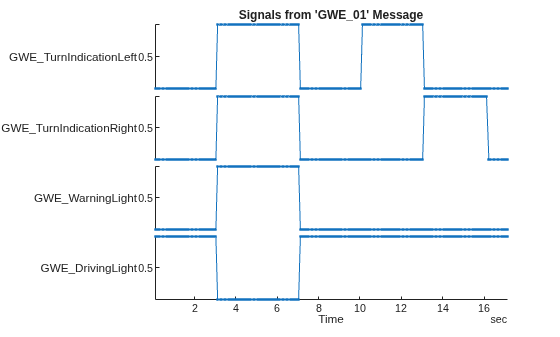
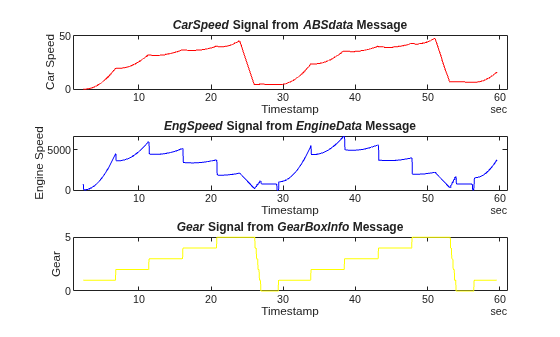
Decode and Write CAN Data in MDF Files
Import and decode CAN data from an MDF file in MATLAB® for analysis, and write the decoded data back to the same file.
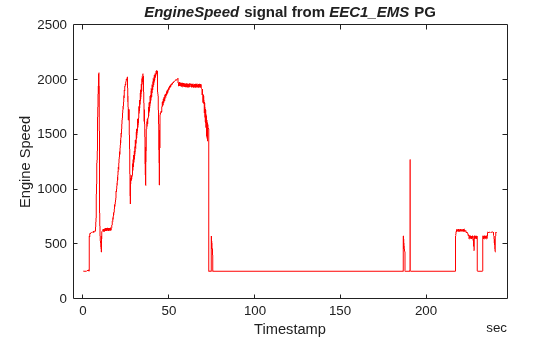
Decode J1939 Data from MDF Files
Import and decode J1939 data from MDF files in MATLAB® for analysis. The MDF file used in this example was generated from Vector CANoe using the "System Configuration (J1939)" sample. This example also uses the CAN database file, Powertrain_J1939_MDF.dbc, provided with the Vector sample configuration.
Get Started with MDF Datastore
Use the MDF datastore feature of Vehicle Network Toolbox™ to quickly and efficiently process a data set spread across a collection of multiple MDF files. This workflow is also valuable when there are too much data to fit into available memory.
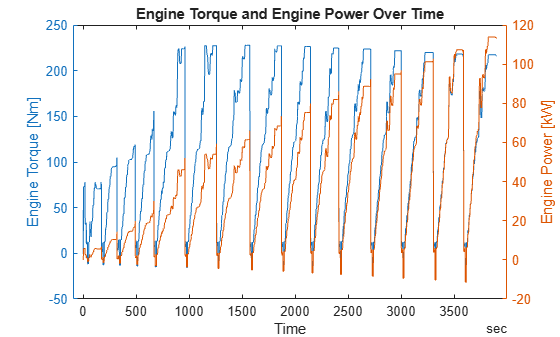
Analyze Data Using MDF Datastore and Tall Arrays
Work with a big data set using tall arrays and the MDF datastore feature. Tall arrays are commonly used to perform calculations on different types of data that do not fit in memory.
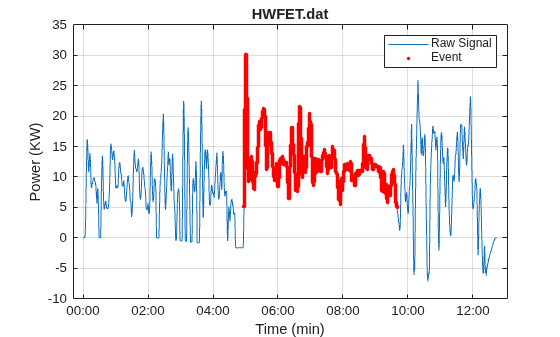
Data Analytics Application with Many MDF Files
Investigate vehicle battery power during discharge mode across various drive cycles. The data for this analysis are contained in a set of vehicle log files in MDF format. For this example, we need to build up a mechanism that can "detect" when the vehicle battery is in a given mode. What we are really doing is building a detector to determine when a signal of interest (battery power in this case) meets specific criteria. When the criteria is met, we will call that an "event". Each event will be subsequently "qualified" by imposing time bounds. That is to say an event is "qualified" if it persists for at least 5 seconds (such a qualification step can help limit noise and remove transients). The thresholds shown in this example are illustrative only.
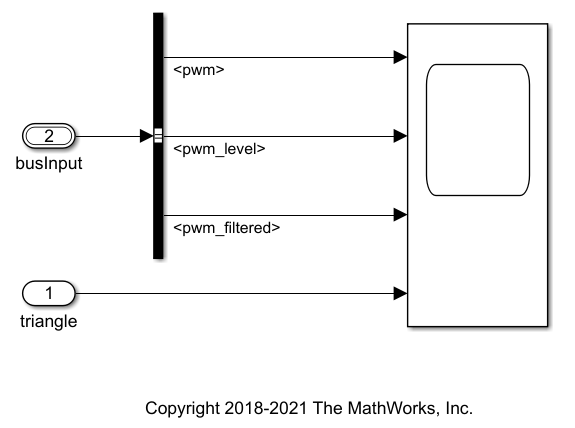
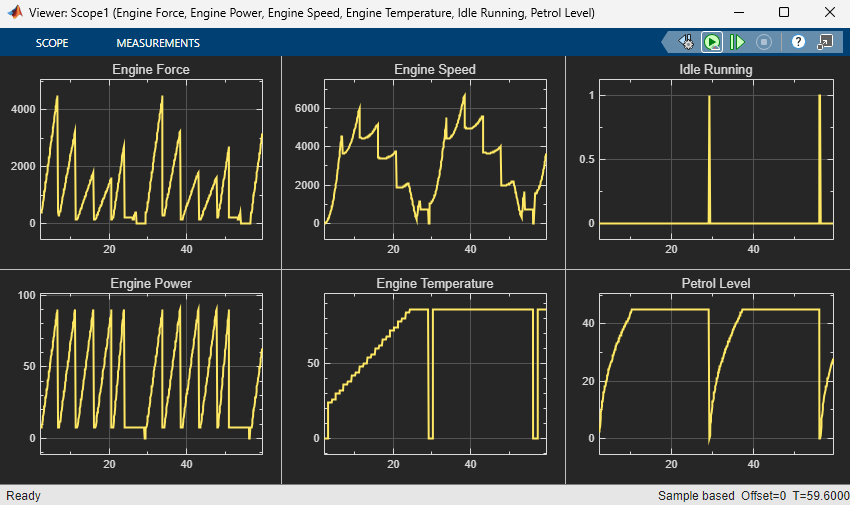
Map Channels from MDF Files to Simulink Model Input Ports
Programmatically map channels from MDF files and consume their data via input ports of a Simulink® model. It performs the gathering of input port names of a Simulink model and correlates them to the content of a given MDF file. A linkage between them is then created which consumes channel data sourced from the MDF file when the model runs.