HDMI Rx
R2026bConvert video stream to YCbCr 4:2:2 pixel stream
HDMI Rx block
To add a block to a model, double-click the canvas and start typing the block name. Then, select the block from the list.
Libraries:
SoC Blockset for AMD /
Zynq 7000 /
ZC706
SoC Blockset for AMD /
Zynq 7000 /
ZedBoard
SoC Blockset for AMD /
MPSoC /
ZCU102
SoC Blockset for AMD /
MPSoC /
ZCU106
Description
The HDMI Rx block converts raw video data to a YCbCr 4:2:2 pixel stream format. It can return data in pixel stream mode for hardware algorithm design or in frame mode for faster simulation. When you include this block in your design, the SoC Builder tool generates all the IP blocks necessary to receive video data from the FMC-HDMI-CAM card attached to your hardware board. None of the block parameters affect hardware behavior. When simulating, specify a video file to stream.
You must have Computer Vision Toolbox™ to use this block.
Examples
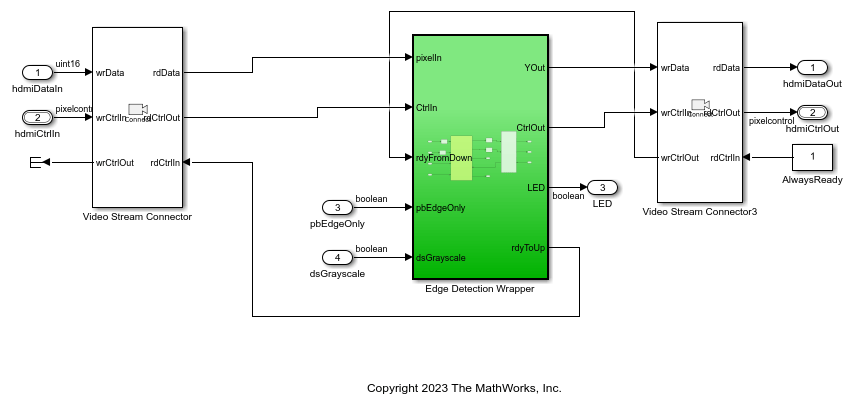
Edge Detection and Image Overlay
Implement an edge detection and image overlay system with HDMI input and output.
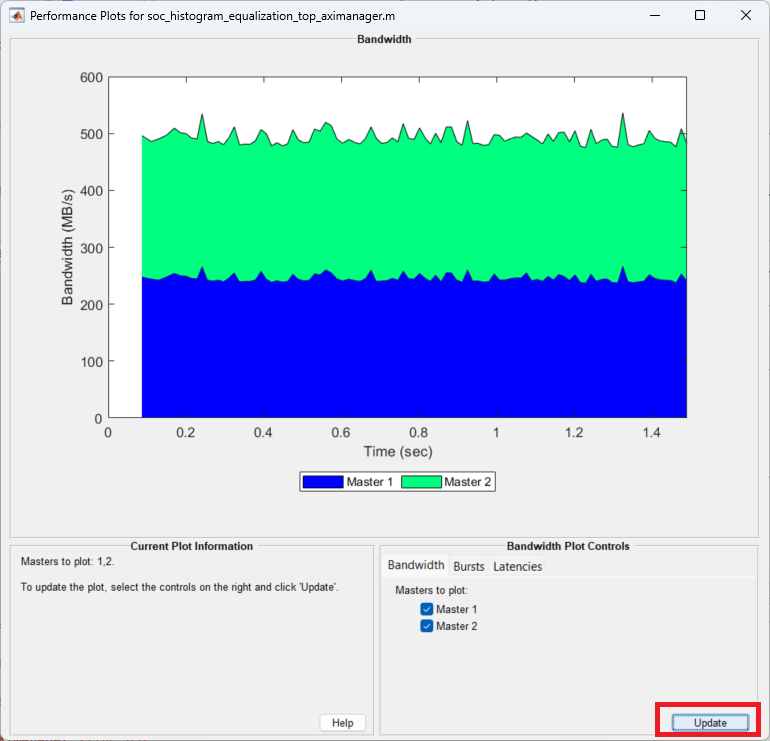
Histogram Equalization Using Video Frame Buffer
Perform histogram equalization with HDMI input and output and using external memory for video frame buffering.
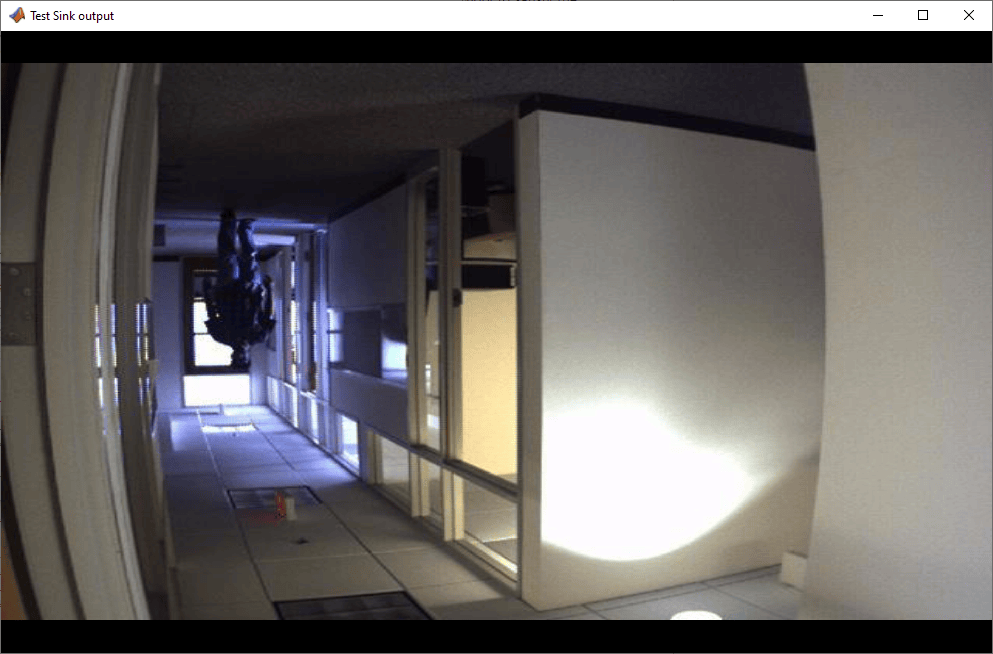
Vertical Video Flipping Using External Memory
Flip an incoming video stream vertically by using a random-access external memory interface.
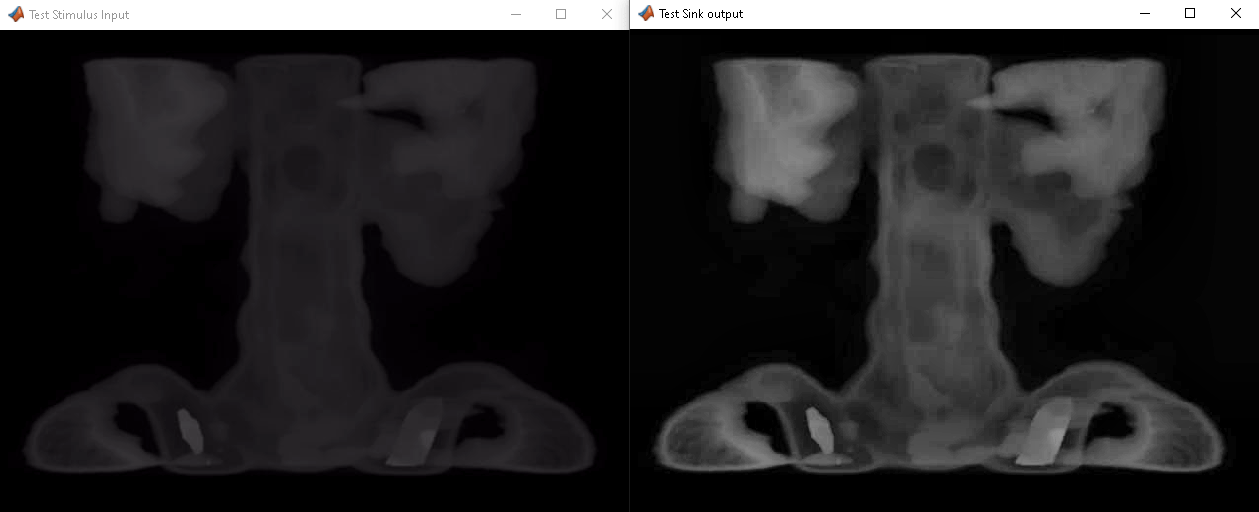
Contrast Limited Adaptive Histogram Equalization with External Memory
Implement the contrast-limited adaptive histogram equalization (CLAHE) algorithm for FPGA, including an external memory interface.
Limitations
In the hardware setup, select one of the supported Xilinx® boards. You can find the supported boards in the Libraries list at the top of this page. Set Add-on Card to
None.This block supports SoC generation using the SoC Builder tool. This block does not support the IP core generation workflow. For more information on workflows, see SoC Targeting Workflows.
Ports
Output
Parameters
Extended Capabilities
Version History
Introduced in R2019a

