Code Generation: Custom Code Tab Overview
Enter custom code to include in generated model files and create a list of additional folders, source files, and libraries to use when building the model.
Configuration
Select the type of information to include from the list on the left side of the pane.
Enter custom code or enter text to identify a folder, source file, or library.
Click Apply.
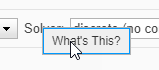
To get help on an option
Right-click the option's text label.
Select What's This from the popup menu.