Generate Code
R2026bC/C++ code generation is the core functionality of MATLAB®
Coder™. Generate code from the app, which you can open with coder, or from the command line, by
using the codegen function. The app provides
step-by-step guidance through the code generation process, including guidance for
best practices, and clear visual aids for the code generation settings and options.
The command line workflow enables simple, repeatable, and efficient initiation of
code generation. The code generation workflow supports many different data types,
including variable-size data and global data. The workflow also supports multiple
entry-point (top-level) functions, multisignature MEX (polymorphic MEX) function
generation, and customization of fundamental properties such as the array layout and
array indexing of the generated code. In addition, you can generate code that uses
key C++ language features such as classes, namespaces, and function
overloading.
Apps
Functions
Topics
Generating Code Basics
- Generate C/C++ Code
Generate standalone C/C++ code or a C/C++ MEX function at the command line or by using the MATLAB Coder app. - C++ Code Generation
Understand code generation considerations specific to C++. - Reduce Code Generation Time
Speed up iterative code generation by reducing code generation time using various methods.
Switch Between Command Line and Project Workflows
- Convert codegen Command to Equivalent MATLAB Coder Project
Use thecodegencommand with the-toprojectoption. - Convert MATLAB Coder Project to MATLAB Script
Generate code at the command line by using project settings. - Configure Code Generation Settings
Configure code generation configuration parameters at the command line or in the MATLAB Coder app.
Data-specific Workflows
- Generate Code for Global Variables
Generate C/C++ code from MATLAB code that uses global data. - Generate Code That Preserves Entry-Point Input Data
Protect your input data from modification when generated code is called from your custom C/C++ code. (Since R2024b)
Extended Functionality
- Generate Code for Multiple Entry-Point Functions
Generate C/C++ code for multiple entry-point functions. - Generate Code for Functions with Multiple Signatures
Generate code for multiple signatures MEX (polymorphic MEX). - Code Generation for Entry-Point Functions in Namespaces
Understand code generation considerations specific to functions in MATLAB namespaces. - Generate Code That Uses N-Dimensional Indexing
Preserve array dimensions in generated code. - Perform Data Read and Write Operations in Generated Code
Learn about file formats and functions that you can use with the generated code for data I/O.
Extended C++ Functionality
- Generate Class Interface in C++ Code
Generate C++ code that is packaged into a class. - Generate C++ Code for MATLAB Classes
Understand how the code generator maps the classes in your MATLAB code to C++ classes. - Use Dynamically Allocated C++ Arrays in Generated Function Interfaces
Understand and use dynamically allocated arrays from the generated C++ function interfaces. - Organize Generated C++ Code into Namespaces
Namespaces organize the generated code into logical parts and prevent name collisions.
Code Appearance
- Reserved Keywords
Certain words in your code, that are C/C++ keywords, might be renamed in the generated code.
Troubleshooting
Resolve Warning: JIT Compilation Incompatibility
Troubleshoot warnings that occur when JIT compilation is incompatible with code generation features or options.
Featured Examples

Generate Code That Reads Data from a File
Read data from a comma separated values (CSV) file.
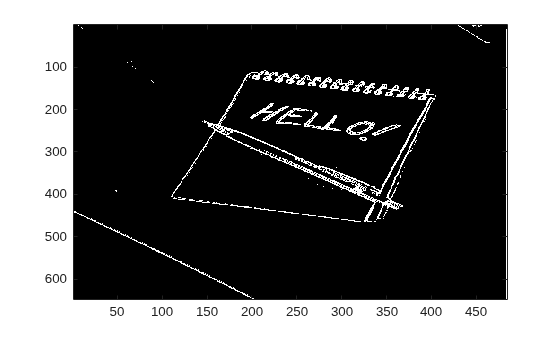
Generate Standalone C Code That Detects Edges in Images
Generate a standalone C library from MATLAB code that implements a simple Sobel filter that performs edge detection on images.
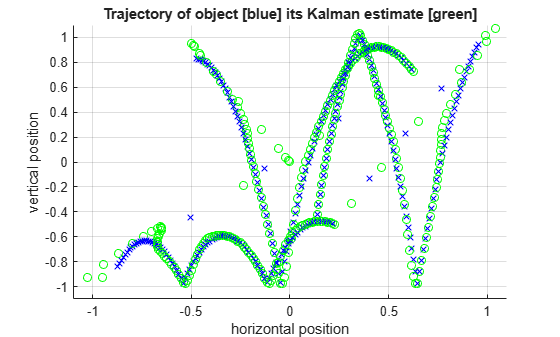
C Code Generation for a MATLAB Kalman Filtering Algorithm
Generate C code for a MATLAB Kalman filter function, which estimates the position of a moving object based on past noisy measurements.
Generate Code to Optimize Portfolio by Using Black Litterman Approach
Generate a MEX function and C source code from MATLAB code that performs portfolio optimization using the Black Litterman approach.

Generate C++ Code for MATLAB Class That Performs Acoustic Echo Cancellation (AEC)
Generate and test C++ static library that performs acoustic echo cancellation.
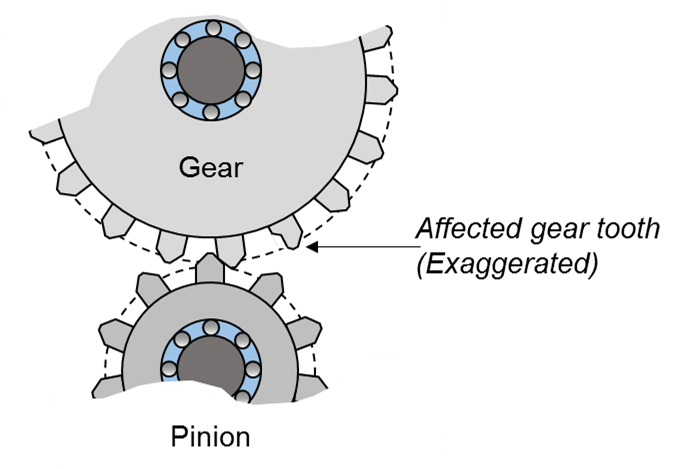
Generate C++ Code That Analyzes Vibration Signals from Rotating Machinery
Generate deployable code that identifies faults in gearbox.
Integrate Multiple Generated C++ Code Projects
Integrate the generated C++ code from two projects into a single larger project.

