이 번역 페이지는 최신 내용을 담고 있지 않습니다. 최신 내용을 영문으로 보려면 여기를 클릭하십시오.
사물 인터넷(IoT)
R2026aMATLAB® Support Package for Arduino Hardware를 사용하여 사물 인터넷(IoT) 애플리케이션을 구현할 수 있습니다.
추천 예제
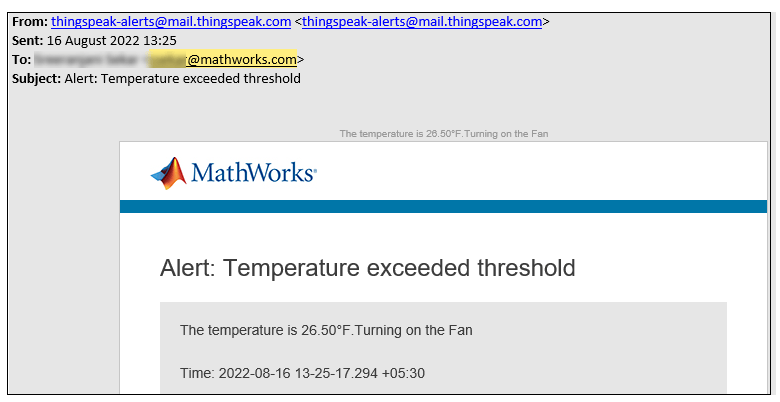
IoT-Based Automatic Cooling Fan Control Using ThingSpeak and Arduino Hardware
Create a ThingSpeak™ channel and use the MATLAB® functions to collect the temperature data from a BMP280 sensor connected to your Arduino® board, and then use MATLAB Analysis in ThingSpeak to trigger the automatic control of a CPU cooling fan kept in the room and then monitor the usage of the fan by calculating the runtime. This example also shows you how to set up an email alert if the fan turns on, by using MATLAB functions in ThingSpeak.
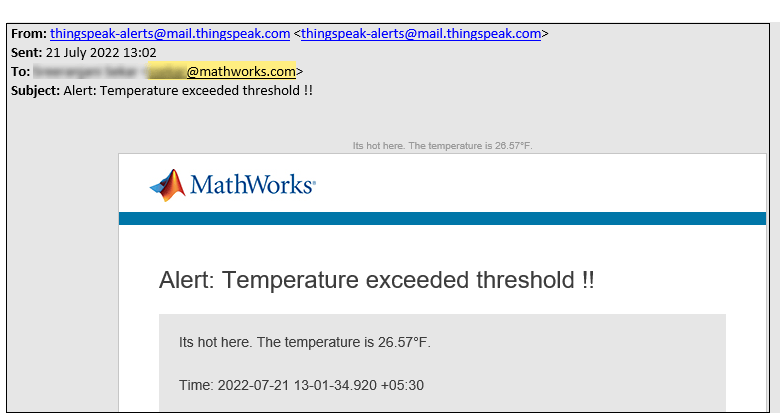
IoT-Based Temperature Monitoring Using ThingSpeak and Arduino Hardware
Create a ThingSpeak™ channel and use MATLAB® functions to collect the temperature data from a BMP280 sensor connected to your Arduino® board, and then use MATLAB Analysis in ThingSpeak to analyze the maximum and minimum temperature. This example also shows you how to set up an email alert if the room temperature exceeds a threshold value, by using MATLAB functions in ThingSpeak.
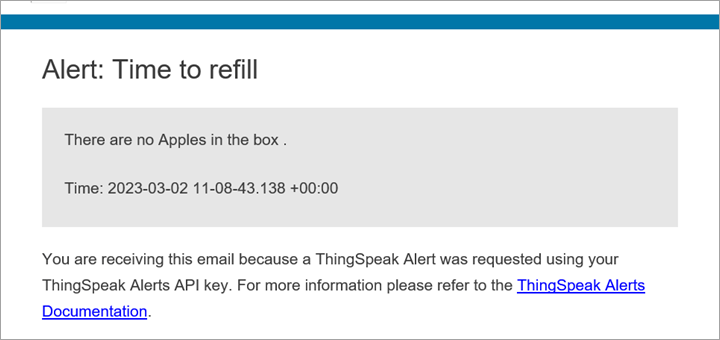
Classify and Count Fruits Using Arduino Nano 33 BLE Sense, ThingSpeak, and Machine Learning
Collect RGB values of three types of fruits using the APDS9960 sensor embedded in an Arduino® Nano 33 BLE board and use the MATLAB® 분류 학습기 (Statistics and Machine Learning Toolbox) app to train a machine learning model with the RGB values to classify the fruits. This example also shows how to use the ThingSpeak™ platform for tracking the number of fruits in a box and setting up an email alert if the number of any one of the three types of fruits drops to zero.
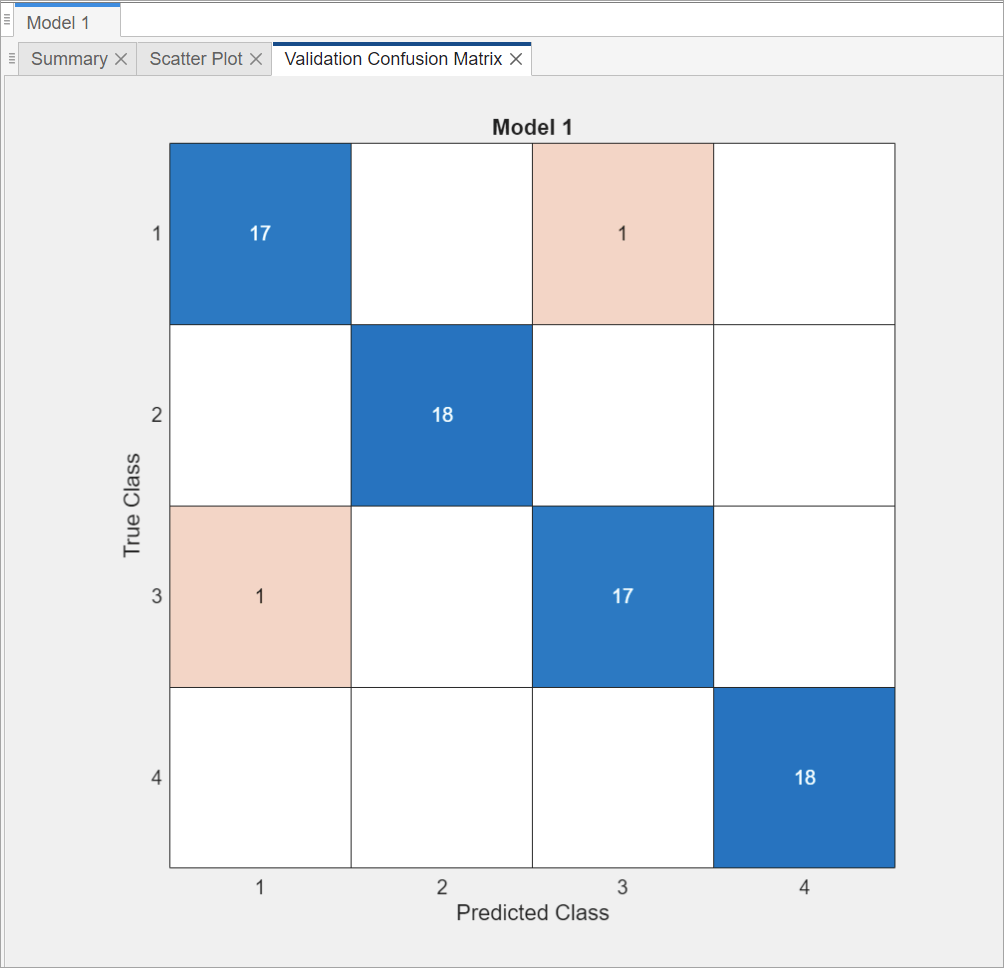
Perform Predictive Maintenance on Rotating Device Using ESP32 Board, ThingSpeak, and Machine Learning
Predict and monitor the health of a rotating device using machine learning algorithm. You can use this example for predictive maintenance of any rotating device or piece of equipment so that you can fix them before they fail.

