Deployment
R2026bWith the HDL Coder™ Support Package for Intel® FPGA and SoC Devices, Simulink® models can be deployed and run directly to connected Altera® SoC hardware boards. The guides provided show the how to use Simulink to build, deploy, and run your model on the hardware board.
Functions
alterasoc | Display most recent IP address, username, and password |
Topics
- Build and Run Executable on Altera SoC Platform
Build and run executable on Altera SoC platform.
- Stop or Restart Executable Running on Altera SoC Platform
Stop or restart an executable running on Altera SoC platform.
- Get the IP Address of Altera SoC Device
You can get the IP address of the Altera SoC hardware from the MATLAB® Command Window or using the Linux® command line.
- Sending PING Request to Altera SoC Device
Process to PING an Altera SoC hardware board connected to your development computer.
- Timeout Connection Error
Fix connection and timeout errors during executable installation on Altera SoC platform.
Featured Examples
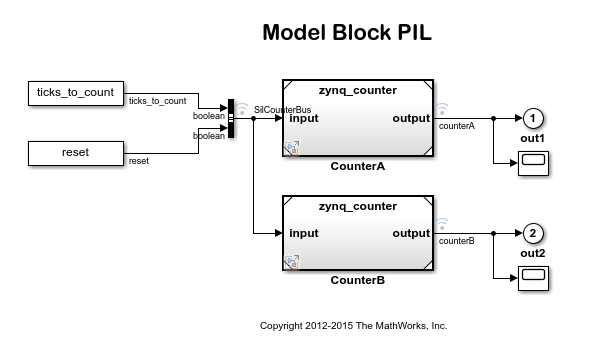
Processor-in-the-Loop Verification of Simulink Models
Use HDL Coder® Support Package for Intel® FPGA and SoC Devices to verify code using PIL simulation.

