이 페이지는 기계 번역을 사용하여 번역되었습니다. 영어 원문을 보려면 여기를 클릭하십시오.
실시간 Linux 시작하기
R2026bEmbedded Coder® Support Package for Real-Time Linux®를 사용하면 시뮬레이션 단계에서 임베디드 또는 가상 실시간 Linux 장치에서의 타깃 프로토타이핑 단계로 넘어갈 수 있습니다.
Simulink 모델에서 직접 실시간 Linux 장치에 실시간 애플리케이션을 배포하고 실행할 수 있습니다. MATLAB® API 또는 App Designer로 구축한 사용자 지정 앱을 사용하여 실시간 애플리케이션을 생성, 제어 및 모니터링할 수 있습니다.
함수
slrealtime.setupTarget | Set up a target Linux device with root-capable SSH connection (R2026a 이후) |
slrealtime.fmu.compileFMUSources | Compile FMU file that contains source code (R2022a 이후) |
slrealtime.ProtectedModel.addTarget.addTarget | Add model protection support to Linux target device (R2026a 이후) |
slrealtime.ModelReference.protect | Add model protection support to Linux target device (R2026a 이후) |
slrtlinux.wsl.configure | Configure WSL2 on development computer with Debian distribution name SLRT (R2026b 이후) |
slrtlinux.wsl.getIPAddress | Get IP address of WSL distribution named SLRT (R2026b 이후) |
slrtlinux.wsl.isRunning | Check whether WSL distribution named SLRT is running (R2026b 이후) |
slrtlinux.wsl.isTargetSetup | Check whether WSL distribution for Linux target device is configured for Simulink Real-Time (R2026b 이후) |
slrtlinux.wsl.launch | Start WSL distribution named SLRT and open a terminal
window (R2026b 이후) |
slrtlinux.wsl.setupTarget | Configure a WSL distribution for a Linux target device (R2026b 이후) |
slrtlinux.wsl.shutdown | Shut down all or selected WSL distribution on Linux target device (R2026b 이후) |
블록
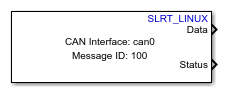
 | CAN Receive | Receive message from CAN network (R2026b 이후) |
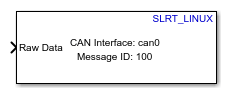
 | CAN Transmit | Transmit message to CAN network (R2026b 이후) |
도움말 항목
- Install Support Package
Steps to install support package.
- Prerequisites for Real-Time Linux Setup
Set up a Linux target device to use with the support package.
- Configure Development Computer for Real-Time Linux
Configure the development computer for connecting to the Linux target device.
- Target Devices for Real-Time Linux
Identify Linux target devices to configure for the support package.
- Set Up Virtual Linux Target Device
Set up Linux virtual machines to use with the support package.
- Target Device Configuration for Real-Time Linux
Configure a Linux target device with support package software.
- Build and Deploy Real-Time Application to Linux Target Device
Build Simulink model and deploy application onto Linux target device.
- Simulate Real-Time Applications on Linux Target Devices
Perform model simulation in different modes for the deployed applications.
- Troubleshoot Issues for Real-Time Linux
Troubleshoot problems that you encounter while using the Embedded Coder Support Package for Service-Oriented Applications on Linux.
추천 예제
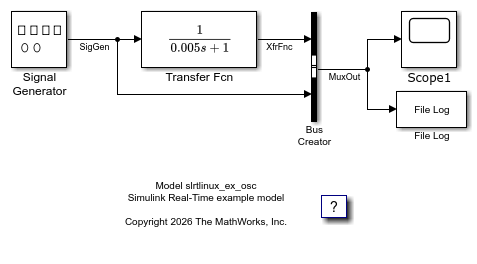
Create and Run Real-Time Application from Simulink Model on Linux Target Device
Create and run real-time application on Linux target device.
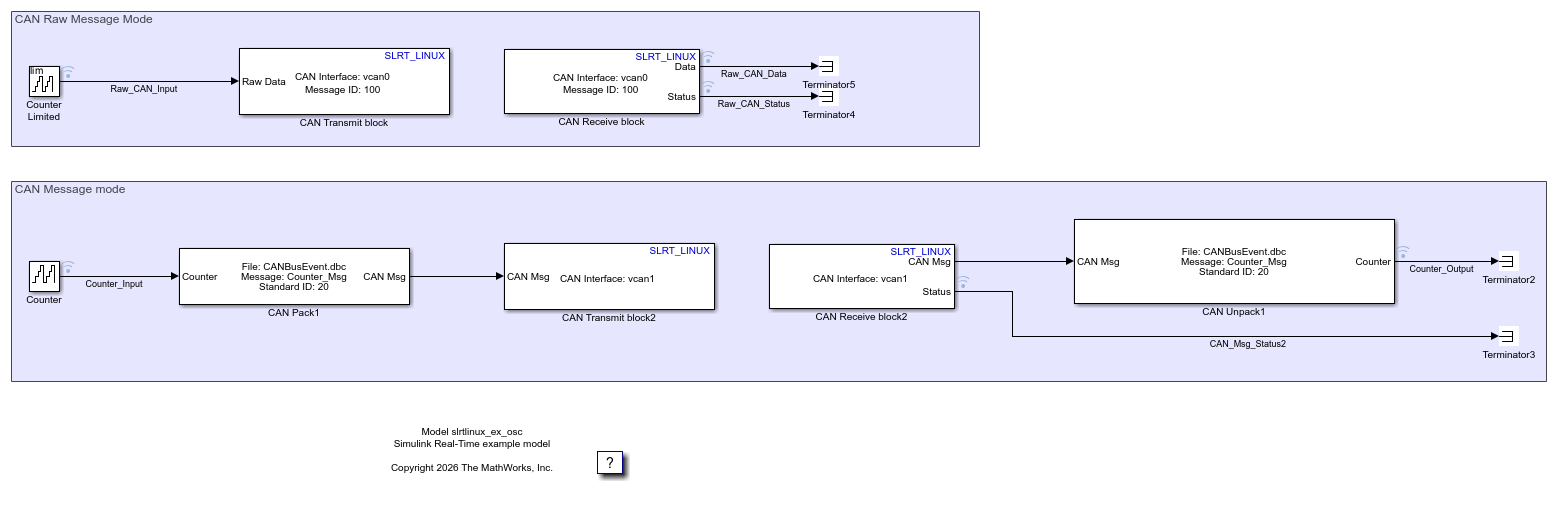
Transmit and Receive CAN Raw Data and Messages on Virtual Linux Target Device
Transmit and receive CAN raw data or messages on virtual Linux target device.

